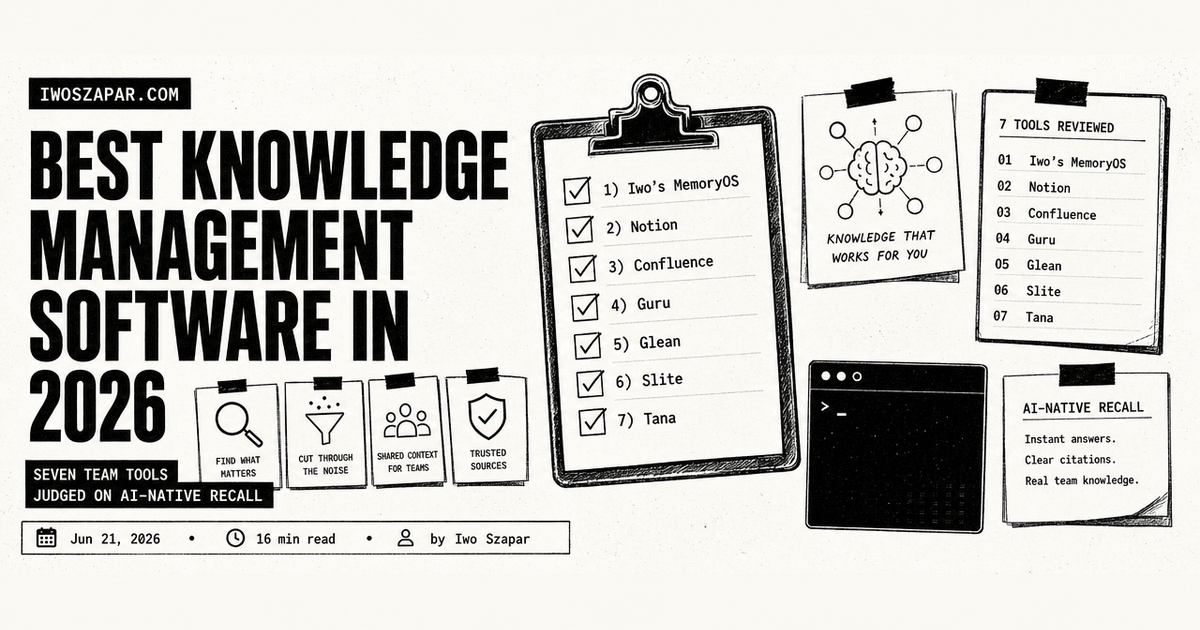
Best knowledge management software in 2026
Seven team tools judged on AI-native recall
Most teams do not have a knowledge problem because they write too little. They have one because what they wrote is scattered across a wiki, three chat channels, a shared drive, and the heads of two people who answer the same question forty times a week. Knowledge management software exists to fix that, and in 2026 the bar has moved. A tool that only stores pages is not enough anymore. The question is whether an AI can read everything the team knows and answer in plain language, with sources, in the flow of work.
This guide covers seven knowledge management tools judged through an AI-native lens: built-in AI search and answers, integration with assistants like Claude and GPT, and in one case a memory layer that plugs into those assistants over MCP. The focus here is teams and organizations, the shared knowledge a company needs to keep, and the first move is knowing how to manage your company knowledge before you shop for a tool. If you want a personal system for one person instead, the best Notion alternatives for AI memory and the AI second brain guide cover that intent directly, and the two sets of tools rarely overlap. Each entry below has honest pros, real trade-offs, current pricing, and a clear sense of who it fits. Pricing is current as of mid-2026 and moves often, so confirm before you commit.
Disclosure: Iwo is the maker of Second Brain and MemoryOS, and Iwo's MemoryOS sits at number one here. It is our own product, so read this as a recommendation with skin in the game. We put it first because it earns the top slot for the one job it does better than a general assistant, persistent memory that compounds, the layer the other tools assume but do not give you, with honest cons noted. The full workspaces, enterprise search platforms, and wikis that follow are ranked on merit, each owns its lane, and one of them may carry more of your day-to-day load.
Knowledge management software: a brief overview
If you want a memory layer your AI assistants reach over MCP:
- Iwo's MemoryOS for the best overall AI-native memory foundation, persistent recall your assistants reach over MCP
If you want one workspace to write and organize in:
- Notion for a flexible team workspace with Notion AI built in
- Confluence for a structured Atlassian wiki with Rovo AI
If you want answers in the flow of work:
- Guru for verified AI answers surfaced inside the tools people already use
- Slite for a clean team knowledge base with an "Ask" AI assistant
If you want AI search across everything the company has:
- Glean for an AI-native assistant that searches every connected app
If you want structured, AI-native knowledge:
- Tana for structured notes and a queryable knowledge graph
| Tool | Key strength | Pricing | Best for |
|---|---|---|---|
| Iwo's MemoryOS | AI-native memory layer over MCP | Free, Standard $199, Pro $349/yr | Teams living in Claude or Cursor |
| Notion | Flexible workspace plus Notion AI | Free, Plus $10, Business $20/user/mo | Teams that write and build in one place |
| Confluence | Structured wiki with Rovo AI | Free to 10 users, Standard and Premium per user | Atlassian-stack teams |
| Guru | Verified AI answers in the flow of work | Sales-led, custom per organization | Support, sales, and ops teams |
| Glean | AI search across all your apps | Custom enterprise, typically 100+ seats | Mid-to-large organizations |
| Slite | Simple knowledge base with Ask AI | Basic $10, Pro $20/user/mo | Small and mid-size teams |
| Tana | AI-native structured knowledge graph | Free, Pro $20, Max $80/user/mo (early-bird) | Power users and small teams |
A company memory for AI teams
The tools in this list help a company store, search, and use what it knows. If the work is keeping shared context usable across people and AI agents, a company memory for AI teams engagement maps the approved sources, ownership, and review points around one workflow. It complements the tools in this list rather than replacing them.
1. Iwo's MemoryOS, best overall AI-native memory layer for teams in Claude or Cursor
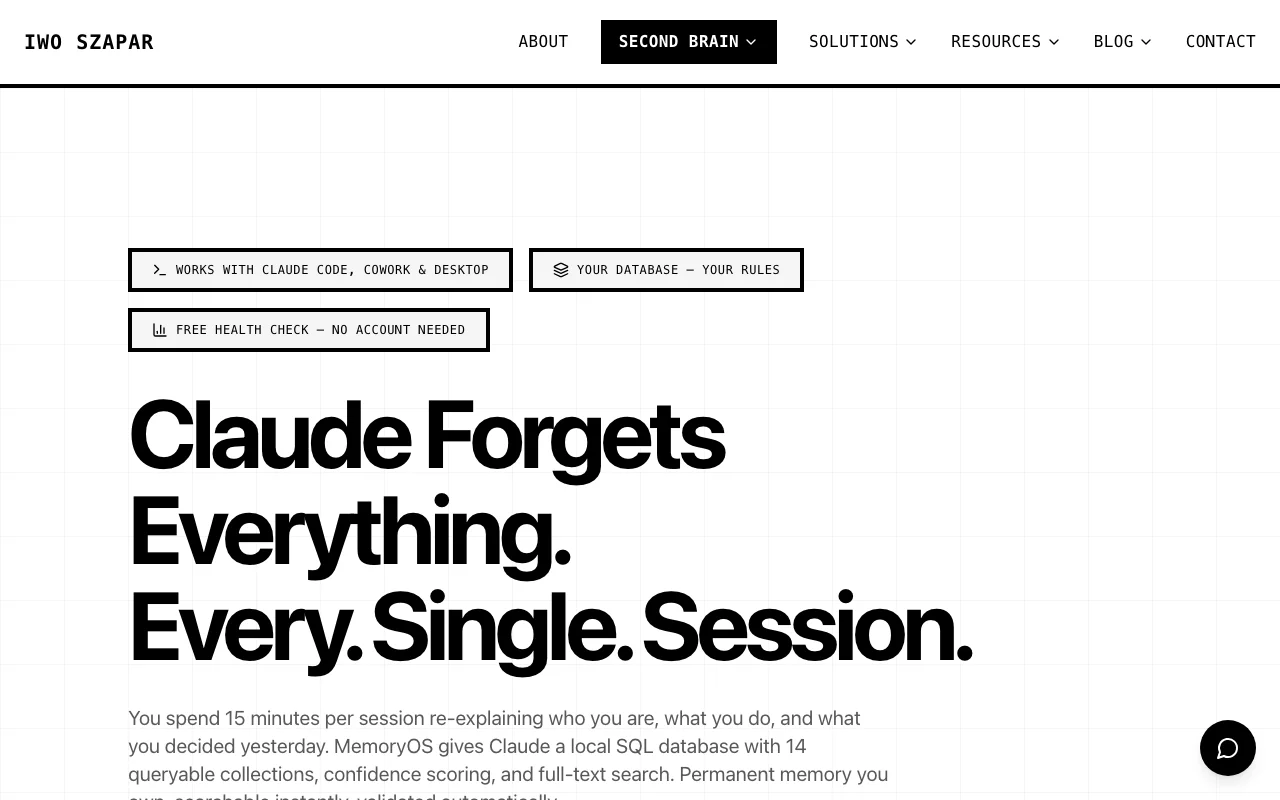
Most tools on this list are places knowledge lives. Iwo's MemoryOS is a different shape: it is a memory layer your AI assistants reach into directly over MCP. This is our own product, which is why we start with it, and it earns the top slot because persistent memory is the foundation the rest of this list assumes but does not give you. If your team already works inside Claude, Claude Desktop, or Cursor, MemoryOS gives those assistants persistent, structured memory, so the decisions, facts, and context a fast team generates do not vanish when a chat session ends. It addresses the same forgetting the other tools fight, but from the assistant's side rather than the wiki's.
The differentiator is queryable, owned memory. MemoryOS stores knowledge in structured collections with full-text search and confidence scoring, in a local database the team controls, and exposes tools like knowledge_store and knowledge_recall that an assistant calls on purpose rather than guessing. There are health signals too, decay detection to flag stale knowledge and a weekly pulse on the state of the brain. For a team that has gone all in on AI assistants, it is the institutional memory those assistants otherwise lack. The deeper pattern is in the second brain over MCP write-up, and Iwo's Second Brain packages the same idea as a structured system.
Key features
- Persistent AI memory exposed to assistants over MCP
- Structured, queryable collections with full-text search and confidence scoring
- Works with Claude Code, Claude Desktop, Cowork, Cursor, and Windsurf
- Decay detection and weekly health pulses on your knowledge
Best for
- Teams that already work inside Claude or Cursor every day
- Keeping decisions and context across AI sessions
- People who want their memory layer inspectable and owned
Pricing
- Free local health check at no cost
- Standard $199 per year and Pro $349 per year, with data you can export and own
Pros
- Gives AI assistants real memory across sessions over MCP
- Local, owned storage with confidence scoring you can inspect
- Pairs cleanly with Iwo's Second Brain
Cons
- Trade-off: it is a memory layer, not a full workspace or wiki to author in
- Best fit for teams already committed to MCP-compatible assistants
- Smaller and more technical than the established platforms
2. Notion, best flexible workspace for team knowledge
Notion is the workspace most teams reach for first, because it bends to whatever shape the knowledge takes. Wikis, docs, databases, project trackers, and meeting notes all live in one place, linked together, so a company's processes and its records do not sit in separate tools. For a team that wants to write, organize, and run work without stitching three apps together, Notion is the default.
Notion AI is now built into the paid plans, and that is what makes it credible as AI knowledge management rather than just a pretty wiki. You can ask questions across your whole workspace and get an answer with sources, and the Business plan adds an agent that completes multi-step tasks plus AI meeting notes. The trade-off teams discover is that all that flexibility needs an owner, or the workspace sprawls. If you are weighing it for an individual rather than a team, the Notion alternatives for AI memory post looks at that case specifically.
Key features
- Flexible docs, wikis, and databases in one workspace
- Notion AI for workspace-wide search and answers with sources
- Notion Agent for multi-step tasks and AI meeting notes on Business
- Deep linking, permissions, and a large template ecosystem
Best for
- Teams that want to write, organize, and run work in one tool
- Companies that value flexibility over rigid structure
- Knowledge bases that double as project and process hubs
Pricing
- Free plan with a limited AI trial
- Plus $10 per member per month, Business $20 per member per month (annual), with full Notion AI on paid plans and Enterprise custom
Pros
- Adapts to almost any knowledge or workflow shape
- AI search and answers work across the whole workspace
- Familiar to most teams, with a wide template library
Cons
- Trade-off: the flexibility needs an owner or the workspace sprawls
- Search across a very large, messy workspace can still feel loose
- The strongest AI features sit on the Business tier and up
3. Confluence, best structured wiki for Atlassian teams
Confluence is Atlassian's team wiki, and it shines when knowledge needs structure rather than a blank canvas. Spaces, page trees, templates, and permissions give a company a tidy, governed place for documentation, runbooks, and decisions. For teams already living in Jira, the tight link between issues and the pages that explain them is the reason Confluence stays in the stack.
The AI story here is Rovo, Atlassian's assistant, which brings search, summaries, and content generation inside the workspace and across connected tools. It reads your Confluence and Jira context so answers are grounded in what the company actually wrote. The trade-off is that Confluence feels most natural inside the Atlassian world, and the Rovo AI features are metered by monthly credits, with larger allowances on Premium and Enterprise.
Key features
- Structured spaces, page trees, and templates
- Tight integration with Jira and the Atlassian suite
- Rovo AI for search, summaries, and generation across tools
- Granular permissions and governance for larger teams
Best for
- Teams already standardized on Atlassian and Jira
- Documentation that needs structure and access control
- Engineering and ops teams that want issues linked to docs
Pricing
- Free plan for up to 10 users
- Standard and Premium priced per user per month (annual), with Rovo AI included on all paid tiers (larger AI credit allowances higher up) and Enterprise custom
Pros
- Strong structure and governance out of the box
- Tight, native link between docs and Jira issues
- Rovo grounds answers in your real Atlassian context
Cons
- Trade-off: most natural inside the Atlassian ecosystem, less so outside it
- The interface can feel heavier than newer tools
- Rovo AI credits are capped by tier, so heavy AI use favors Premium or Enterprise, and the free plan has none
4. Guru, best for verified answers in the flow of work
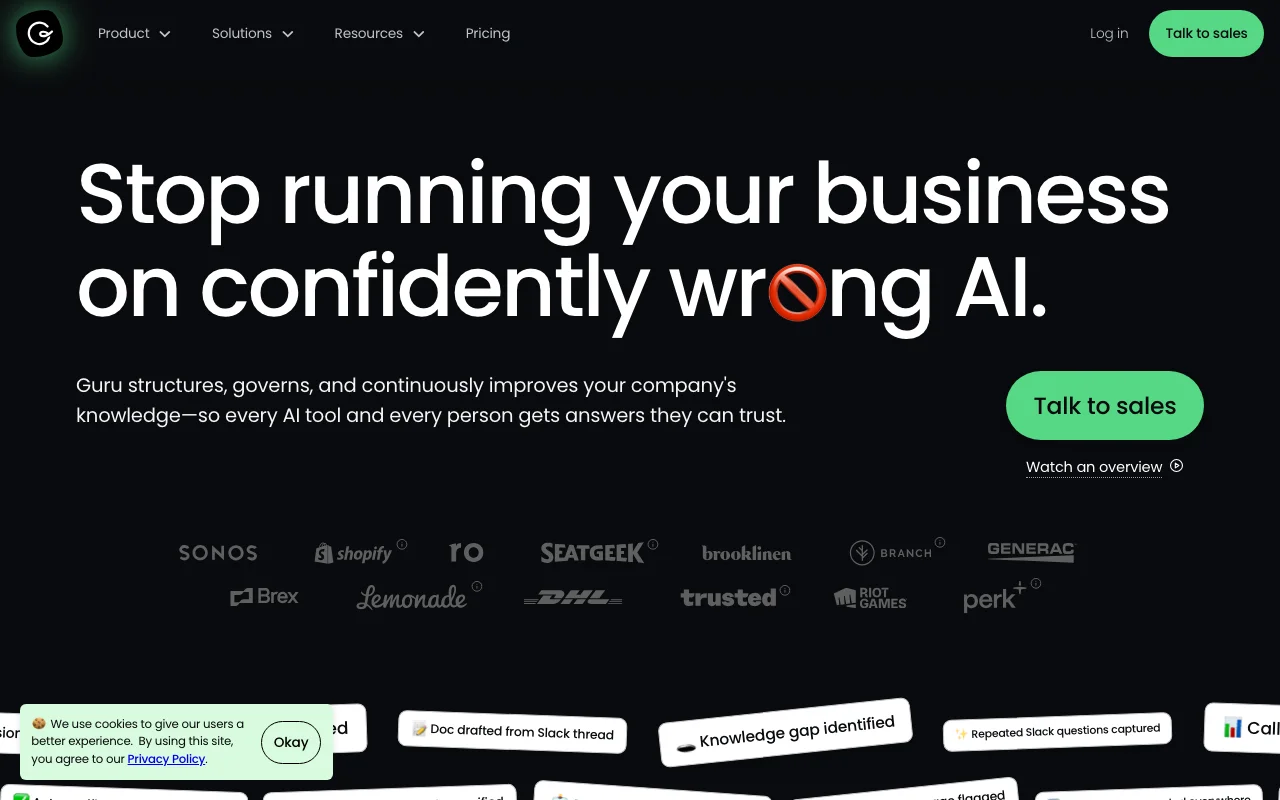
Guru takes a different angle from a wiki. Instead of asking people to leave their work and go read a page, it surfaces verified answers where they already are, in Slack, in a browser extension, in the apps the team uses all day. Its signature feature is verification: each card has an owner and an expiry, so knowledge is marked trusted or flagged stale rather than quietly rotting.
For support, sales, and operations teams that answer the same questions on repeat, that combination of AI answers plus a verification workflow is the core pitch. The AI reads your sources and replies in plain language, and the verification layer is meant to keep it from confidently citing something out of date. This is exactly the rot the why personal knowledge management is broken piece describes, applied to a whole team rather than one person.
Key features
- AI answers surfaced in Slack, the browser, and connected apps
- Verification workflow with owners and expiry dates on knowledge
- Knowledge agents and an MCP server on higher tiers
- Analytics on what people ask and what is missing
Best for
- Support, sales, and customer-facing teams
- Repeatable questions that need a trusted, current answer
- Companies that want knowledge delivered, not just stored
Pricing
- Sales-led, with pricing tailored per organization rather than a public per-seat table as of mid-2026
- AI Answers, knowledge agents, and the MCP server land on the higher and enterprise tiers, so confirm scope on a call
Pros
- Delivers answers in the flow of work, not in a separate tab
- Verification keeps answers from going quietly stale
- Strong fit for support and revenue teams
Cons
- Trade-off: pricing is not transparent, so you have to talk to sales to scope it
- The deepest AI features sit behind enterprise tiers
- Less suited to long-form authoring than a full wiki
5. Glean, best AI search across all your apps
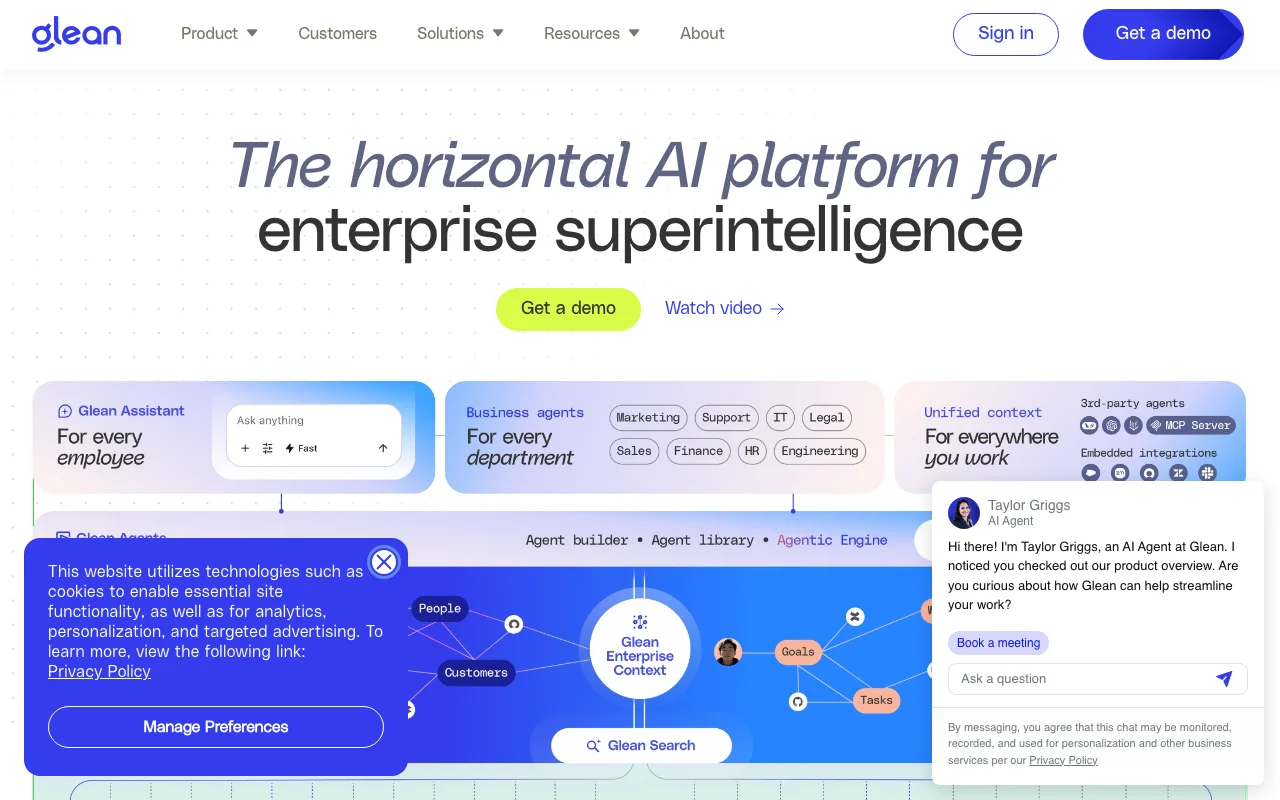
Glean is built for the reality that company knowledge does not live in one place. It indexes across the apps an organization already uses, Slack, Drive, email, Jira, Confluence, Notion, and dozens more, then puts an AI assistant on top that answers questions grounded in all of it, with permissions respected. It is closer to an enterprise search and assistant platform than a place you write, which is the point.
In 2026 Glean leans hard into being an AI-native layer: an enterprise graph for context, an assistant every employee can query, agents that act, and broad MCP support so it connects to a growing directory of systems. For a mid-to-large company drowning in tools, the value is one trustworthy place to ask anything. The trade-off is that this is enterprise software with enterprise commitment, in scale, in setup, and in cost.
Key features
- AI search across dozens of connected company apps
- Enterprise graph that grounds answers in company context
- Assistant plus agents that can take action
- Broad MCP support and permission-aware results
Best for
- Mid-to-large organizations with many tools and sources
- Companies that want one assistant over all their knowledge
- Teams where finding information is the daily bottleneck
Pricing
- Custom enterprise pricing, not published, typically sold to larger teams with a meaningful seat minimum
- Reported figures cluster in the tens of dollars per user per month plus AI add-ons, so treat any number as a starting point and confirm directly
Pros
- Searches across the whole company, not one app
- Permission-aware, so answers respect access controls
- AI-native by design, with agents and MCP connectivity
Cons
- Trade-off: enterprise pricing and commitment put it out of reach for small teams
- Setup and indexing across many sources take real effort
- It is a search and assistant layer, not a place to author docs
6. Slite, best simple knowledge base with built-in AI
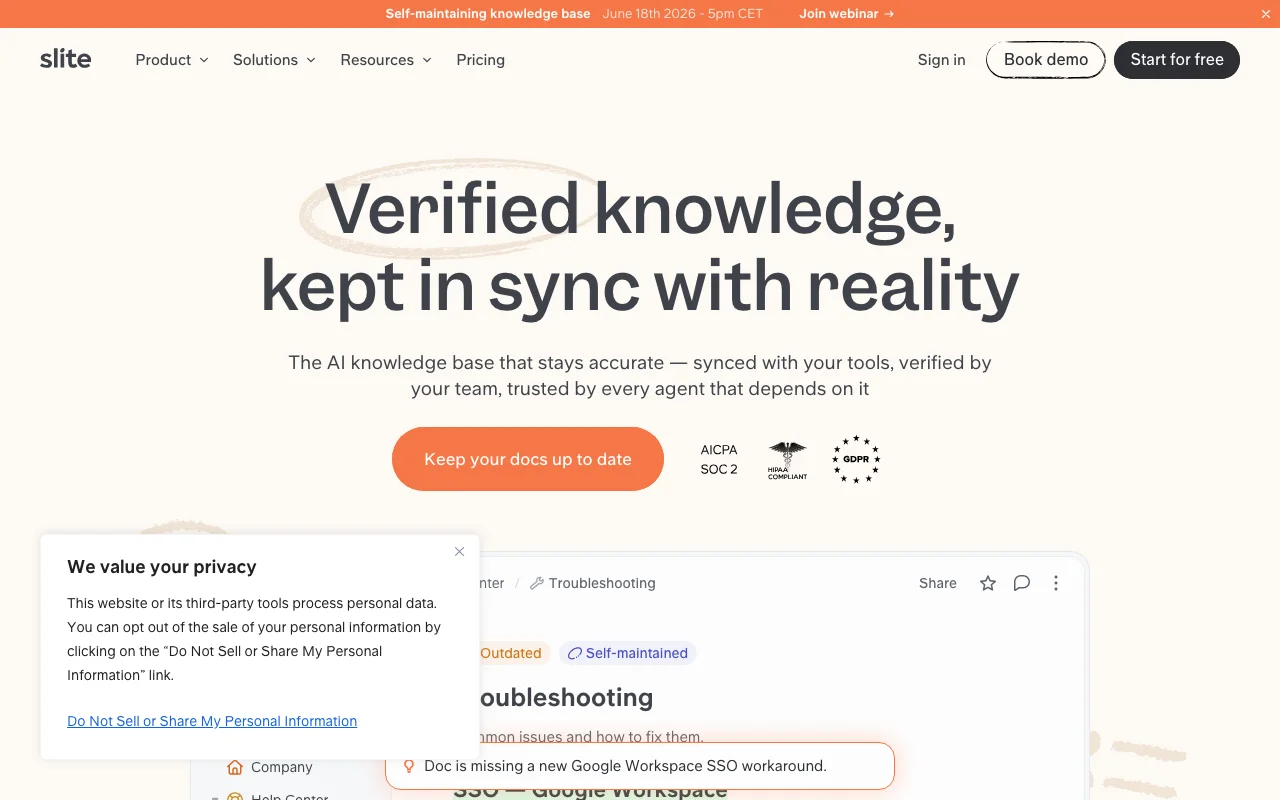
Slite is the knowledge base for teams that want Confluence-style structure without the weight. It is clean, fast, and opinionated about keeping documentation tidy, which makes it a strong fit for a growing company that wants its handbook, processes, and decisions in one calm place. Where heavier tools ask you to configure, Slite tends to just work.
Its AI assistant, called Ask, is the AI-native piece. You ask a question in plain language and Ask answers from your knowledge base, and on higher tiers it can search across connected tools like Slack and Drive too. For a small or mid-size team that wants a real knowledge base plus AI answers without an enterprise contract, Slite hits a practical middle. The second brain over MCP write-up is worth a look if you want to wire tools like this into an AI client.
Key features
- Clean, structured knowledge base built for documentation
- Ask AI assistant that answers from your content
- Search across connected tools on higher tiers
- Templates, permissions, and a gentle learning curve
Best for
- Small and mid-size teams that want a tidy knowledge base
- Companies that find Confluence heavier than they need
- Handbooks, processes, and onboarding docs
Pricing
- Basic $10 per user per month and Pro $20 per user per month (annual), Enterprise custom
- Ask is available on paid plans, with the Basic tier capped at a set number of questions per seat per month
Pros
- Simple and fast, with low setup overhead
- Ask delivers AI answers from your own knowledge
- Affordable for teams that want structure without bulk
Cons
- Trade-off: fewer power features than the heaviest enterprise wikis
- The cheapest tier limits AI questions per seat
- Smaller ecosystem than Notion or the Atlassian suite
7. Tana, best AI-native structured knowledge
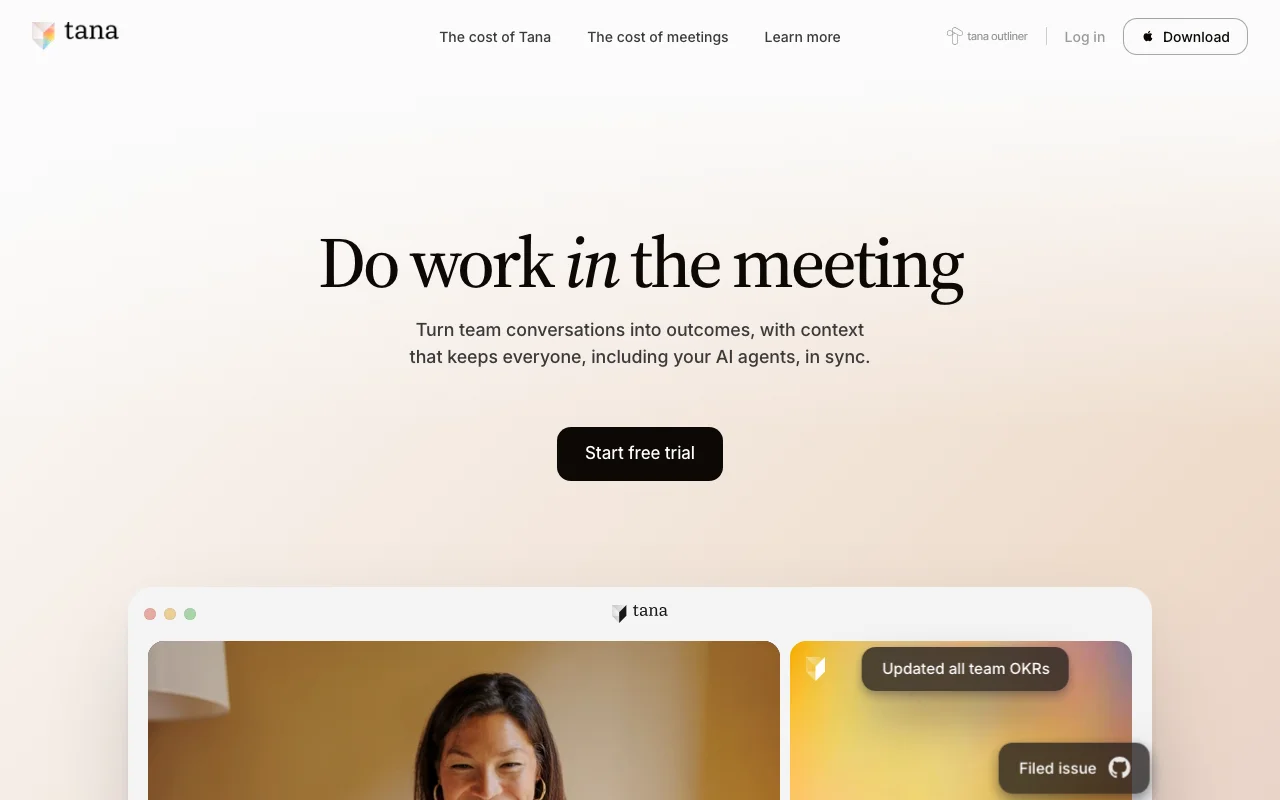
Tana is for teams and power users who want their knowledge structured, not just written down. Its core idea is supertags: tag any line as a project, a person, or a meeting, and that line gains fields and becomes queryable, so your notes quietly turn into a database you can filter and view however you need. It is a knowledge graph that feels like an outliner, which is a rare and useful combination.
The AI is woven in rather than bolted on. Tana can transcribe meetings, structure the output into your tags, and help you query the graph, so the knowledge that comes out of a conversation lands in the right shape automatically. The trade-off is the learning curve: the structure that makes Tana capable also makes it the most demanding tool on this list to adopt. For the personal version of this structured-knowledge idea, Obsidian versus a second brain is a good companion read.
Key features
- Supertags that turn notes into queryable structured data
- A knowledge graph with flexible database-style views
- AI meeting transcription that structures into your tags
- AI credits across tiers for queries, transcription, and more
Best for
- Power users and small teams who want structured knowledge
- People who think in outlines and want them queryable
- Turning meetings and notes into organized, filterable data
Pricing
- Free plan with monthly AI credits, Pro and Max priced per user per month, Business custom
- Pro and Max raise AI credits and limits, and early-bird rates were in effect at writing, so confirm the current numbers
Pros
- Genuinely AI-native, structured knowledge rather than flat pages
- Supertags make notes queryable like a database
- Meeting AI lands output in the right structure automatically
Cons
- Trade-off: the steepest learning curve on this list
- The flexibility can overwhelm teams that want simple docs
- Smaller and younger than the established wiki tools
How to choose knowledge management software
1) Is this for a team, or for one person?
This is the first fork, and it changes everything. The tools above are built for shared, team knowledge: a workspace, a wiki, an enterprise search layer. If you actually want a personal system for your own notes and recall, you are in a different category, and the AI second brain guide plus the Notion alternatives for AI memory post point you there. Picking a heavy team platform for a one-person system is the most common way to overbuy.
2) Do you want a place to write, or a place to find?
Some tools are where knowledge is authored (Notion, Confluence, Slite, Tana). Others are where it is retrieved across everything you already have (Glean, and in its own way MemoryOS). A team that writes a lot wants the first. A team buried in existing tools and tabs wants the second. Many large companies run both: a wiki to author in and a search layer on top to find across it all.
3) How AI-native do you actually need to be?
Every tool here has AI, but the depth differs. If you want answers in the flow of work, Guru is built for it. If you want search across the whole company, Glean. If your team lives inside Claude or Cursor and wants those assistants to remember, Iwo's MemoryOS is the memory layer for that. Match the AI shape to how your team already works, not to the longest feature list.
4) What is your real budget and commitment?
Pricing on this list spans a wide range, from a few dollars per user per month up to enterprise contracts with seat minimums. Notion, Slite, and Tana are approachable for small teams. Glean is an enterprise commitment. Guru is sales-led. MemoryOS is a flat annual fee. Buy for the size and stage you are actually at, and remember that the cost of a team forgetting compounds faster than most subscriptions.
FAQ
What is knowledge management software?
Knowledge management software is a tool that helps a team capture, organize, and find what it knows, from documentation and processes to decisions and answers. In 2026 the better tools add an AI layer on top, so people can ask questions in plain language and get answers grounded in the company's own content, with sources, instead of digging through pages by hand.
What is the best knowledge management software for teams?
There is no single winner, because it depends on how your team works. Notion is the best flexible workspace, Confluence fits Atlassian teams, Guru delivers answers in the flow of work, and Glean searches across every connected app. Most teams pick based on where their knowledge already lives and how AI-native they need to be, not on a single ranking.
What is AI knowledge management?
AI knowledge management means using AI to make a team's knowledge findable and usable, not just stored. In practice that is AI search and answers over your documents, summaries, and assistants that respect permissions. The most advanced version connects AI assistants like Claude to the company's knowledge directly, including memory layers such as Iwo's MemoryOS that work over MCP.
Do I need knowledge management software, or just a wiki?
A wiki stores pages. Knowledge management software adds the layer that makes those pages useful: AI search, verification so answers stay current, permissions, and analytics on what people actually ask. If your team is small and writes little, a simple wiki may be enough. As the team and the volume of questions grow, the AI and governance layers start to pay for themselves.
Is this the same as a personal second brain?
No, and that distinction matters. The tools here manage shared team knowledge. A personal second brain is a system for one person's notes and recall, which is a different intent with different tools. If that is what you want, start with the AI second brain guide and Obsidian versus a second brain instead of a team platform.
How does knowledge management software handle confidential information?
It depends on the tool and tier. Most team and enterprise plans offer permissions, access controls, and data terms that govern whether content is used to train models, and enterprise tiers often add stronger controls and opt-outs. Keep sensitive material on plans with the right controls, and review each tool's data and security terms before you put confidential knowledge into it.
Want your team's knowledge to stay findable instead of scattered? See Iwo's MemoryOS for the AI-native memory layer that works with Claude and Cursor, and Iwo's Second Brain for the structured system behind it. If you are building a personal setup rather than a team one, start with the AI second brain guide.
Related guides
Read next
Obsidian is the viewer. MemoryOS is the brain.
Why the notes app is the wrong layer to fix.
Read next
Best AI second brain solutions
A comparison of the main second-brain options.
Product path
MemoryOS
Persistent memory and skill infrastructure for serious AI work.
Product path
AI Second Brain
The product path for people who want the system built.