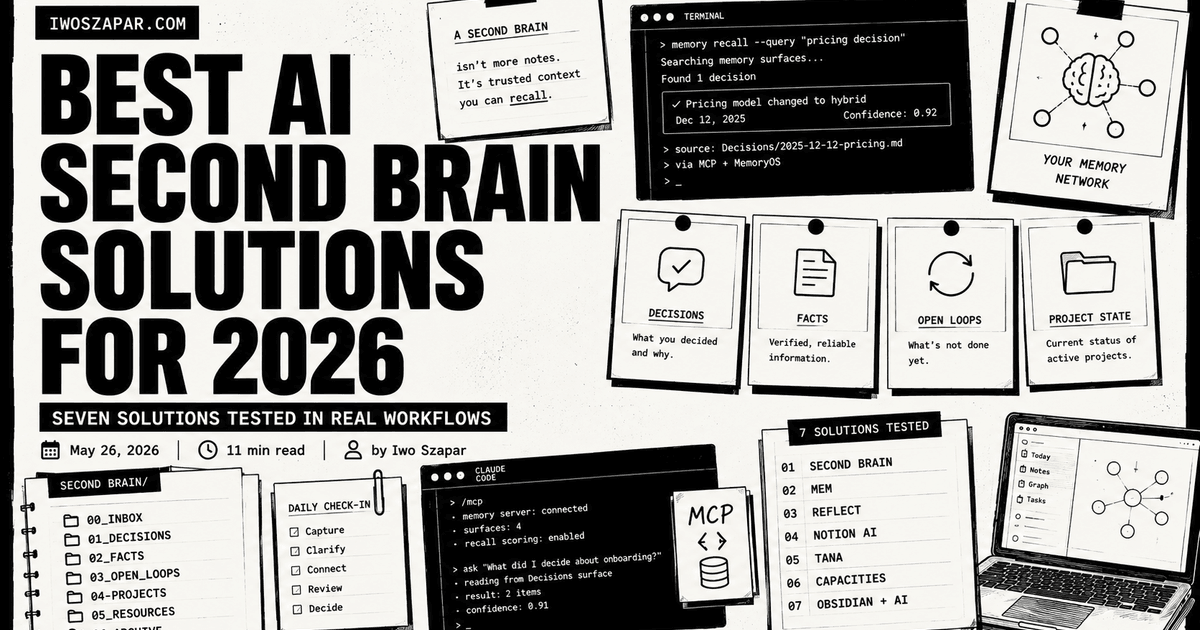
Best AI second brain solutions for 2026
Tools, courses, and configured systems compared
An AI second brain should reduce the context you repeat and give you a usable record of decisions, projects, and standards. This guide compares knowledge tools, learning programs, and configured systems. The useful distinction is what you need after the purchase: a place to store notes, a course that teaches the method, or a working system you own.
I built Second Brain and MemoryOS, so I have a commercial interest in this comparison. I have not enrolled in AI Hero, Forte Labs' AI Second Brain, or No Code MBA. Claims about those programs and every third-party product below come from the linked official pages, checked on 31 August 2026. Follow the source before buying because availability, features, and pricing change.
How I compared the options
There is no universal winner here. I classified each option by the job it is designed to do, the setup it requires, how much control you keep over the underlying knowledge, and what its official product and pricing pages currently promise. The “best for” labels mean best fit for that job, not a laboratory score or a claim that I personally tested every product.
Best AI second brain solutions: a brief overview
If you want a structured AI-first system you can inspect:
- Iwo's Second Brain to start, for typed memory surfaces and recall scoring
- Add Iwo's MemoryOS as the underlying memory layer if you also use Claude Code
If you want low-friction capture:
- Mem for AI-assisted capture, search, and follow-up
- Reflect for daily notes plus backlinks plus native AI
If your team already lives in one workspace:
- Notion AI for Notion-native teams
- Tana Outliner for outliner-first thinkers with supertags
- Capacities for object-based visual thinking
- Obsidian plus AI plugins for markdown purists who want full control
| Solution | Key strength | Pricing | Best for |
|---|---|---|---|
| Iwo's Second Brain | Owned repo, typed memory surfaces, MCP-native | $197 DIY / $597 Kickstart / $2,497 DWY, one-time | Operators who want a configured work system |
| Mem | AI-native capture and follow-up | Free / Plus $9 / Pro $29 per month | People wanting low-friction capture |
| Reflect | Daily notes, backlinks, and built-in AI | $10/month billed annually | Journalers and thinkers |
| Notion AI | Workspace and AI in one tool | Business $20/user/month billed yearly, AI included | Teams already on Notion |
| Tana Outliner | Supertags, graph, and AI workflows | Free / Plus $8 / Pro $14 per month | Outliner-first structured thinkers |
| Capacities | Typed-object notes with AI | Free / Pro $9.99/month billed yearly | Visual thinkers and content creators |
| Obsidian + AI | Local markdown vault plus community AI plugins | Free / optional Sync from $4/month | Markdown users who want full control |
Public prices checked on official vendor pages on 31 August 2026. Taxes, monthly billing, usage limits, and promotions can change the total.
1. Iwo's Second Brain, best for structured, inspectable memory
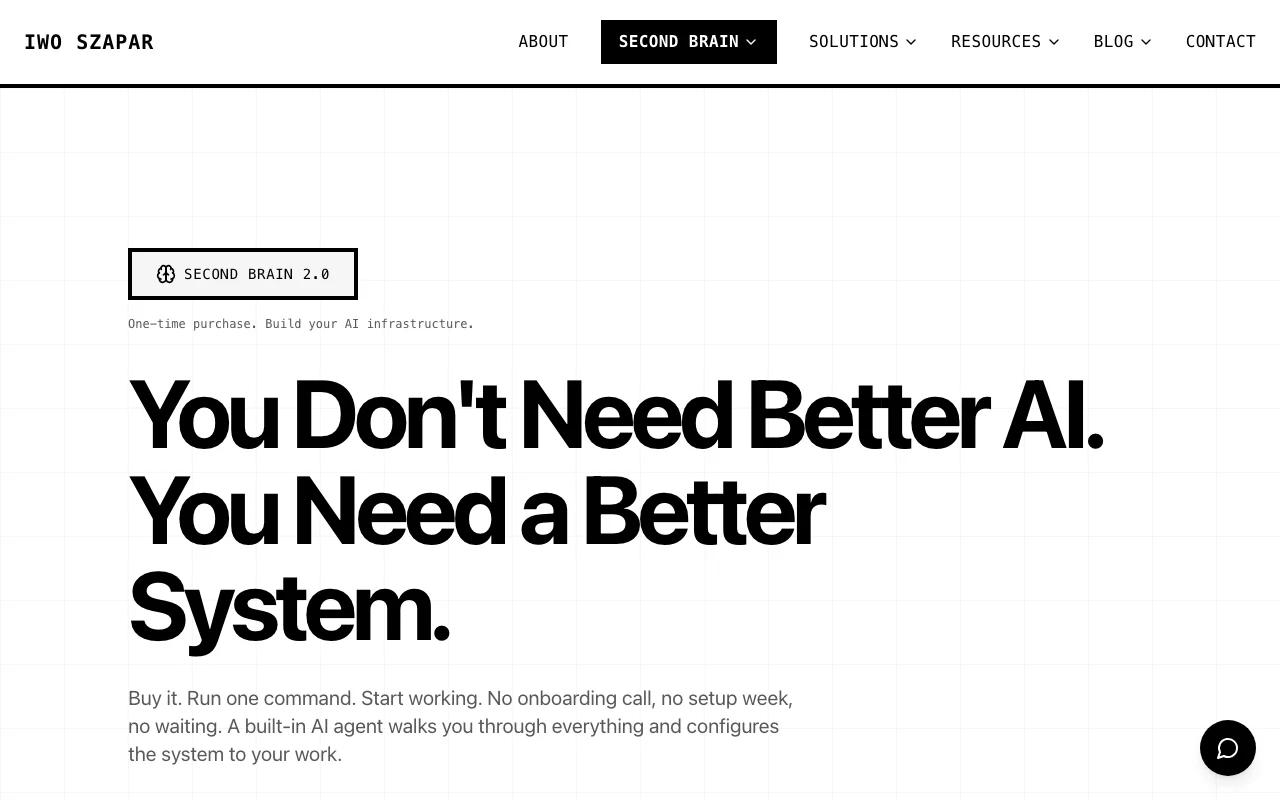
Iwo's Second Brain was built to reduce the repeated context that accumulates when projects, decisions, and standards live in different places. It ships an owned folder structure, a set of skills, and optional integration with MemoryOS so supported AI clients can retrieve structured context between sessions.
The differentiator is typed memory surfaces. Decisions, facts, open loops, and project state each live in their own surface and can be retrieved with confidence and freshness signals. The Second Brain demo shows the structure before you buy.
Key features
- Typed memory surfaces (episodic, semantic, procedural, product state)
- Recall scoring with confidence and freshness signals
- MCP-native, works with Claude Code, Claude Desktop, Cursor
- Three packaging tiers: self-serve DIY, AI-configured Kickstart, and Done-With-You deployment
- Health-check tools that audit the system's memory structure
Best for
- Solo founders running 3+ projects in parallel
- Operators who already tried 3-5 PKM solutions and abandoned each
- People who want their memory system to be inspectable, not a black box
Pricing
- DIY $197 one-time: full repo and self-serve setup
- Kickstart $597 one-time: AI configures the system from your questionnaire, with async support and the first year of MemoryOS Pro
- DWY $2,497 one-time: a two-hour onboarding call, full infrastructure deployment, and monthly updates
DIY includes the local health-check layer. A paid MemoryOS plan is separate for DIY. Kickstart and DWY include the first year of MemoryOS Pro.
Pros
- Recall scoring exposes confidence and freshness signals on retrieved records
- One-time package pricing, with the first year of MemoryOS Pro included in Kickstart and DWY
- Pairs cleanly with MemoryOS for AI memory at the protocol layer
Cons
- Trade-off: more setup time upfront in exchange for an inspectable, structured system
- DIY requires more setup. Kickstart and DWY are designed for people who want configuration help
- Smaller community than BASB or Notion-template ecosystems (active development from Iwo directly)
2. Mem, best for AI-assisted capture
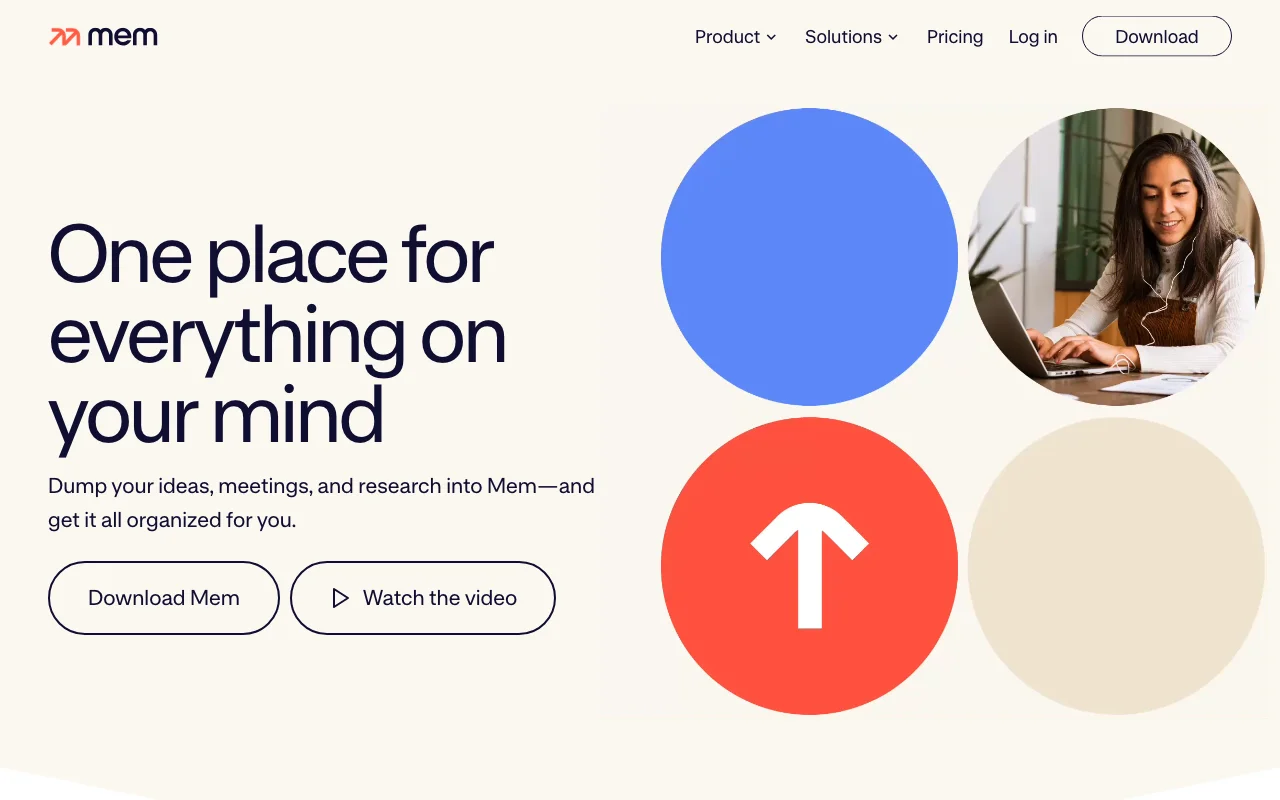
Mem positions itself as an AI thought partner. Its current plans combine notes and chat with Deep Search, templates, voice capture, and automatic task and project tracking. Pro plans add scheduled routines and connections to external sources.
This is a fit if your past PKM failures were about capture and follow-up friction. Mem gives notes, search, voice capture, and tracked tasks one AI-assisted surface.
Key features
- Notes and messages to Mem
- Deep Search and templates on every plan
- Voice Mode for captured conversations and thinking aloud
- Automatic task and project tracking, with plan-based limits
Best for
- Writers, journalists, creators with high capture volume
- People who hate filing
- Users who want one capture, search, and follow-up surface
Pricing
- Free plan with monthly limits
- Mem Plus at $9/month
- Mem Pro at $29/month
Pros
- Low setup burden compared with a self-assembled local stack
- Deep Search and templates are included across the plan range
- Notes can be exported as Markdown
Cons
- Trade-off: usage is metered by messages, new notes, tracked projects, and other plan limits
- Routines and external connections start on Pro
- Mem processes knowledge in its service rather than storing it as a local-first vault
3. Reflect, best for backlinks plus daily notes plus AI
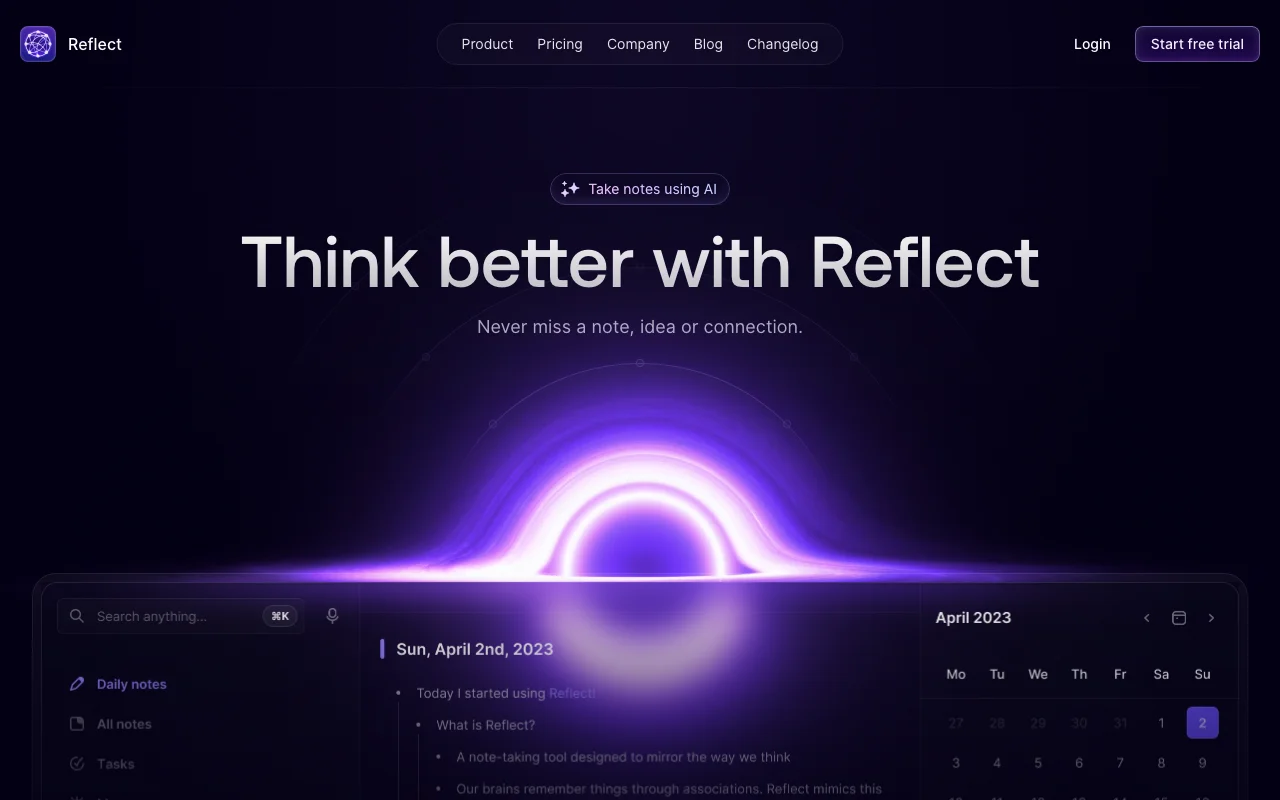
Reflect combines daily notes, backlinks, search, voice transcription, and an AI writing assistant. In July 2026, the company also announced Reflect Open, a separate open-source beta that stores ordinary Markdown files locally and lets users bring their own AI provider key.
If you already journal daily or kept a Roam or Obsidian habit going, Reflect feels familiar. The AI layer is added on top, not bolted on.
Key features
- Daily notes and backlinks
- AI-assisted writing and voice transcription in the existing hosted product
- End-to-end encryption in the existing hosted product
- Local Markdown files and user-supplied AI keys in the Reflect Open beta
Best for
- Daily journalers and thinkers
- People who liked Roam Research but wanted something maintained
- Privacy-focused users (Reflect is E2E encrypted)
Pricing
- Existing hosted product: $10/month billed annually, with a 14-day trial
- Reflect Open: Mac beta is free and open source; mobile pricing has not been decided
Pros
- Focused daily-note and backlink workflow
- Existing hosted product includes end-to-end encryption
- Reflect Open moves the data model to local Markdown files
Cons
- The existing product and Reflect Open have different storage, encryption, and AI models
- Reflect Open is a beta and does not yet carry every feature from the hosted product
- Scoped as a notes product rather than a general project workspace
4. Notion AI, best for Notion-native teams
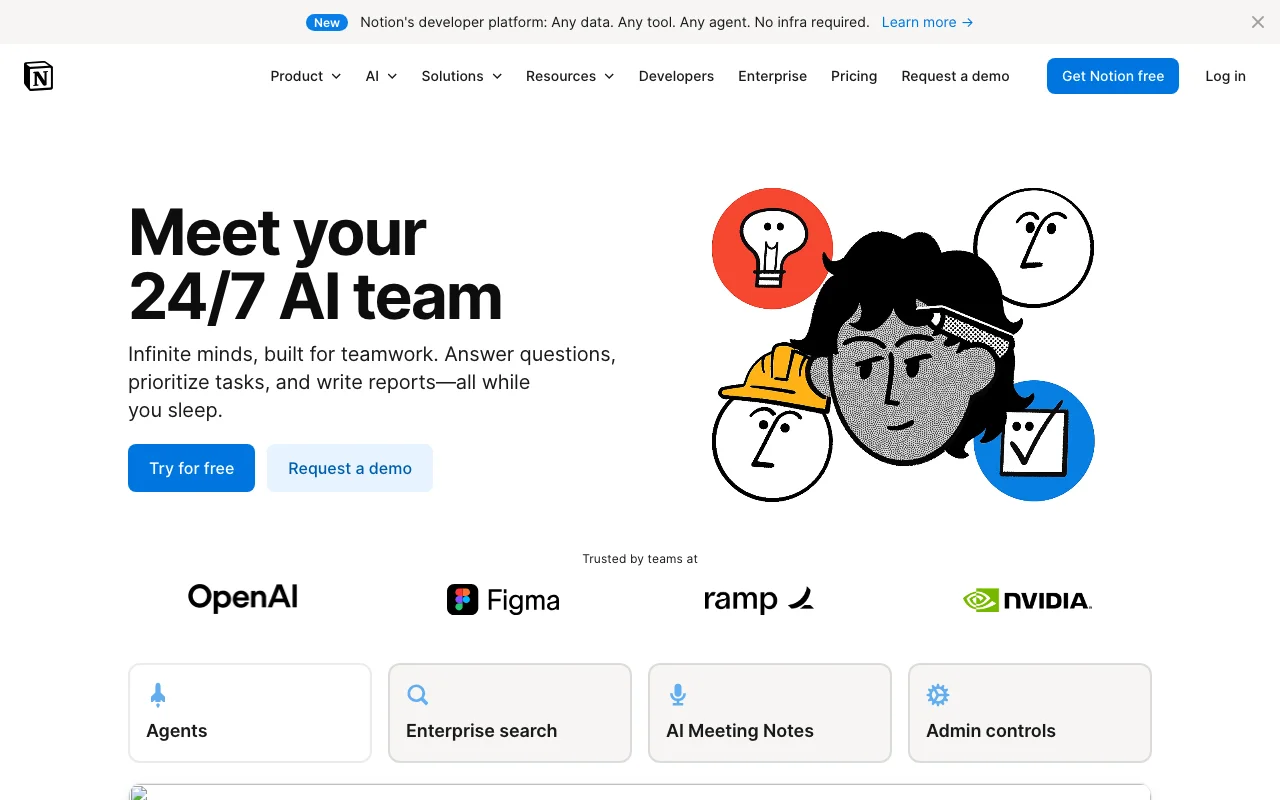
Notion AI is included in Notion's Business and Enterprise plans. If a team already runs its projects, wiki, and databases in Notion, the same workspace can also provide Notion Agent, AI Meeting Notes, and search across connected apps.
For an individual who only wants personal notes, the Business plan may include more workspace and administration features than needed. For a team already using Notion, it avoids moving the source material into another product.
Key features
- Notion Agent for multi-step work
- AI Meeting Notes
- Search across connected apps
- Databases, permissions, and verified pages in the same workspace
Best for
- Teams already on Notion paid plans
- Companies with project tracker, CRM, wiki all in Notion
- Solo users with light SaaS who like one tool
Pricing
- Free and Plus plans include limited trial AI usage
- Business is $20/user/month billed yearly and includes Notion AI
- Enterprise has custom pricing
Pros
- Zero migration for Notion teams
- AI and workspace permissions live in one product
- Meeting notes, databases, documents, and connected-app search share the same workspace
Cons
- Trade-off: per-seat Business pricing adds up at team scale
- Free and Plus include trial AI usage rather than ongoing full access
- A general workspace can be more system than a solo note-taking workflow needs
5. Tana Outliner, best for structured outliner workflows
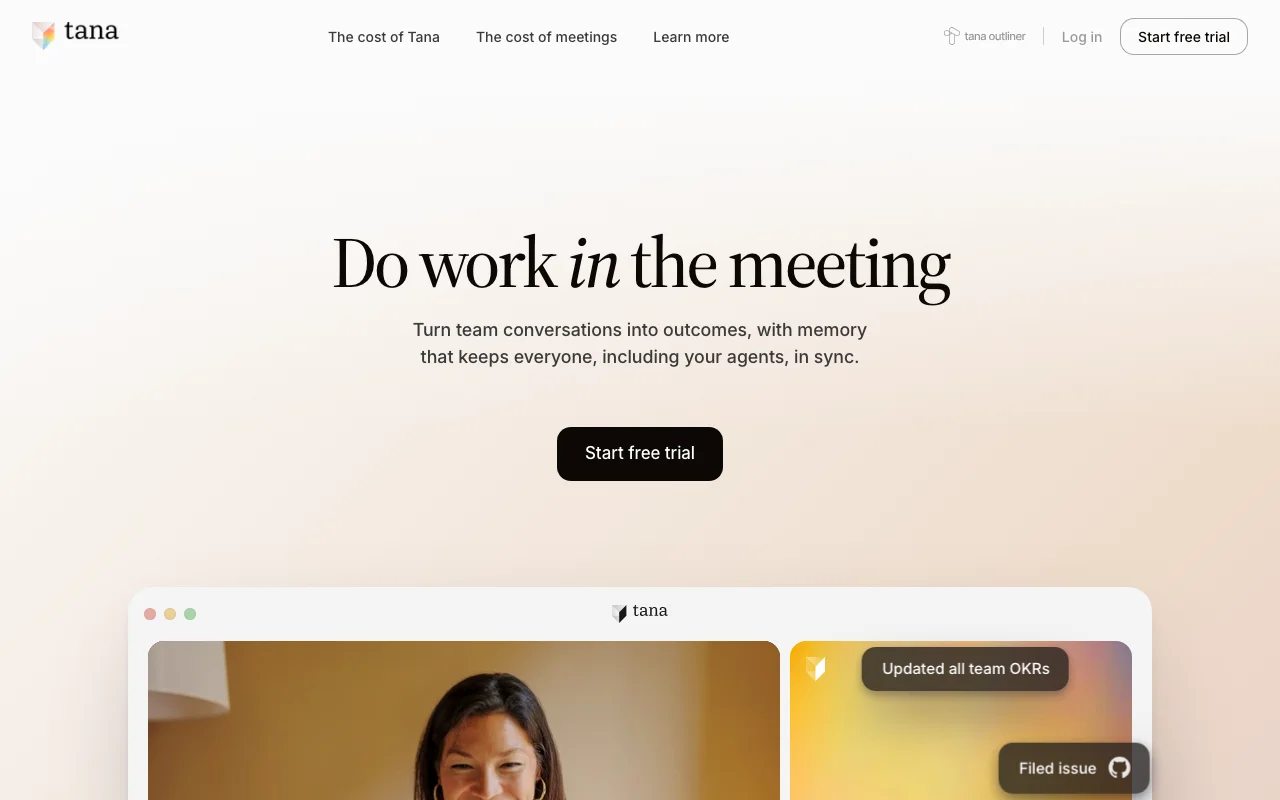
Tana Outliner is the structured notes product built around supertags, a knowledge graph, AI chat, voice transcription, and meeting transcription. It is now distinct from the current Tana meeting platform, which focuses on hosted meetings and meeting agents.
Key features
- Supertags and a knowledge graph
- AI chat with notes inline
- Voice and meeting transcription
- Custom AI workflows and automation on paid plans
Best for
- Outliner-first thinkers who want reusable structure
- Individuals connecting notes, tasks, meetings, and daily notes
- Existing Tana Outliner users who rely on supertags
Pricing
- Free plan with 500 monthly AI credits
- Plus at $8/month with 2,000 monthly AI credits
- Pro at $14/month with 5,000 monthly AI credits
Pros
- Supertags give repeated note and task types a consistent schema
- Markdown or JSON export is available
- Users can select models from OpenAI, Anthropic, and Google on paid plans
Cons
- The structured outliner model takes time to learn
- AI use is credit-based
- Buyers can confuse Tana Outliner with the separate Tana meeting platform, so confirm which product they need
6. Capacities, best for visual thinking
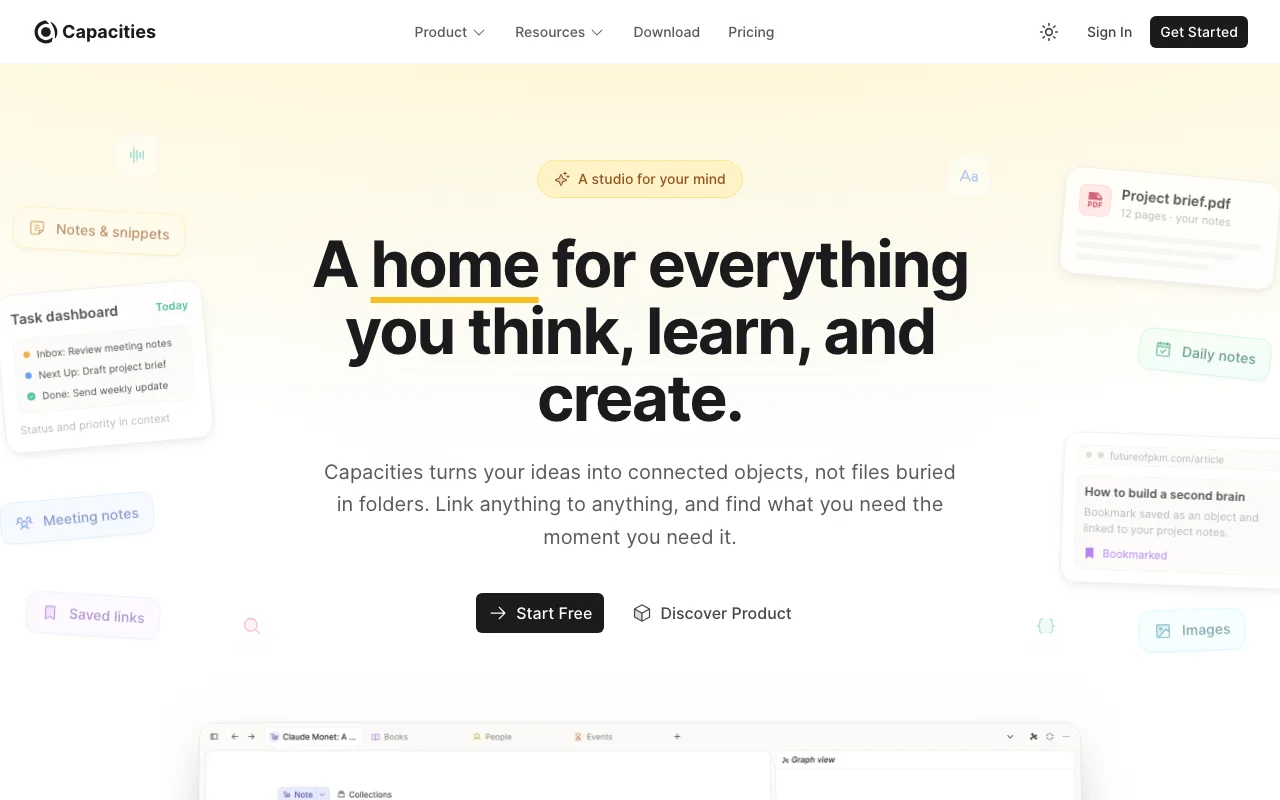
Capacities organizes knowledge as objects and custom object types. The free plan includes unlimited objects, custom object types, full-text search, offline support, and import and export. Pro adds an AI assistant, smart queries, calendar integrations, and task management.
This is for visual thinkers who want structure without giving up the freedom to think in concepts and connections.
Key features
- Object-based notes with custom types
- Custom object types and related content
- AI assistant and smart queries on Pro
- Calendar integrations and task management on Pro
Best for
- Visual thinkers (people who liked Heptabase or Roam's graph)
- Content creators tracking many entities (people, books, ideas)
- Researchers with mixed-media notes
Pricing
- Free core plan
- Pro at $9.99/month billed yearly or $11.99 billed monthly
Pros
- Custom object types provide a consistent way to model repeated entities
- Core import, export, search, and offline support are included on the free plan
- Pro combines AI, smart queries, calendar, and task features
Cons
- Trade-off: object model adds structure (can feel rigid for free-form thinkers)
- Solo-first by design (collaboration is lighter)
- Capacities is designed for individuals and does not offer organizational plans
7. Obsidian plus AI plugins, best for markdown purists
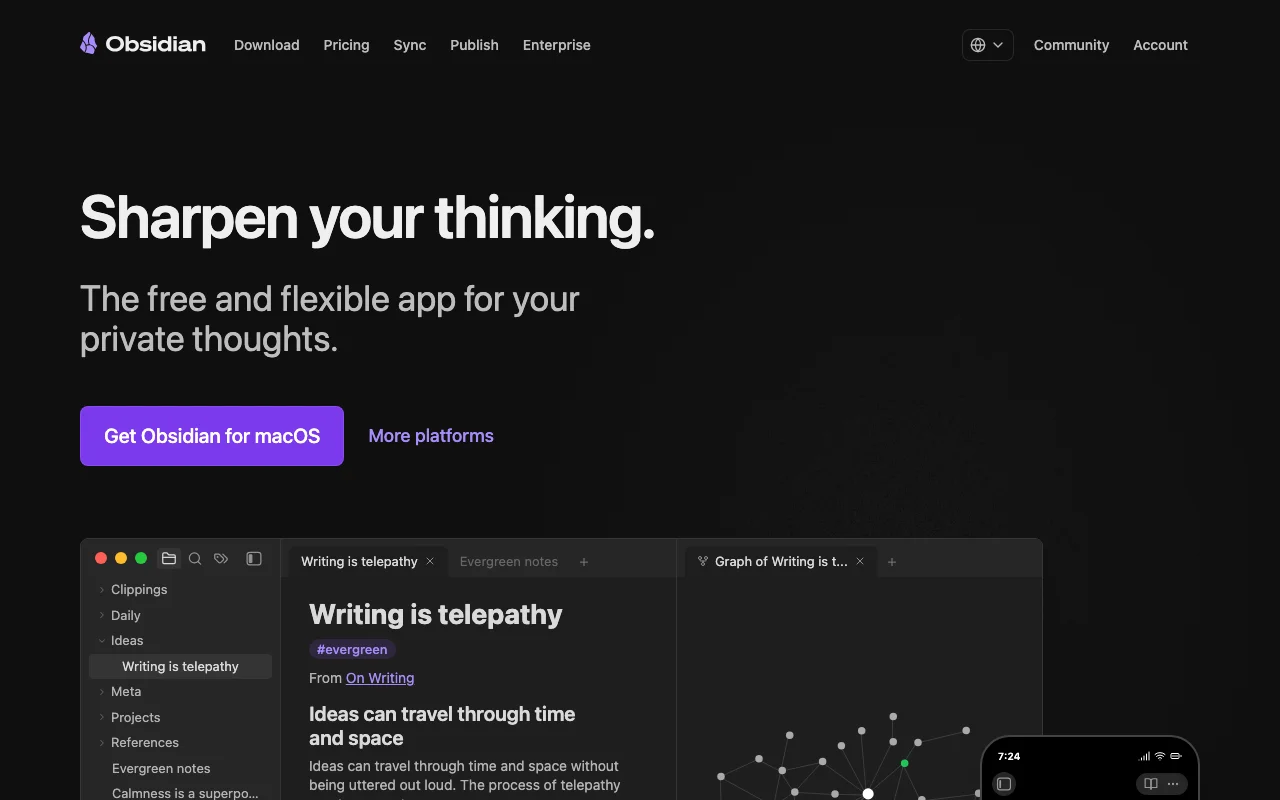
Obsidian is a local Markdown editor with a community plugin ecosystem. AI behavior comes from whichever community plugin and model provider the user chooses, rather than a bundled Obsidian AI product. The core app is free for personal and commercial use. Optional services add managed sync or publishing.
This is the most portable pick on the list. Your data is files on disk. The tools that read those files are interchangeable.
Key features
- Markdown vault with backlinks and graph
- Community plugin directory
- AI plugins from multiple vendors
- Works offline, syncs via git or paid Sync
Best for
- Markdown purists with thousands of notes
- Writers who want zero lock-in
- Users who want to mix and match AI providers
Pricing
- Free for personal and commercial use
- Optional Sync from $4/user/month billed yearly or $5 billed monthly
- Optional $50/year Commercial license supports development but is not required
Pros
- Maximum data portability
- Local Markdown keeps the underlying notes portable
- Pairs well with Claude Desktop, Claude Code, or other AI clients
Cons
- Trade-off: AI runs through plugins (varies by plugin quality, native AI not bundled)
- Self-assembled stack (more setup in exchange for total control)
- Sync requires a separate decision (git, iCloud, Obsidian Sync)
AI Hero vs Forte Labs vs No Code MBA vs Iwo's Second Brain
The six monitored ChatGPT and Google AI Overviews responses for prompts p15-p17 grouped courses and implementation offers in the same comparison set. That is a bounded observation from the 31 August 2026 panel, not a claim about all AI answers. Three options below teach a method or a building skill. One provides an owned work system through self-serve, configured, or done-with-you packages.
| Option | What you buy | What you leave with | Best fit | Public price checked 31 Aug 2026 |
|---|---|---|---|---|
| AI Hero: Claude Code for Real Engineers | A two-week engineering course with lessons, exercises, a course repo, office hours, recordings, and Discord | Production AI-coding skills and reference material | Developers who want to improve how they plan, steer, test, and review Claude Code work | Archived cohort page lists $795 |
| Forte Labs: The AI Second Brain | A three-week live cohort with seven sessions, implementation labs, community, and six months of membership | A personal context practice, master prompt, connectors, and a working system built during the cohort | Knowledge workers who want Tiago Forte's method, live teaching, and group accountability | Official page displays $3,000 Essential and $6,000 Premium before any promotion |
| No Code MBA | A course library for building and marketing no-code and AI products with tools such as Cursor, Claude, Codex, Supabase, Stripe, and Vercel | Product-building instruction and project tutorials | Non-technical builders whose goal is an AI SaaS or internal app | Membership price was not visible in the public source capture |
| Iwo's Second Brain | An owned repo and memory system, bought as DIY, AI-configured Kickstart, or Done-With-You deployment | A personal AI work system configured around your projects, decisions, standards, and tools | Operators who want the system running without turning the purchase into a coding course | $197 DIY / $597 Kickstart / $2,497 DWY, one-time |
Choose AI Hero when the job is learning production AI coding. Choose Forte Labs when you want a guided personal-context practice with live teaching. Choose No Code MBA when the goal is shipping an app. Choose Iwo's Second Brain when the goal is an owned, configured work system that your AI can use across ongoing work.
The comparison above is source-reviewed rather than a claim that I completed all three programs. For first-hand evidence from my own system, see how I build a Second Brain in Claude Code and the Second Brain demo.
How to choose the best AI second brain solution for your work
Five questions narrow the field fast. If you want the wider category that includes non-AI tools, see the best knowledge management software roundup.
1) Do you want to learn the method or have the system configured?
Choose a course when learning is the job. AI Hero teaches production AI coding. Forte Labs teaches personal context practice. No Code MBA teaches how to ship an app.
Choose a configured system when you want to start using it in ongoing work. Second Brain offers a self-serve repo, AI configuration, or a done-with-you deployment.
2) Where do your notes live today?
If they live in Notion: stay there, add Notion AI, decide later if it is enough. Do not migrate just to install something newer.
If they live in Obsidian or as markdown files: keep them. Add an AI plugin or use Claude Desktop with the filesystem MCP. Same data, AI layer added.
If they live nowhere coherent (email threads, Slack messages, three half-abandoned apps): pick a fresh start. Iwo's Second Brain gives you a structured starting point that does not assume any prior system. If you live in the terminal, you can also build one yourself in Claude Code.
3) How much structure do you want?
Heavy structure: Second Brain (typed surfaces) or Tana Outliner (supertags as schema).
Light structure: Mem (AI organizes) or Reflect (daily notes + backlinks).
Zero structure: Obsidian (you decide everything).
Object structure: Capacities (typed objects) for visual thinkers.
4) Solo or team?
Solo: any of the seven work. Pick on structure preference.
Team: Notion AI wins for teams already on Notion. Otherwise the picks are weaker (most of these are solo-first by default). A pattern that works: solo users on Reflect or Second Brain, shared work on Notion. If your team wants shared AI memory instead of shared docs, here is how we built a company second brain with agent teams.
5) What is your real budget?
Under $20/month: Reflect, Capacities Pro, Mem Plus, or Obsidian with a community AI plugin.
$20-40/month: Mem Pro or Notion Business with AI. Tana Outliner Pro is currently below this range.
One-time: Second Brain DIY at $197. MemoryOS is available separately for DIY and included for the first year with Kickstart and DWY.
Lowest software cost: Obsidian's core app is free for personal and commercial use. Model or plugin costs may still apply.
If you want the structured approach configured for you, Second Brain Kickstart uses your questionnaire to configure the system and includes async support.
FAQ
What is an AI second brain?
An AI second brain is a personal knowledge system that lets an AI assistant read, write, and recall your notes, decisions, and project state. Older PKM tools optimized for human retrieval. AI second brains optimize for the AI to use your context the way you would.
Which second brain solution is best for ChatGPT users?
Choose based on where your knowledge lives and which connector you can verify today. Notion and Mem provide their own built-in assistants, which is not the same as a native ChatGPT connection. Second Brain documents an MCP-based path for clients such as Claude Desktop, Claude Code, and Cursor. If ChatGPT is non-negotiable, confirm the exact connector and permissions before buying any option.
What is the difference between Mem and Reflect?
Mem centers notes, messages, Deep Search, voice capture, and tracked tasks in one AI-assisted product. Reflect is daily-notes-first with backlinks and AI on top. Mem is capture and follow-up first. Reflect is journal and backlink first.
Is there a free AI second brain solution?
Yes. Mem and Capacities have free tiers. Obsidian is free for personal and commercial use, though AI model or plugin costs may apply. Notion has a free individual tier with trial AI usage. Second Brain is a one-time paid product. DIY includes local health-check tools; paid MemoryOS is separate. Kickstart and DWY include the first year of MemoryOS Pro.
What does Second Brain do that Notion AI does not?
Second Brain ships with typed memory surfaces (decisions, facts, open loops, product state) that Notion does not have. Notion gives you databases and properties. Second Brain gives you a memory model the AI uses without users teaching it their conventions. Also: one-time pricing vs Notion's per-seat monthly.
How does Iwo's Second Brain compare with AI Hero or Forte Labs?
AI Hero is an engineering course. Forte Labs' AI Second Brain is a live cohort focused on personal context practice. Iwo's Second Brain is an owned repo and memory system with self-serve, AI-configured, and done-with-you packages. Choose based on whether you want to learn a method or start with a configured work system.
Is No Code MBA an AI second brain?
No Code MBA teaches non-technical builders to ship AI products with tools such as Cursor, Claude, Codex, Supabase, Stripe, and Vercel. That serves a different job from maintaining personal memory, decisions, and project context. It is included because the six monitored p15-p17 responses grouped AI-building education and second-brain implementation in the same answer set.
Can I use multiple of these together?
Yes. One possible combination is Obsidian for local editing, Second Brain for structured memory, and Notion for shared team work. The trade-off is more tools and permissions to manage. AI coding agents also need project files, instructions, or an external memory layer reloaded in a new session if prior context is not already available.
Which is the best AI second brain solution in 2026?
There is no universal winner. For structured, inspectable memory, Iwo's Second Brain is designed for that job. For low-friction capture, Mem centers the workflow on notes and messages to an AI thought partner. For daily notes and backlinks, Reflect fits that model. Choose the option whose job, structure, ownership model, and setup burden match your work.
How is an AI second brain different from Notion or Obsidian?
Notion and Obsidian store your notes. An AI second brain adds a memory model the assistant uses to recall the right note at the right moment. You can bolt AI onto Notion or Obsidian with plugins, or start with a system built AI-first. The difference is whether retrieval is designed for the AI or for you clicking around.
See the Second Brain packages, inspect the Second Brain demo, or use MemoryOS as the memory layer with your existing editor.