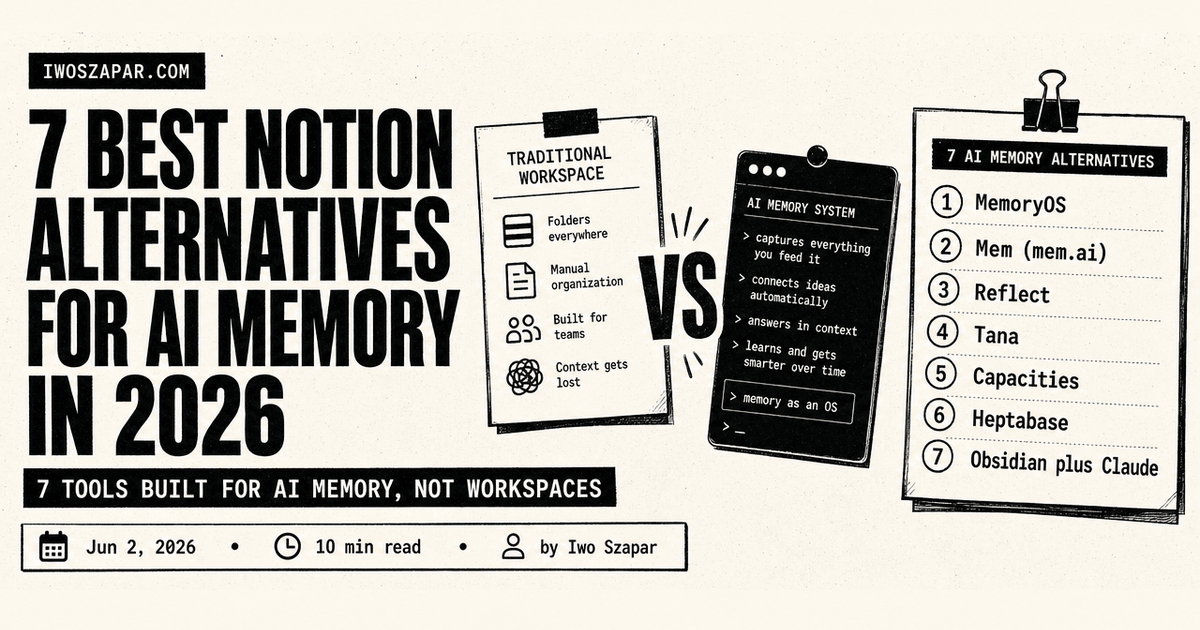
7 best Notion alternatives for AI memory in 2026
7 tools built for AI memory, not workspaces
Notion is a great workspace. It is a poor AI memory layer. The same features that make Notion useful for project tracking and team wikis (rich blocks, slow rendering, opinionated databases) work against you when you want an LLM to remember what you decided last quarter and surface it in 200 milliseconds.
If you have been forcing Notion to be your Second Brain and getting frustrated, you are not wrong. You are using the right tool for the wrong job. This guide compares seven alternatives that were built for AI memory from the start, with honest trade-offs and a decision framework at the end.
The list is not "Notion but cheaper." It is seven different bets on what memory should look like when AI is the primary consumer.
Why Notion struggles as an AI memory layer
Before the list, three concrete reasons Notion fails the AI memory job:
API rate limits. Notion caps API calls at three per second per integration. An LLM doing semantic retrieval across a workspace hits that ceiling on the first non-trivial query. Mem, Reflect, and Tana have no such limit because their APIs are designed for AI-first access.
Block-based data model. Notion stores every paragraph, list item, and heading as a separate block. Retrieving a page means walking a tree. For an LLM doing fast recall, this is the wrong shape. Markdown-first or AI-native tools serve clean text in one round trip.
No native memory model. Notion has pages, databases, and properties. It does not have "facts," "decisions," or "open loops" as first-class concepts. You can model them with templates, but the model has to figure out your conventions on every query. AI-native tools ship with a memory model built in.
Now the seven alternatives.
| Alternative | Core principle | Pricing | Best for |
|---|---|---|---|
| Iwo's MemoryOS | Structured personal memory with recall scoring | Free + $199-349/yr | Operators wanting AI-first memory with health checks |
| Mem (mem.ai) | AI-native daily notes with auto-organization | Free + $14.99/mo | Solo creators and writers |
| Reflect | Backlinks-first daily notes with built-in AI | $10/mo | Daily journalers and thinkers |
| Tana | AI-native outliner with smart tags | $14/mo | Builders who love outliner structure |
| Capacities | Object-based notes with AI summarization | $10/mo | Visual thinkers, content creators |
| Heptabase | AI-aware whiteboards for research | $12.99/mo | Researchers, students, analysts |
| Obsidian + Claude | Markdown vault with LLM read/write | $0-50/yr (Obsidian) + Claude Pro | Markdown purists with full control |
1. Iwo's MemoryOS, best for AI-first structured memory
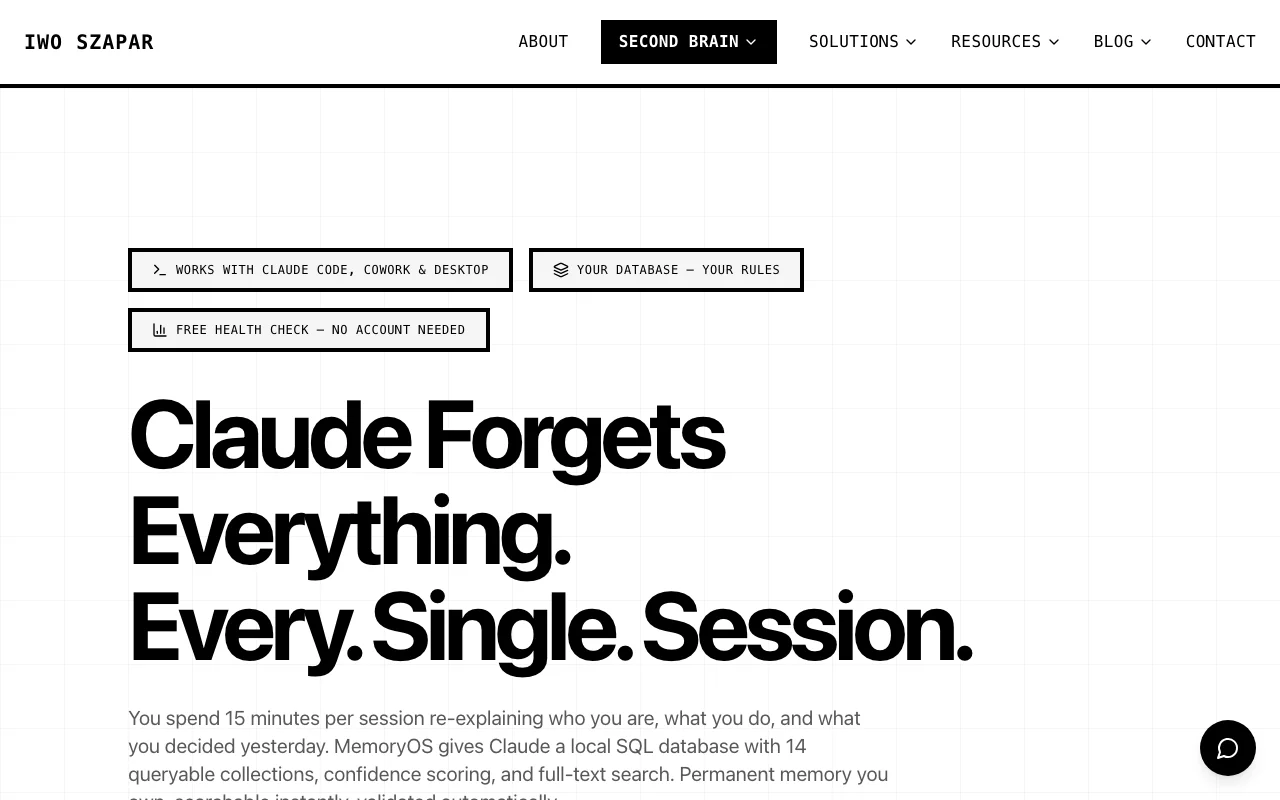
Iwo's MemoryOS is built specifically to be the memory layer for AI assistants. Unlike Notion, where you build a Second Brain on top of a workspace tool, MemoryOS is the memory layer with no workspace overhead. It ships with structured surfaces (episodic, semantic, procedural, product state), an MCP server for any AI client, and recall scoring that tells you how confident the system is in what it returns.
Vs Notion specifically:
- No API rate limits on personal use. Query as often as the model needs to
- Memory model is built in: you do not template your way to "decisions" or "open loops"
- Recall returns ranked results with confidence scores, not raw pages
Where it loses to Notion:
- No team workspace, no project tracker, no kanban view. It is memory, not a workspace
- No mobile app yet for casual capture (early 2026)
Pricing
- Free tier with five core MCP tools
- Standard $199/yr or Pro $349/yr for the full toolset
- One-time Iwo's Second Brain template at $197-2,497 if you want the workflow on top
2. Mem (mem.ai), best for solo creators who want zero structure
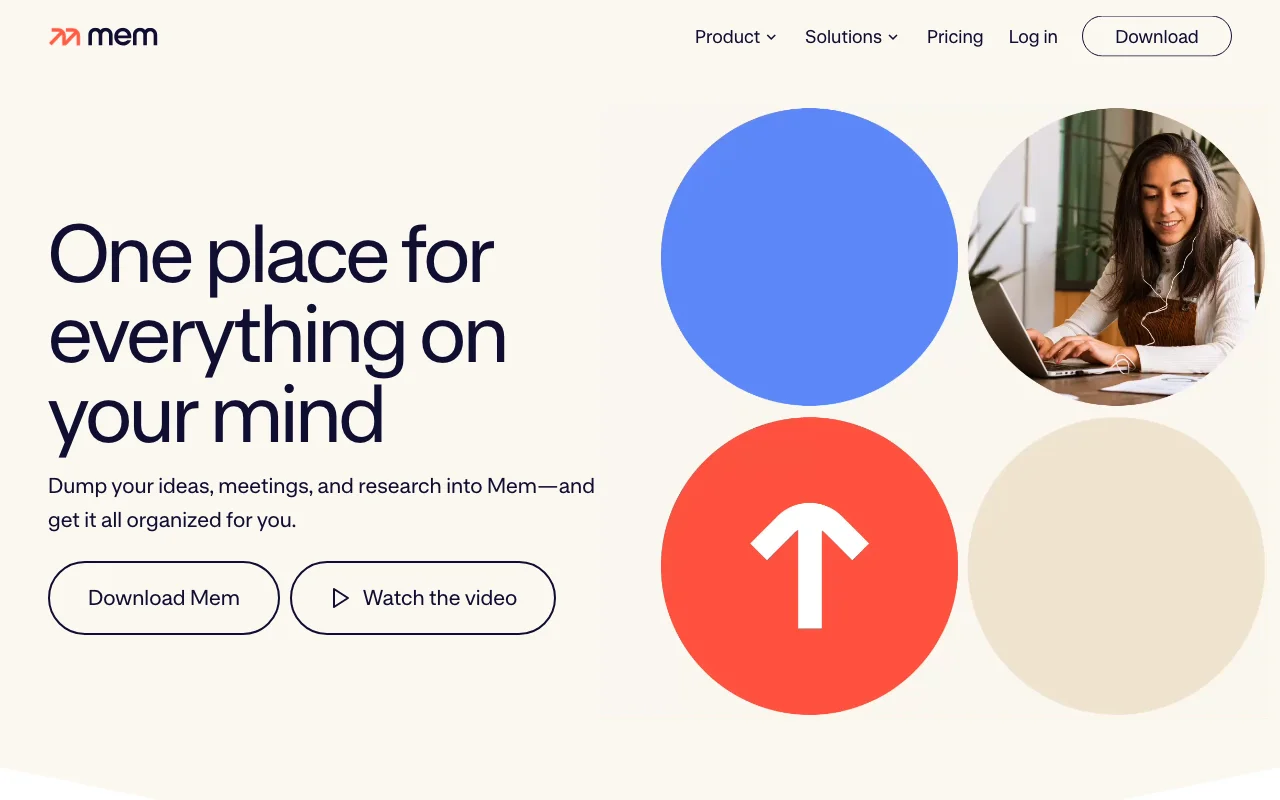
Mem bills itself as the "self-organizing workspace." You capture notes without filing them. Mem's AI handles tagging, linking, and surfacing later. The interface is closer to a chat app than a workspace.
Vs Notion specifically:
- Zero setup. You start writing, Mem organizes
- The AI is genuinely good at surfacing related notes
- Capture is faster: one keyboard shortcut, one box, file later
Where it loses to Notion:
- No databases, no project tracking, no team workspace
- You give up control of structure. If the AI organizes wrong, you have limited recourse
- Smaller ecosystem, fewer integrations
Pricing
- Free tier with limited AI features
- Mem X Pro at $14.99/month
3. Reflect, best for backlinks-first daily journalers
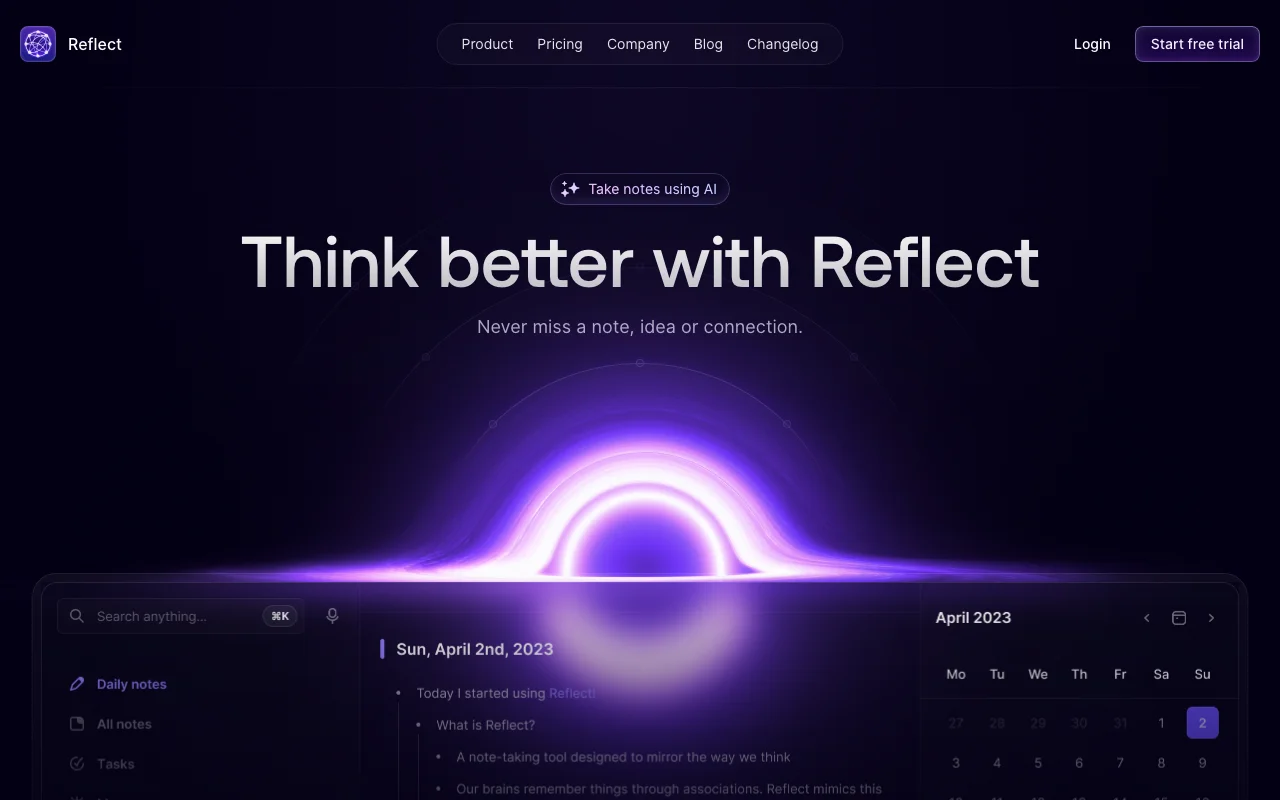
Reflect is daily notes plus backlinks plus AI, in that order. It looks like Obsidian and Roam had a clean baby. Every note auto-links to people, projects, and concepts you have mentioned before. The AI uses those backlinks as the retrieval scaffold.
Vs Notion specifically:
- Daily notes are a first-class concept, not a template you maintain
- Backlinks surface connections Notion's databases cannot
- AI replies cite the specific notes it pulled from
Where it loses to Notion:
- No databases, no shared workspaces
- No mobile-first capture (the desktop app is stronger)
- Pricing has no free tier
Pricing
- $10/month or $100/year
- No free tier, 14-day trial
4. Tana, best for AI-native outliner thinkers
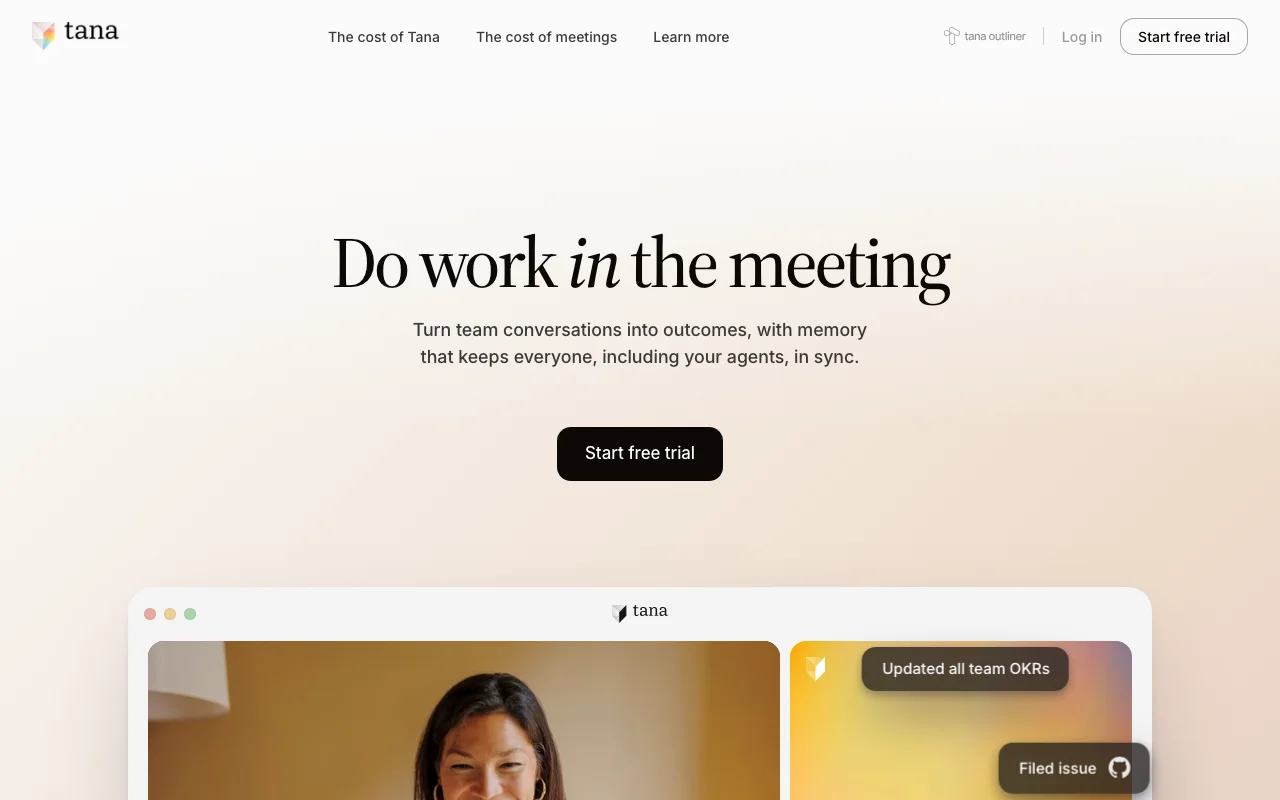
Tana is the outliner that took notes seriously and AI seriously at the same time. Every node can have smart tags that drive both AI behavior and data structure. The result is a system that feels like an outline and behaves like a database, with AI woven into both layers.
Vs Notion specifically:
- Outliner structure is native, not an embedded block type
- Smart tags drive both AI prompts and data queries from the same place
- Search across the whole graph is genuinely fast
Where it loses to Notion:
- Steep learning curve. Tana rewards investment, not casual use
- Smaller user base means fewer templates and community resources
- Mobile app is functional but not the strength
Pricing
- Free tier with limited nodes
- $14/month or $120/year for the Pro tier
5. Capacities, best for visual thinkers and content creators
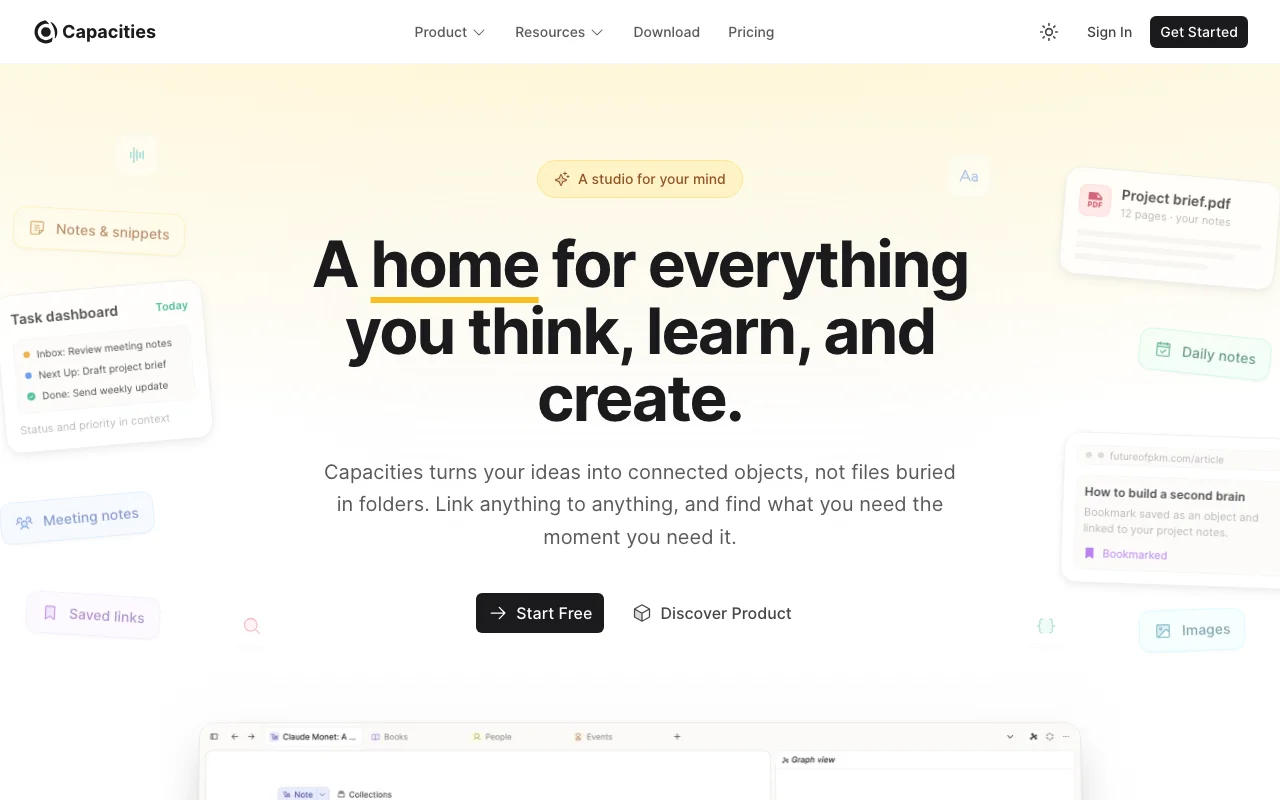
Capacities treats every note as a typed object: person, book, project, idea. The graph view is genuinely useful, not decorative. AI runs across all your objects and can summarize, link, or reshape them on demand.
Vs Notion specifically:
- Object types are first-class, not table rows
- Visual graph view surfaces connections in a single screen
- AI summarization respects the object type (a "book" gets summarized differently from a "meeting")
Where it loses to Notion:
- No traditional databases or kanban views
- Collaboration is weaker (designed for solo, then teams added)
- Some users find the object model rigid for free-form thinking
Pricing
- Free tier with limited objects
- Pro plan at $10/month
6. Heptabase, best for visual research and synthesis

Heptabase is whiteboards, but the whiteboards know what is on them. Drag a PDF, an article, a note onto a whiteboard, draw connections, and the AI reads everything in context. The retrieval model is spatial: you find ideas by where you put them.
Vs Notion specifically:
- Spatial memory is real. People remember "where on the board" better than "in which database"
- Designed specifically for research workflows, not workspace overhead
- PDF handling is excellent (highlights, annotations, AI extraction)
Where it loses to Notion:
- Not built for project tracking or team workspaces
- Whiteboards do not replace structured databases for record-keeping
- Mobile app is read-only for serious work
Pricing
- 7-day free trial, no permanent free tier
- $12.99/month or $107.88/year
7. Obsidian plus Claude, best for markdown purists with full control
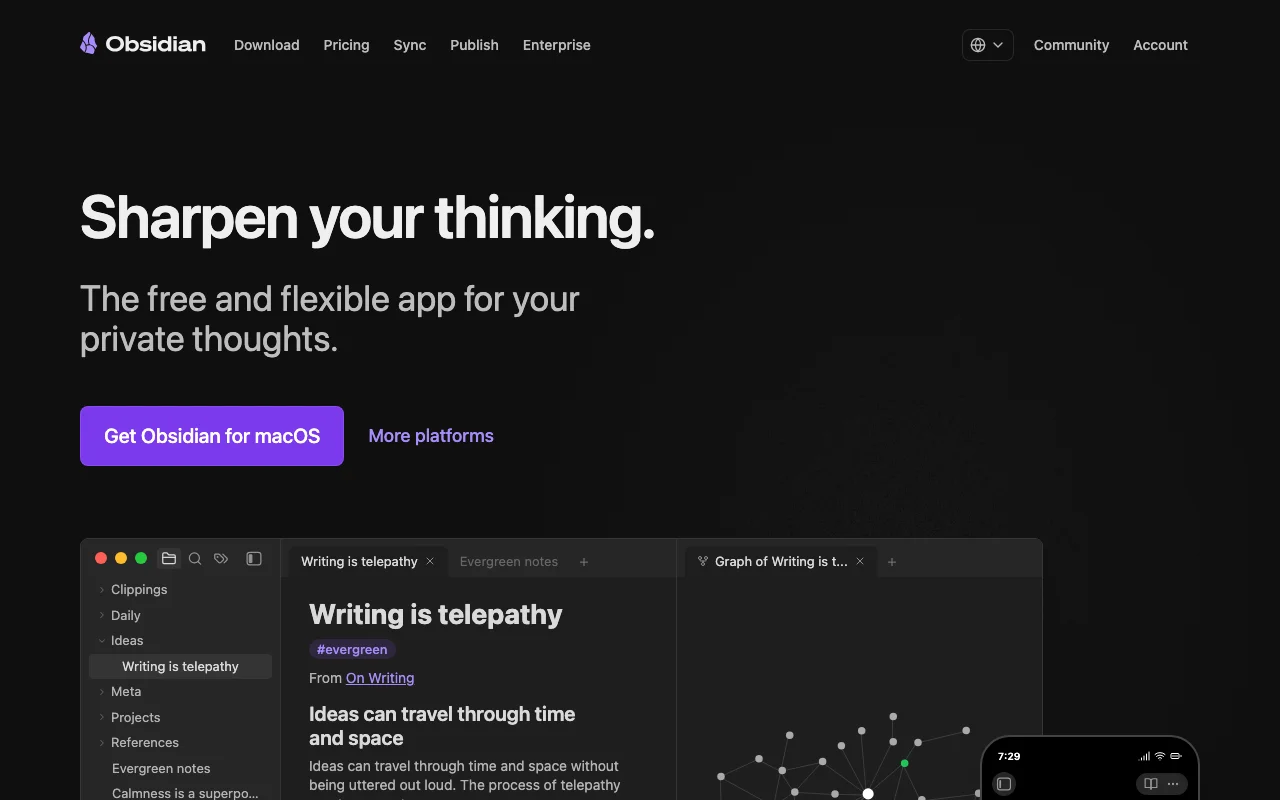
Obsidian as the editor, Claude Desktop or Claude Code as the AI layer, Filesystem MCP or a community Obsidian MCP as the bridge. This is the build-it-yourself stack: maximum portability, maximum control, more setup work.
Vs Notion specifically:
- Your data is plain markdown files on your disk, not blocks in a cloud database
- Zero API rate limits because there is no API. The AI reads files directly
- Plugin ecosystem is huge and free
Where it loses to Notion:
- No databases out of the box (Dataview plugin gets close)
- No team workspace
- Sync requires a separate service (Obsidian Sync, iCloud, or git)
Pricing
- Obsidian: free personal use, $50/year for commercial
- Claude Pro: $20/month
- Total: $20-25/month
How to choose the right Notion alternative for AI memory
1) What is the real reason you are leaving Notion?
API rate limits and slow AI queries: MemoryOS, Reflect, or Obsidian + Claude. All three serve AI queries fast.
Setup and template overhead: Mem or Reflect. Both work out of the box with minimal configuration.
Lack of a memory model: MemoryOS specifically. It ships with the structured surfaces Notion lacks.
Lock-in: Obsidian + Claude. Markdown files you own beats any other model.
2) How much structure do you want the tool to impose?
Heavy structure: MemoryOS (typed memory surfaces) or Tana (smart tags as schema).
Light structure: Mem or Reflect. They organize for you.
Zero structure: Obsidian + Claude. You decide everything.
Spatial structure: Heptabase or Capacities for visual thinkers.
3) Solo or do you need team features?
Solo: Any of the seven work. Pick on the other dimensions.
Solo with light collaboration: Mem, Reflect, and Tana have light sharing.
Real teams: Notion is still the best of the listed alternatives for team workspaces. The honest answer is that if you need a team workspace, Notion plus a separate memory layer (MemoryOS is designed to pair with it) beats migrating off Notion entirely.
4) What is your timeline for the switch?
Same week: Mem or Reflect. Both work out of the box.
Next month: MemoryOS plus your existing editor. Install the MCP server, point it at a folder, start writing.
Quarter-long migration: Obsidian + Claude or Tana. Both reward investment but take time to set up.
If you want a memory layer that pairs cleanly with Notion (so you do not have to migrate) or stands alone, MemoryOS is built for both modes. The Second Brain template ships with example workflows for either pattern.
FAQ
Why would I leave Notion if I already pay for it?
You probably should not leave Notion entirely if it works for your project tracking and team workspace. The argument here is narrower: Notion is a weak AI memory layer. Many founders run Notion plus a dedicated memory tool (MemoryOS, Mem, or Reflect) for that reason. Use the right tool for each job.
What is the difference between a workspace tool and an AI memory layer?
A workspace tool is optimized for humans editing, sharing, and viewing data: Notion, Coda, ClickUp. An AI memory layer is optimized for an LLM reading, retrieving, and updating data at machine speed: MemoryOS, Mem, mem0, Reflect. The two have different data models, different access patterns, and different performance ceilings.
Can I use multiple of these together?
Yes. A common pairing is Obsidian for editing plus MemoryOS for AI memory plus Notion for project tracking. Each tool does what it is best at. The trade-off is more tools to manage, but each gets used for what it actually solves.
Which is the cheapest Notion alternative on this list?
Obsidian is free for personal use, so the Obsidian + Claude stack runs at the cost of a Claude subscription only. Several of the others have free tiers but with meaningful limits. MemoryOS has a free tier with five tools that covers most use cases before any upgrade.
Do any of these have a Notion-style migration importer?
Mem, Reflect, and Capacities all have markdown import. None of them perfectly preserve Notion's databases. Plan to export, simplify, and migrate in stages rather than expecting a one-click move.
Which one does Iwo actually use?
Iwo's MemoryOS memory layer plus Iwo's Second Brain for the folder structure plus Claude Code as the interface. Notion stays for project tracking with collaborators. The memory work happens entirely outside Notion.
What if I want help picking?
Book a 15-minute call and walk through your current Notion setup. The conversation usually surfaces which two or three of these alternatives actually fit your work, and which ones you can ignore.
Looking for a Second Brain template that pairs with any of these tools? See Iwo's Second Brain. For the memory layer that works with Notion, Obsidian, or your own folder structure, see Iwo's MemoryOS.
Leaving Obsidian in particular? See the best Obsidian alternatives for a fuller roundup focused on that switch.
Related guides
Read next
Obsidian is the viewer. MemoryOS is the brain.
Why the notes app is the wrong layer to fix.
Read next
Best AI second brain solutions
A comparison of the main second-brain options.
Product path
MemoryOS
Persistent memory and skill infrastructure for serious AI work.
Product path
AI Second Brain
The product path for people who want the system built.