
7 Best Obsidian Alternatives for a Second Brain in 2026
7 tools compared, with honest cons and real pricing
Obsidian is a great tool. It is also a tool that asks a lot of you: sync and publish are paid add-ons, mobile can feel like a second-class citizen, and a serious setup usually means maintaining a stack of community plugins. If you came here, you already know why you are looking.
The good news is that 2026 is a strong year to switch. The alternatives below cover every reason people actually leave: some give you the same local-first file ownership for free, some trade files for structure and polish, and one replaces the whole "app" framing with an AI second brain that remembers you.
This guide compares the 7 best Obsidian alternatives with verified pricing, honest cons, and a decision framework at the end. Full disclosure up front: the first entry is our own product, placed first with skin in the game, and we kept its real cons in.
Best Obsidian alternatives: a brief overview
- Iwo's Second Brain: Best overall for an AI second brain: your notes become memory that Claude actually uses, stored locally in a database you own.
- Notion: Best for teams that want docs, databases, and built-in AI in one collaborative workspace.
- Logseq: Best free, open-source option: local markdown files like Obsidian, outliner workflow like Roam.
- Capacities: Best for structured, object-based notes with polished apps on every platform.
- Tana Outliner: Best AI-native outliner for capturing meetings, voice notes, and structured data.
- Reflect: Best minimal, end-to-end encrypted daily notes for Apple users.
- Roam Research: Best for block-level references and networked outlining, if you accept the price.
| Tool | Best for | Starting price | Free tier | Platform |
|---|---|---|---|---|
| Iwo's Second Brain | AI second brain with persistent memory | From $197 one-time | No (7-day guarantee) | Claude Code (local) |
| Notion | Teams and all-in-one workspaces | $10/member/mo (annual) | Yes | Web, desktop, mobile |
| Logseq | Free local-first outlining | Free (open source) | Everything is free | Desktop, mobile |
| Capacities | Object-based structured notes | $9.99/mo (annual) | Yes | Desktop, mobile, web |
| Tana Outliner | AI-native structured capture | $8/mo (annual) | Yes | Web, desktop, mobile |
| Reflect | Encrypted minimal daily notes | $10/mo (annual) | No (14-day trial) | macOS, iOS, web |
| Roam Research | Block-level networked outlining | $15/mo or $165/yr | No (31-day trial) | Web, desktop, mobile |
1. Iwo's Second Brain, best for an AI second brain that remembers you
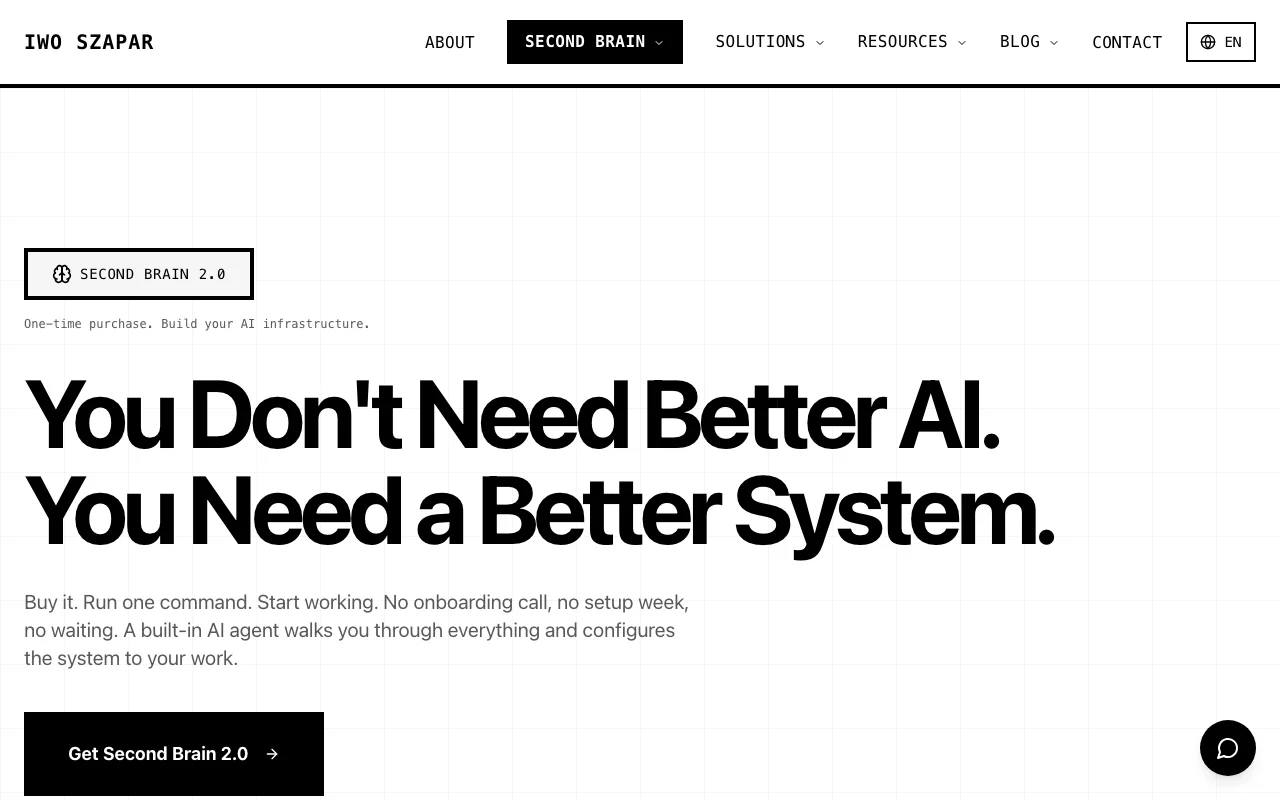
Most Obsidian alternatives compete on where your notes live. Iwo's Second Brain competes on what your notes do. It is a personalized Claude Code setup with persistent, SQL-backed memory: your projects, decisions, clients, and writing voice live in a local database on your machine, and Claude reads and updates that memory in every session. Instead of you searching a vault, your AI already knows the context. It is configured to your role through an onboarding questionnaire, and it can import your existing ChatGPT, Claude, and Gemini history so it starts warm, not cold.
The honest framing: this is not a notes app you open and type into. It is infrastructure for people whose real goal was never the notes, it was an assistant that compounds.
Key features:
- Persistent memory in a local SQLite database you own, offline on your computer, not on cloud servers
- Personalized to your role and workflows via a questionnaire, with pre-configured agents and slash commands
- Imports your ChatGPT, Claude, and Gemini history so past context carries over
- MemoryOS maintenance layer that monitors knowledge decay and keeps the setup healthy
- Optional business dashboards for CRM, email, and content workflows
Best for:
- People who left Obsidian because the vault never talked back: you want AI that uses your knowledge, not a folder that stores it
- Consultants, founders, and operators juggling many client or project contexts across sessions
Pricing:
- DIY at $197 one-time, self-serve onboarding, MemoryOS Pro available separately at $349/year
- Kickstart at $597 one-time adds guided setup and the first year of MemoryOS Pro
- Done-With-You at $2,497 one-time adds a 2-hour onboarding call with Iwo and full deployment, with a 7-day money-back guarantee on all tiers
Pros:
- The only entry here where memory is the product: context compounds across sessions instead of resetting
- One-time pricing instead of another monthly subscription
- Local-first like Obsidian, so you keep data ownership while gaining AI memory
Cons:
- Requires Claude Code and some comfort with a terminal, it is not a point-and-click notes app
- A bigger upfront commitment than a free notes tool, even with the guarantee
Get your Second Brain → Iwo's Second Brain is a Claude Code setup configured to your role and workflows via a questionnaire, with persistent memory you own, so your AI compounds across sessions instead of starting from zero.
2. Notion, best for teams and all-in-one workspaces
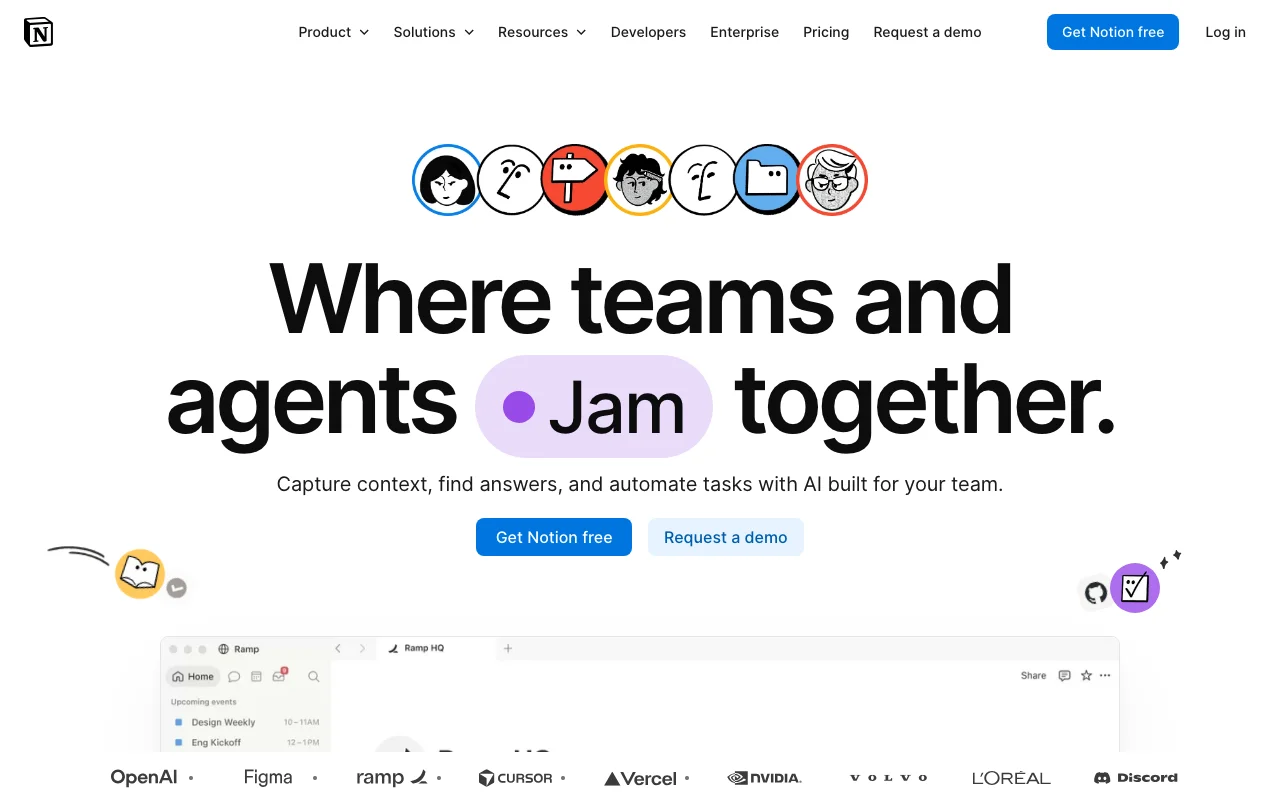
Notion is the opposite pole from Obsidian: cloud-first, collaborative, and structured around databases rather than files. If you are leaving Obsidian because sharing a vault with a team is painful, Notion solves exactly that. Docs, wikis, projects, and databases live in one workspace, everyone edits in real time, and the 2025 releases finally added an offline mode for desktop and mobile apps. Its AI has also grown up: Notion agents can run multi-step tasks across your workspace, though the full AI now sits on the $20 Business tier.
Key features:
- Databases, docs, wikis, and project boards in one connected workspace
- Real-time collaboration and guest sharing on every plan
- Notion AI agents for multi-step tasks, included from the Business plan up
- Automatic cloud sync across web, desktop, and mobile at no extra cost
- Offline mode on desktop and mobile apps since August 2025, per-page
Best for:
- Teams that outgrew a personal vault and need shared docs and databases
- People who want one tool to replace notes, wikis, and light project management
Pricing:
- Free plan with unlimited blocks for individuals, 5 MB file uploads, and 7-day page history
- Plus at $10 per member per month billed annually, or $12 monthly
- Business at $20 per member per month billed annually, now the entry point for full Notion AI
Pros:
- The strongest collaboration story on this list
- Huge template ecosystem and integrations
- AI agents are genuinely useful for workspace-wide tasks
Cons:
- Not local-first: your data lives in Notion's cloud, and offline is per-page rather than a full mirror
- Full AI requires the Business tier, which doubles the per-seat cost
3. Logseq, best free local-first alternative
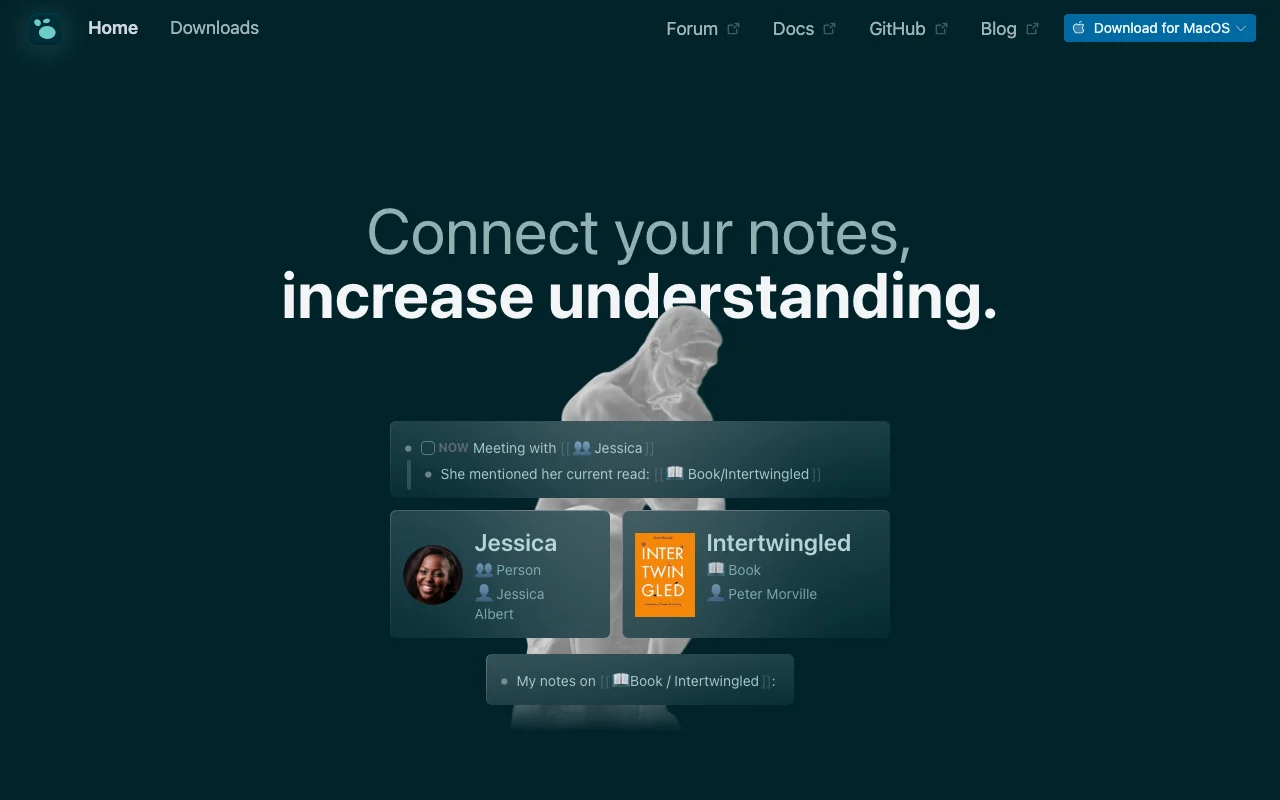
Logseq is the closest philosophical relative to Obsidian on this list, and it is completely free. Your notes are plain Markdown or Org-mode files on your own disk, the app is open source under AGPL-3.0, and the workflow is an outliner with block-level backlinks, closer to Roam than to Obsidian's page-based editing. PDF annotation, whiteboards, and task management are built in rather than plugins. The project is mid-transition to a new database-backed version that adds self-hosted sync and real-time collaboration, which is promising but still beta.
Key features:
- Plain Markdown and Org-mode files on your disk, fully local-first and offline by default
- Outliner editing with block-level backlinks and references
- Built-in PDF annotation, whiteboards, and task management
- Open source (AGPL-3.0) with a plugin and theme ecosystem
- New DB version adds self-hosted sync and a CLI, currently in beta
Best for:
- Obsidian users who want the same file ownership at zero cost
- Outliner thinkers who preferred Roam's block model but not its price
Pricing:
- Free, the entire app with no limits
- Optional backer donation at $5/month on Open Collective, which currently gates access to the hosted Logseq Sync
- No paid tiers otherwise, self-hosted sync is free in the DB version
Pros:
- Free and open source with Obsidian-grade data ownership
- Block references and outlining without a subscription
Cons:
- The DB-version transition is messy: the new version is beta with data-loss warnings while the file version receives little attention
- Sync has historically been the weak spot, and the project itself acknowledges rebuilding trust there
4. Capacities, best for object-based structured notes
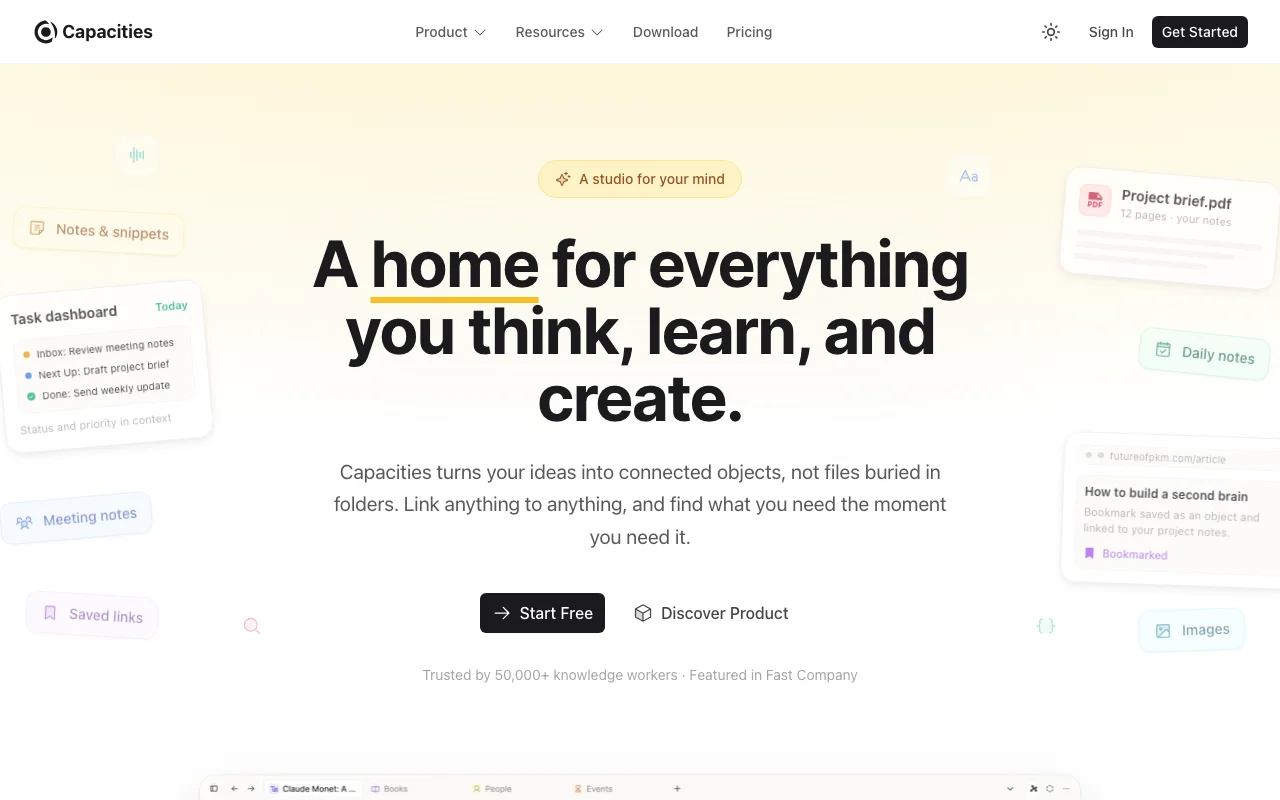
Capacities replaces folders and files with typed objects: books, people, meetings, and projects each have their own structure and properties, and everything connects through daily notes and backlinks. It is the most polished way on this list to get Notion-like structure while keeping a personal-knowledge focus. The apps cover macOS, Windows, Linux, iOS, Android, and web, offline-first since early 2025, and its MCP connectors let ChatGPT, Claude, or Cursor read and write your space, a genuinely modern touch.
Key features:
- Object-based notes with typed properties instead of folders
- Daily notes as a central inbox, with backlinks and automatic related content
- Apps for macOS, Windows, Linux, iOS, Android, and web, offline-first
- MCP connectors (Pro, in beta) so ChatGPT, Claude, and Cursor can read, search, and write your space
- Full export to standard formats plus bulk Markdown and CSV import
Best for:
- Visual, structured thinkers who found Obsidian's flat files limiting
- People who want one clean system across every platform without plugin maintenance
Pricing:
- Free plan with unlimited spaces, objects, and blocks, limits apply to media uploads only
- Pro at $119.88/year (works out to $9.99/month), or $11.99 billed monthly, unlocking AI, smart queries, and the API
- Believer supporter tier from $149.88/year
Pros:
- Generous free tier for a cloud product
- The object model brings real structure without database-admin overhead
- Modern AI integration through MCP rather than a bolted-on chatbot
Cons:
- No end-to-end encryption, which the team openly documents
- No plugin ecosystem, so heavy Obsidian customizers will feel boxed in
5. Tana Outliner, best AI-native structured capture
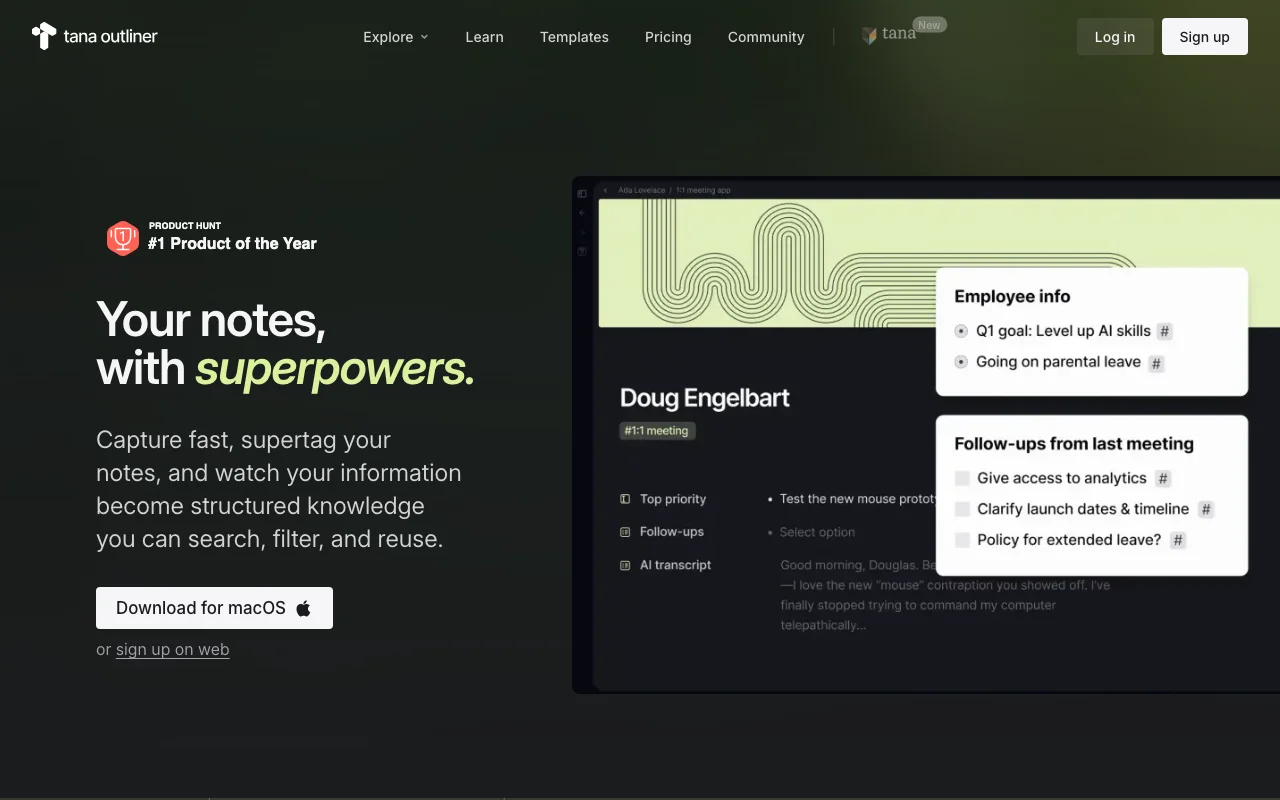
Tana earned a cult following by fusing Roam-style outlining with Notion-style structure through supertags: tag any bullet and it becomes a typed object with fields, queries, and views. In March 2026 the company split in two, and the notes product now lives at outliner.tana.inc as Tana Outliner while the Tana brand pivoted to an agentic meeting platform. The Outliner keeps evolving: voice memos with AI auto-tagging, 60-language transcription, meeting capture, and AI workflows where you choose the model. If your Obsidian vault was mostly meeting notes and structured capture, this is the power move.
Key features:
- Supertags turn bullets into typed objects with fields, queries, and views
- Live searches build query-based dashboards anywhere in your graph
- Voice memos with AI auto-tagging and 60-language transcription
- AI workflows with model choice across OpenAI, Anthropic, and Google
- Desktop apps with offline mode, plus iOS and Android capture
Best for:
- Structured-data thinkers who want their outliner to double as a database
- People who capture by voice and in meetings more than by typing
Pricing:
- Free plan with 500 AI credits per month, up to 3 workspaces, and 0.5 GB storage
- Plus at $8/month billed yearly, or $10 monthly
- Pro at $14/month billed yearly, or $18 monthly, with a 14-day trial
Pros:
- The most capable structure-plus-AI combination in the outliner category
- Strong momentum on AI and voice features
Cons:
- A real learning curve: supertags and queries take days to click, not minutes
- Cloud-hosted with Markdown and JSON export only, no local files, and the 2026 rebrand put the company's headline focus on its meeting product
6. Reflect, best encrypted minimal daily notes

Reflect is what you pick when Obsidian's endless configurability was the problem. It is a fast, deliberately minimal daily-notes app with backlinks, end-to-end encryption covering both notes and file attachments, and an AI chat over your notes running on Gemini with a huge context window. It syncs Kindle highlights, clips web pages with automatic AI summaries, and since March 2026 exposes an MCP server so Claude can query your notes. The trade-offs are equally clear: one plan at $10/month billed annually, no free tier, and no Windows or Android apps.
Key features:
- End-to-end encryption for notes and file attachments
- Daily notes and backlinks with near-zero setup
- AI chat over your notes powered by Gemini, plus voice transcription
- Kindle highlight sync and a web clipper with AI page summaries
- MCP server so Claude and other agents can query your notes
Best for:
- Apple-ecosystem users who want privacy and speed over customization
- Journalers and daily-notes people who never used Obsidian's plugin depth
Pricing:
- One plan at $10/month billed annually ($120/year)
- 14-day free trial, no free tier
Pros:
- The strongest privacy posture on this list
- Genuinely fast and pleasant, nothing to maintain
Cons:
- No Windows, Linux, or Android apps
- Minimal by design: limited formatting and no folder hierarchy, which power users will miss
7. Roam Research, best for block-level networked outlining
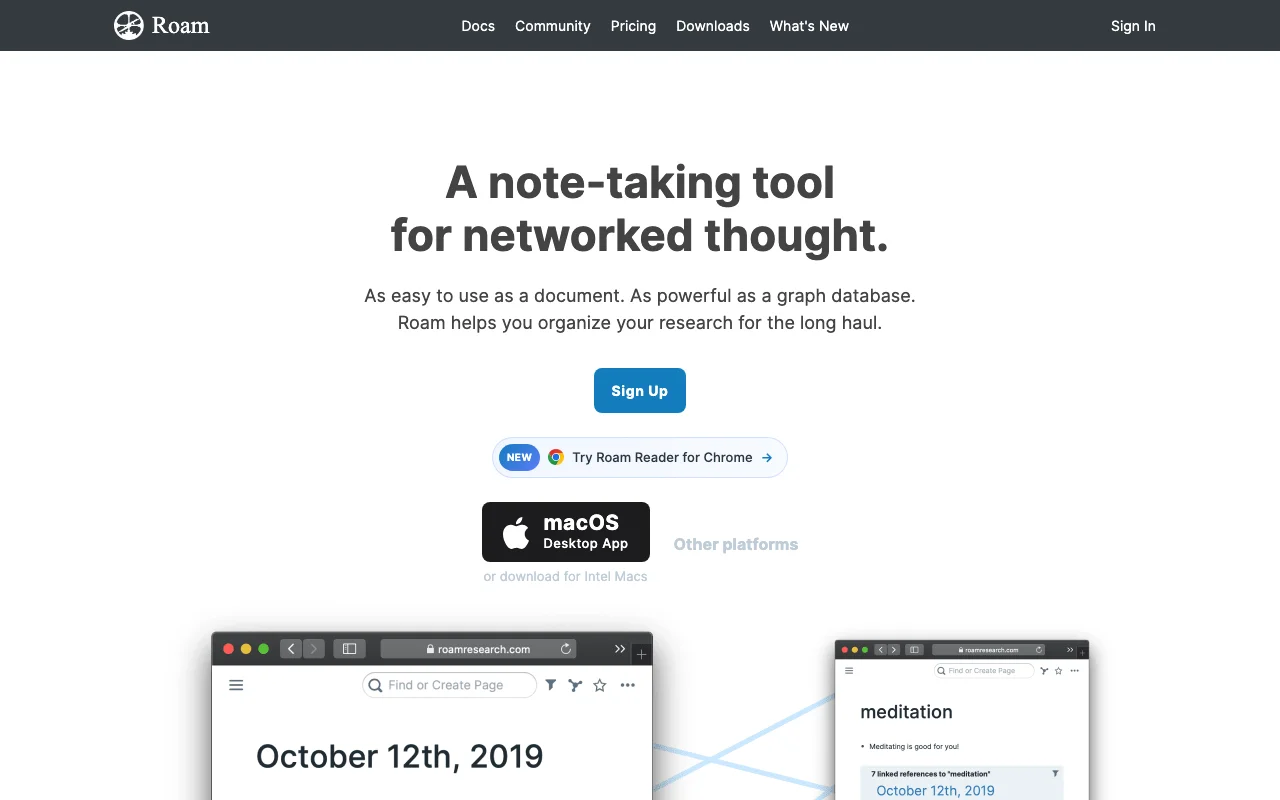
Roam invented the block-reference workflow that half this list borrows, and for pure networked outlining it is still deep: block embeds, transclusion, real-time multiplayer graphs, and an API. It is also the most expensive option here, with no free tier, and development has visibly slowed into a maintenance phase while the ecosystem fills gaps through extensions. Roam deliberately keeps AI out of the core. If block references are the one feature you cannot live without and a stable, slow-moving tool does not bother you, Roam still delivers.
Key features:
- Block-level bidirectional links, embeds, and transclusion, still the deepest implementation
- Frictionless daily-notes outliner with a live-updating graph
- Real-time collaboration on shared graphs
- API access and custom CSS for power users
Best for:
- Researchers and writers whose thinking genuinely runs on block references
- People who want a stable tool that no longer changes under them
Pricing:
- Pro at $15/month, or $165/year which works out to $13.75/month
- Believer at $500 one-time covering 5 years
- No free tier, a 31-day trial instead
Pros:
- Block references and transclusion remain best-in-class
- Multiplayer graphs work well for small research teams
Cons:
- The most expensive tool on this list with no free tier
- Development has slowed to maintenance pace, and there is no built-in AI
How to choose the best Obsidian alternative for your needs
If you want your notes to power an AI, not just store text
Pick Iwo's Second Brain. Every other tool on this list stores knowledge and waits for you to search it. This one feeds a persistent memory that Claude uses in every session, which is the closest thing to the "second brain" promise actually delivered. Read the Obsidian vs Second Brain comparison for the full head-to-head.
If the price of leaving must be zero
Pick Logseq. You keep local markdown files, gain block-level outlining, and pay nothing. Accept that the project is mid-transition and sync takes patience.
If you are moving a team, not just yourself
Pick Notion. Nothing else here matches its collaboration, and its offline mode finally removed the biggest historical objection. Budget for the Business tier if AI matters to you.
If you want structure without maintenance
Pick Capacities for object-based notes across every platform, or Tana Outliner if your day runs on meetings and voice capture and you are willing to climb its learning curve. Test three of your real workflows before committing: migration effort matters more than sticker price, and most of these tools import Markdown directly, as covered in our Notion alternatives for AI memory guide.
Give your AI persistent memory → MemoryOS gives Claude SQL-backed memory that survives context windows, model swaps, and machines, so your knowledge, decisions, and context carry across every session.
FAQ
What is the best Obsidian alternative in 2026? For an AI second brain, Iwo's Second Brain, because it turns notes into persistent memory Claude actually uses. For a free like-for-like replacement, Logseq. For teams, Notion. The right answer depends on why you are leaving Obsidian, which is what the decision framework above walks through.
What is the best free Obsidian alternative? Logseq. It is fully free and open source, stores plain Markdown files locally like Obsidian, and adds block-level outlining. Capacities and Tana Outliner also have generous free tiers, and Notion's free plan works well for individuals.
Is Obsidian still worth using in 2026? Yes, for the right person. Local markdown files, a massive plugin ecosystem, and full control remain unmatched. People leave mainly over paid sync, plugin maintenance, and the lack of built-in AI memory, which is exactly what the tools above address.
Which Obsidian alternative works without a subscription? Iwo's Second Brain is one-time pricing from $197, and Logseq is entirely free. Every other entry is a subscription, though Roam's $500 Believer plan is a one-time payment that covers five years.
Which Obsidian alternative has the best AI features? It depends on the kind of AI you want. Iwo's Second Brain is built around persistent AI memory. Tana Outliner leads on AI capture with voice and meeting transcription. Notion's agents are strongest for workspace automation, and Reflect and Capacities both offer AI chat over your notes.
Can I import my Obsidian notes into these tools? Mostly yes, because Obsidian stores plain Markdown. Logseq reads Markdown folders directly, Capacities bulk-imports Markdown, and Notion imports Markdown files. Tana Outliner has dedicated importers for Obsidian, Notion, Roam, Logseq, and Workflowy exports, though it cannot read a raw Markdown folder directly. Iwo's Second Brain takes a different route: it imports your AI chat history and key documents into its memory database rather than migrating a vault wholesale.
Did Tana shut down its notes app? No. In March 2026 Tana split into two products: the notes tool was renamed Tana Outliner and moved to outliner.tana.inc, while the Tana brand now fronts an agentic meeting platform. The company says the Outliner stays and existing subscriptions are unchanged.
Choose your next step
Choose whether to audit the system or build the next version
interactive
Health Check
The Second Brain Health Check helps you see whether a new notes tool would solve the real issue or only move it.
Find the weak layer in the current setup
template
SB Boilerplate
The Second Brain Boilerplate gives you a practical starting structure for an AI-native system before you commit to another app.
Start with context, memory, and repeatable workflows
Related guides
Read next
Obsidian is the viewer. MemoryOS is the brain.
Why the notes app is the wrong layer to fix.
Read next
Best AI second brain solutions
A comparison of the main second-brain options.
Product path
MemoryOS
Persistent memory and skill infrastructure for serious AI work.
Product path
AI Second Brain
The product path for people who want the system built.