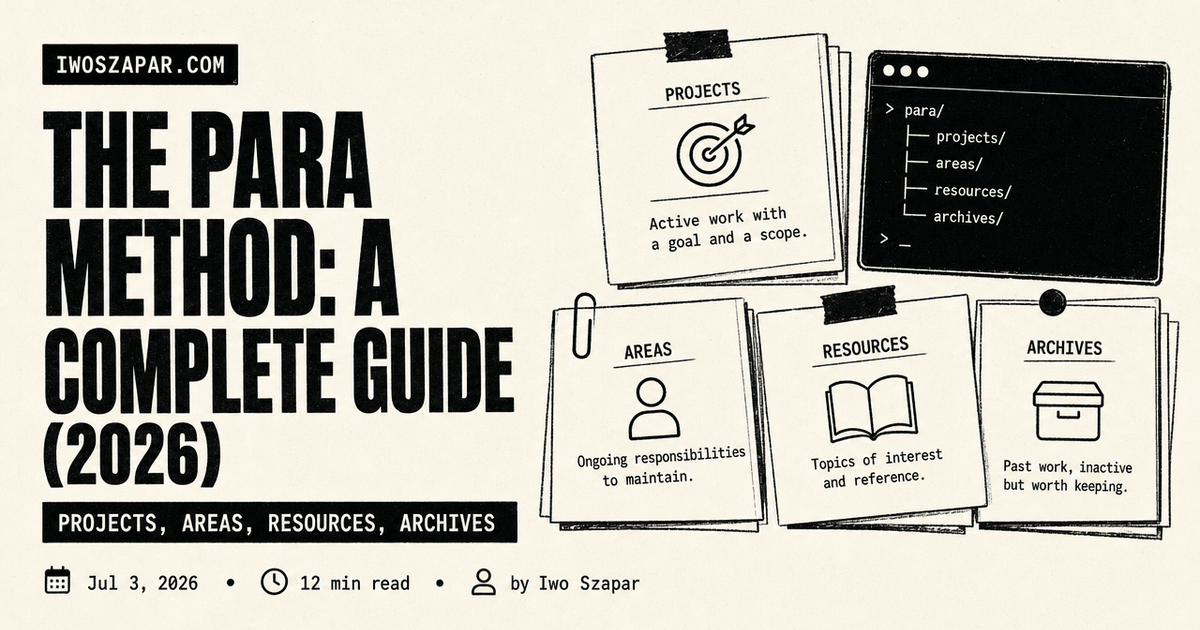
The PARA Method: A Complete Guide (2026)
Projects, Areas, Resources, Archives
I have tried to organize my notes by topic more times than I want to admit. I built a folder called Marketing, another called Health, another called Ideas, and every one of them turned into a drawer I was afraid to open. The problem was never that I lacked folders. The problem was that topic folders answer the wrong question. They tell you what something is about, when what you actually need to know is whether you have to do anything about it this week.
The PARA method fixes that by sorting everything you keep into four buckets based on how actionable it is, not what subject it belongs to. PARA stands for Projects, Areas, Resources, and Archives, and it was created by Tiago Forte, who introduced it in a 2017 post on his site Forte Labs and expanded it in his 2022 book Building a Second Brain. This guide is the full method: what each bucket is, how to set it up in an afternoon, worked examples, where it tends to break, and how the same four buckets work when an AI assistant does the filing for you.
Why the PARA method organizes by action, not topic
Here is the shift that makes PARA click. Most of us organize digital stuff the way we were taught in school: by subject. History over here, biology over there. That works for a library, where things sit still and someone else does the shelving. It fails for your own notes, because your notes are not a library. They are a workshop, and a workshop is organized by what you are building right now.
When you file by topic, a single tax document could live under Finance, Taxes, 2026, or Home, and you spend more energy deciding where it goes than you save by having it. Worse, the stuff you need this week gets buried in the same deep folder as reference you last touched two years ago. Everything is technically sorted, and nothing is findable.
PARA asks a different first question: how soon do I need to act on this? A deadline this month is a Project. A responsibility with no finish line is an Area. Something interesting but not tied to any commitment is a Resource. Something finished or dropped is an Archive. That one question routes every note, file, and task without you agonizing over the topic. I wrote about why the topic-first habit falls apart even harder once AI enters the picture in why personal knowledge management is broken in the AI era, and PARA is the practical antidote to a lot of it.
The four buckets, in plain terms
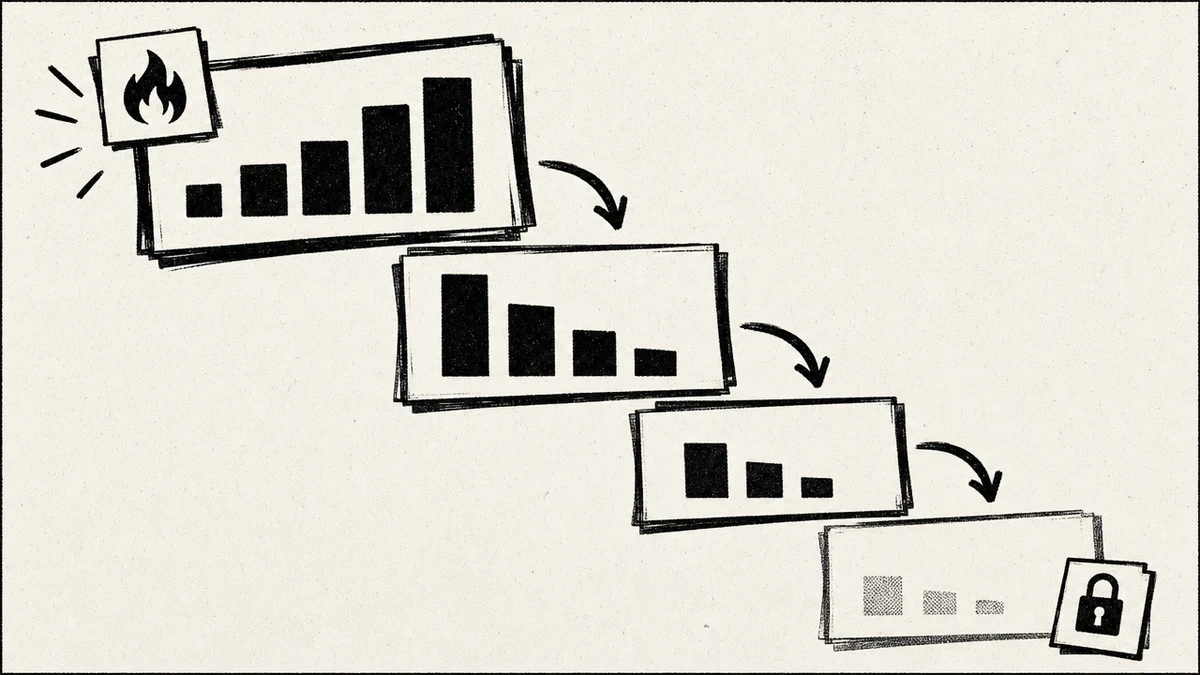
PARA has exactly four top-level containers. That is the whole taxonomy. The discipline is keeping it to four and resisting the urge to invent a fifth.
- Projects. Short-term efforts with a specific goal and a finish line. "Launch the July newsletter." "Book the flights for the family trip." "Ship the pricing page." A project is done when the outcome is achieved, and then it leaves this bucket.
- Areas. Ongoing responsibilities you maintain over time with no end date. Health. Finances. Marketing. Direct reports. An area is a standard you hold, not a goal you complete. You do not finish Health, you just keep it above a line.
- Resources. Topics and reference material you care about but that are not attached to any current project or area. A collection of typography examples. Notes on a language you are learning. Articles on a subject you follow. Interesting, not obligating.
- Archives. Anything from the other three buckets that is now inactive. A finished project, an area you no longer hold, a resource you stopped caring about. You do not delete it, you set it aside, because dead-for-now is not dead-forever.
The clearest way to picture the four is as a slope from hot to cold. Projects are the hottest, they demand action now. Areas are warm and steady. Resources are cool, available when you want them. Archives are cold storage. Things naturally slide down that slope as they lose urgency, and PARA is mostly a system for moving items down the slope on schedule.
The single most useful test in the whole method is the Projects-versus-Areas line, because it is where people get stuck. Ask: is there a finish line? "Run a marathon in October" is a Project, it ends on race day. "Stay fit" is an Area, it never ends. Get that one distinction right and the rest of PARA falls into place.
What is a Project versus an Area, exactly?
This is the distinction worth slowing down on, because almost every PARA setup that fails, fails here. People dump ongoing responsibilities into Projects and then wonder why their project list is a demoralizing wall of things that can never be finished.
A Project has three traits: a specific outcome, a deadline or rough time frame, and an end. When the outcome lands, the project is complete and moves to Archives. An Area has none of those. It is a sphere you tend indefinitely to a standard you set for yourself.
| Trait | Project | Area |
|---|---|---|
| Has a finish line | Yes | No |
| Example | "Redesign the careers page by Aug 1" | "Recruiting" |
| Ends | When the outcome is done | Never, you maintain it |
| Success looks like | A completed goal | A standard held over time |
| Where it goes next | Archives, once done | Stays an Area indefinitely |
A good gut check: if you can imagine crossing it off and feeling done, it is a Project. If crossing it off feels wrong because the work simply continues, it is an Area. "Hire a designer" is a Project inside the "Recruiting" Area. The Area is the container that keeps spawning projects, and the projects are the things that actually move.
How to set up PARA in an afternoon
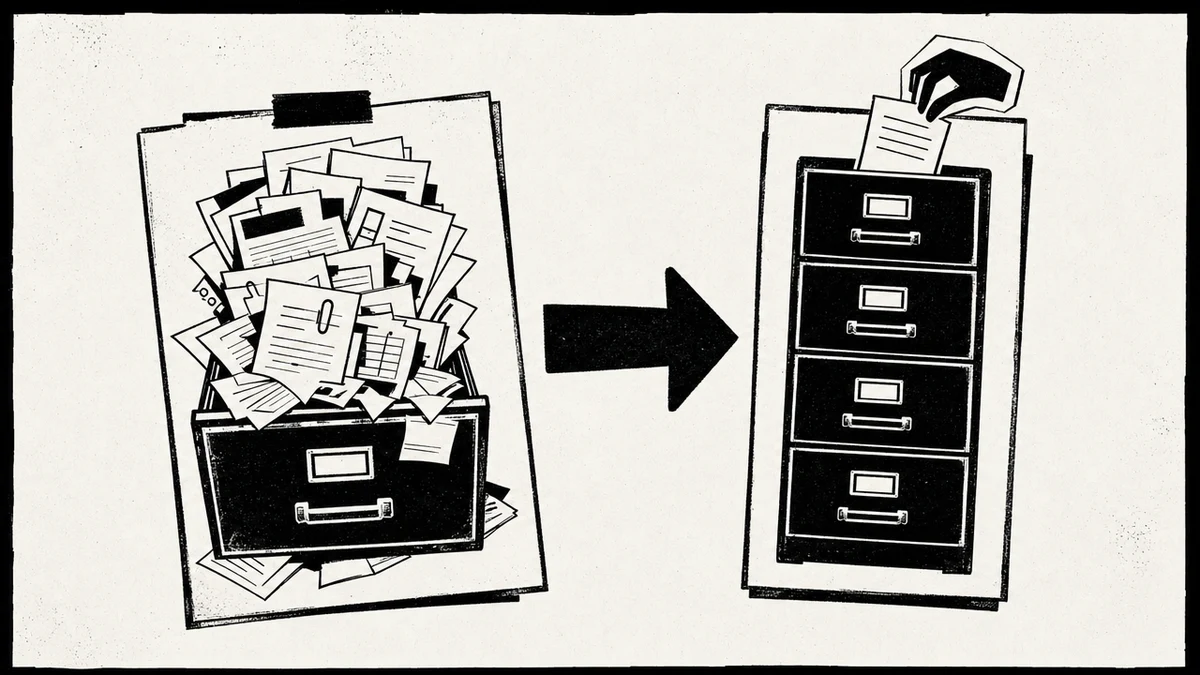
You do not need a special app. PARA works in Notion, in a plain folder tree, in your notes app, in your file system, or across all of them at once. The method is app-agnostic on purpose. Here is the order I use when I set it up fresh.
- Make the four top-level containers. Projects, Areas, Resources, Archives. Nothing else at the top level. If your tool sorts alphabetically, number them 1-Projects, 2-Areas, 3-Resources, 4-Archives so they stay in slope order.
- List your active projects first. Do not start with a giant sort of everything you own. Start with what you are actually working on right now, this week and this month. Each active project gets a folder under Projects. Most people have five to fifteen.
- Name your areas. Write down the ongoing responsibilities in your work and life: the standards you hold. These become folders under Areas. Keep them to real responsibilities, not vague themes.
- Do not sort the rest yet. This is the counterintuitive step. You do not need to migrate your whole backlog on day one. Leave the old mess where it is, or drop it wholesale into Archives, and only pull something forward the moment a live project or area needs it. PARA is built to be populated by use, not by a heroic weekend of sorting.
- Set a weekly move-down pass. Once a week, glance at Projects. Anything finished slides to Archives. Anything that turned out to be ongoing becomes an Area. That five-minute habit is what keeps the top of the slope hot and honest.
The mistake I made my first two attempts was treating setup as a giant migration. It is not. A working PARA is mostly empty on day one, with only your live projects and named areas filled in, and it fills itself as you work. If you are moving off a topic-heavy Notion setup, I compared several structured options in the best Notion alternatives for AI memory, and PARA drops cleanly onto most of them.
Worked examples across a few lives
Abstract rules only get you so far. Here is how the same four buckets look for three different people, so you can pattern-match to your own situation.
A freelancer. Projects: "Client A landing page," "Q3 portfolio refresh," "File estimated taxes." Areas: "Client relationships," "Finances," "Marketing," "Health." Resources: "Swipe file of good copy," "Pricing research," "Design inspiration." Archives: last year's finished client work, the rebrand project that shipped in March.
A student. Projects: "Term paper on the French Revolution," "Chemistry midterm prep," "Summer internship applications." Areas: "Each ongoing course," "Physical health," "Job search." Resources: "Interesting papers," "Study technique notes," "Career-field reading." Archives: last semester's completed courses and their notes.
A manager. Projects: "Ship the Q3 roadmap," "Hire two engineers," "Run the offsite." Areas: "Each direct report," "Team hiring," "Product strategy," "My own growth." Resources: "Leadership articles," "Competitor teardowns," "1:1 templates." Archives: closed roles, shipped roadmaps, the offsite once it is over.
Notice the pattern. Projects change constantly. Areas are stable and few. Resources grow slowly. Archives grow forever and that is fine. If your Areas list is churning every week, some of those are actually Projects wearing an Area costume.
Where PARA breaks, honestly
PARA is good, not magic. I have hit its edges, and it is worth naming them so you set it up with eyes open rather than blaming yourself when a rough spot shows up.
- The Projects-Areas gray zone. Some things genuinely sit on the line, and different people file them differently. "Learn Spanish" could be a multi-year Area or a bounded Project with a fluency target. PARA does not resolve this for you, you just pick and stay consistent.
- The Resources bucket bloats. Resources is the easiest bucket to turn into a junk drawer, because "might be interesting someday" has no filter. Without a habit of pruning or a search you actually trust, Resources quietly becomes the same graveyard PARA was supposed to prevent.
- It organizes, it does not capture or use. PARA tells you where things go once you have them. It says nothing about how you get notes in or how you turn them into output. In Forte's own system PARA is only the organizing layer, paired with a capture-and-express workflow. On its own, PARA is a filing cabinet, not a full practice.
- Manual upkeep is the tax. The weekly move-down pass is small but real, and if you skip it for a month, your Projects bucket fills with finished and abandoned work, and the whole slope stops meaning anything. PARA assumes a human keeps it honest. That assumption is exactly where an AI assistant changes the math.
If the weekly audit is the part you know you will skip, that is fair, and it is the part worth handing off. Iwo's Second Brain does the filing and the recall for you on top of Iwo's MemoryOS, so the buckets stay sorted without you tending them. The zero-risk first step is the free Health Check, which scores how organized your current setup is with no commitment either way.
Running PARA inside an AI second brain
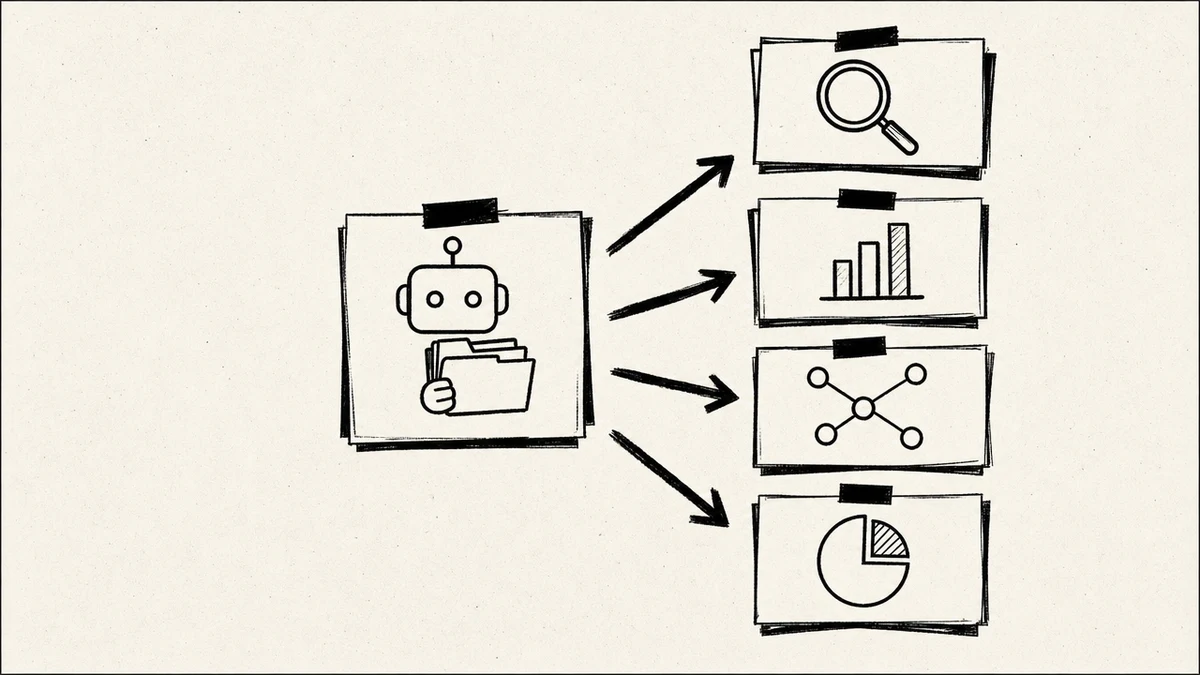
Here is the part that has changed most since Forte first published the method. PARA was designed for a human to file by hand. In 2026, you can hand the filing to an AI assistant with persistent memory, and the four buckets become something the assistant maintains for you instead of something you tend on your busiest week.
The concept is straightforward. Instead of you deciding, every time, whether a new note is a Project, Area, Resource, or Archive, an AI agent with a durable memory layer applies the same four-way test you would, files the item into the right bucket, and pulls it back when a task needs it. Projects stay hot because the agent moves finished ones to Archives as soon as the outcome lands. Resources stops being a junk drawer because retrieval is a real query, not a hopeful scroll. The weekly move-down pass, the tax that kills manual PARA, gets done by the system.
This is a concept bridge, not a setup walkthrough. The mechanics of wiring PARA into an assistant, folder by folder, are their own topic. But the shape is worth seeing now: the same four buckets, with the librarian work moved off you. I lay out the broader idea of an assistant that captures and recalls your knowledge in the AI second brain guide, and the memory layer that makes the recall reliable is what I walk through in how to set up persistent memory for Claude with MemoryOS MCP.
If you want the filing and recall handled for you rather than wired by hand, Iwo's Second Brain ships on top of Iwo's MemoryOS, a memory layer an assistant reads and writes on its own, so your buckets stay sorted without a weekly audit. Pricing moves, so confirm the current tiers on the product page before you buy.
PARA versus other organizing methods
PARA is not the only way to structure notes, and it helps to see where it sits. The short version: PARA optimizes for action and simplicity, other methods optimize for connection or capture.
| Method | Organizes by | Best when |
|---|---|---|
| PARA | Actionability (four buckets) | You want fast filing and clear priorities |
| Johnny Decimal | Numbered categories | You want strict, memorable addressing |
| Zettelkasten | Links between atomic notes | You are building ideas over years |
| Topic folders | Subject | You are archiving reference, not doing work |
You can even combine them. Plenty of people run PARA at the top level and Zettelkasten-style links inside their Resources. The point of PARA is not to be the only system, it is to be the layer that answers "where does this go and how urgent is it," which is the question that stalls people most.
FAQ
What does PARA stand for?
PARA stands for Projects, Areas, Resources, and Archives. These are the four top-level buckets you sort all your digital information into, ranked by how actionable each item is. Projects are active goals with a finish line, Areas are ongoing responsibilities, Resources are reference material, and Archives are inactive items you keep for later.
Who created the PARA method?
The PARA method was created by Tiago Forte, a productivity writer and educator. He introduced it in a 2017 post on his site Forte Labs and expanded it as the organizing layer of his 2022 book Building a Second Brain, later publishing a dedicated book, The PARA Method, in 2023. It is his framework, and any use of it, including the AI version described here, is commentary on his method, not an affiliation with him.
What is the difference between a Project and an Area in PARA?
A Project has a specific outcome and a finish line, while an Area is an ongoing responsibility with no end date. "Launch the new site by August" is a Project because it ends when the site ships. "Marketing" is an Area because you maintain it indefinitely. The simplest test is to ask whether you could ever cross it off and feel done: if yes, it is a Project, if no, it is an Area.
How do I set up PARA quickly?
Create four top-level containers named Projects, Areas, Resources, and Archives, then fill in only your active projects and your named ongoing areas. Do not migrate your whole backlog on day one. Leave the old material in Archives and pull items forward only as live work needs them. Add a five-minute weekly pass to move finished projects down to Archives, and the system fills itself as you work.
Does PARA work in Notion, Obsidian, or my file system?
Yes. PARA is deliberately app-agnostic and works in Notion, Obsidian, Apple Notes, a plain folder tree, or across several tools at once, because it only defines four containers, not any particular software. If you are switching tools to get better AI memory, I compared structured options in the best Notion alternatives for AI memory, and PARA maps onto all of them the same way.
Can an AI assistant maintain PARA for me?
Yes, and this is the biggest change to the method in 2026. An AI assistant with a persistent memory layer can apply the same four-way test you would, file each note into the right bucket, and retrieve it when a task needs it, which removes the weekly upkeep that causes most manual PARA setups to rot. The concept is the same four buckets with the filing moved off you. For how the underlying memory works, see how to set up persistent memory for Claude with MemoryOS MCP.
Is PARA the same as Building a Second Brain?
No. PARA is the organizing method, the four buckets. "Building a Second Brain" is Tiago Forte's broader book and system, which includes PARA as its organizing layer alongside a separate capture-and-express workflow. PARA is one part of that larger practice, and you can use PARA on its own without adopting the rest of the system.
PARA is a filing system, and every filing system decays the moment nobody tends it. If you would rather not be the one tending it, start with the free Health Check: it scores how organized your current setup is in a few minutes, with no commitment. From there, Iwo's Second Brain keeps the four buckets sorted for you on top of Iwo's MemoryOS, filing each note and pulling it back on demand so there is no weekly audit to skip. For the wider idea it sits inside, start with the AI second brain guide.
Choose your next step
Choose the next step for putting PARA into practice
tutorial
5-Day Challenge
The 5 Day Challenge gives you a guided route from loose notes to a usable AI Second Brain practice.
Build momentum with a defined first week
template
SB Boilerplate
The Second Brain Boilerplate gives you a practical repo for turning this structure into an agent-supported workflow.
Start with the folders, context, and memory layer