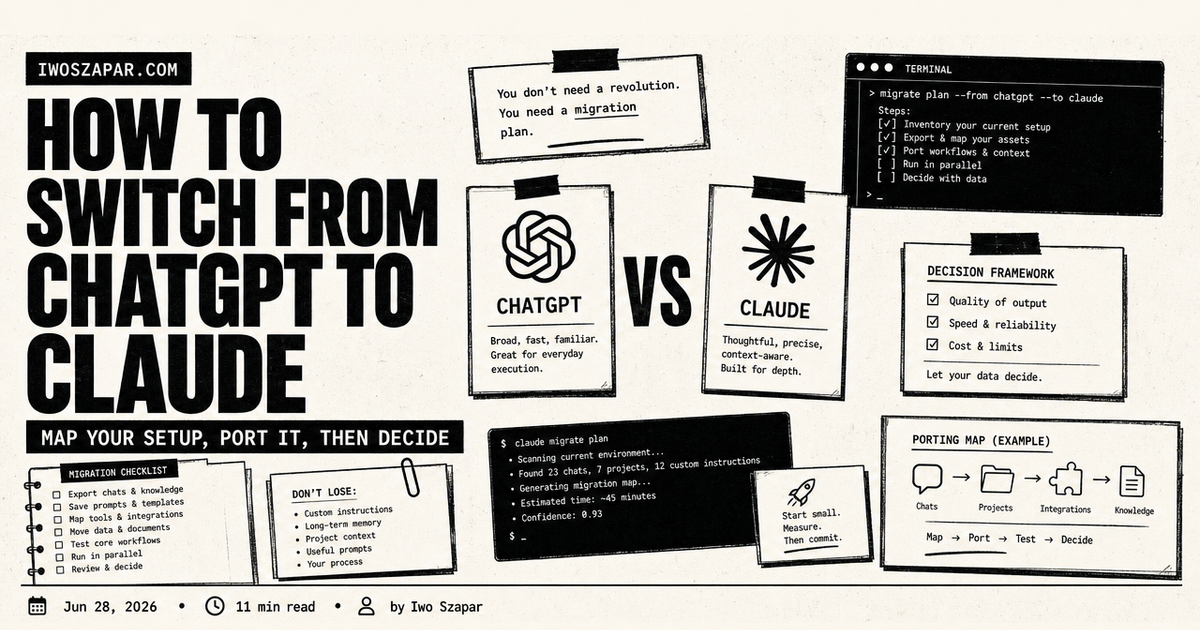
How to switch from ChatGPT to Claude
Map your setup, port it, then decide
Moving from ChatGPT to Claude works best as a context migration, not a chat-history dump. Inventory the instructions, projects, files, examples, and workflows you genuinely use.
Rebuild the smallest useful version in Claude, test it on real work, then decide what deserves to move next. Some material will not transfer cleanly.
I used ChatGPT as my default AI for two years. It is where I learned what these tools could do, and most of my habits were built around it: a shelf of Custom GPTs, a memory full of context it had picked up, a dozen saved prompts I reached for every week. So when I finally moved most of my daily work to Claude, the part I dreaded was not learning a new model. It was the thought of losing all that setup.
It turned out to be less work than I feared. Switching from ChatGPT to Claude is mostly a remapping job, not a relearning job. Almost everything you built in one has an equivalent in the other, and the few things that do not map are usually things you can keep using ChatGPT for. This guide is the balanced version I wish I had: why people switch, exactly what changes, how to port your workflow in a weekend, what you gain, what you give up, and the honest answer to whether you should switch at all or just run both.
How to switch from ChatGPT to Claude without losing your setup
The first thing to understand is that you are not migrating data so much as recreating structure. There is no one-click import that moves your ChatGPT history into Claude, and honestly you would not want most of it. What you actually carry over is the useful stuff: your instructions, your reference documents, and the few prompts that earn their keep.
So the real question of moving from ChatGPT to Claude is, for each thing I rely on in ChatGPT, what is the Claude version of it? Once you have that map, the switch is an afternoon of copying and pasting, not a project. The rest of this guide builds that map and then walks the steps.
A quick orientation on the two products as of mid-2026, because the model names move fast. On the ChatGPT side you have the GPT-5 family, with GPT-5.5 on the paid tiers and an earlier GPT-5.x on the free tier. On the Claude side the lineup is Opus for the hardest reasoning and long-horizon work, Sonnet for fast everyday tasks, and Haiku for the lightest jobs, currently Opus 4.8, Sonnet 4.6, and Haiku 4.5. Pricing is current as of mid-2026 and moves often, so confirm before you commit.
Make a context inventory first
| Context type | What to collect | Where it belongs in the new setup |
|---|---|---|
| Profile and preferences | role, writing preferences, recurring constraints | a short main instruction or context document |
| Goals and active projects | current priorities, project status, key stakeholders | the relevant Claude Project or workspace |
| Decisions and examples | choices with rationale, good and bad examples | a decision note linked from the project |
| Reference material | documents, source links, transcripts, raw files | the project knowledge source, with original references kept |
| Repeatable workflows | prompts, steps, checks, stop conditions | project instructions or a reusable skill where supported |
| Tool connections | the few systems the workflow really needs | add only after the representative workflow works |
Leave out secrets, API keys, credentials, customer records, contracts, private email, and private URLs. Do not turn a migration into an unreviewed data transfer.
What does not transfer automatically
Past chat history, implicit memory, provider-specific features, third-party connections, and hidden configuration do not become a working Claude workspace simply because you export or copy them. Treat an export as source material you selectively rebuild from. OpenAI documents how an eligible account can request an export, including chat history and other account data. Anthropic documents that project knowledge and instructions are used across chats in that project. Use the current official docs for the exact capability on your plan.
Why people switch from ChatGPT to Claude
Nobody switches their default AI on a whim, so it is worth naming the reasons that actually drive it. These are the ones I heard most, and the ones that moved me.
- Reasoning and careful output. The most common reason. People describe Claude's answers as more measured, more willing to say "here is the tradeoff" instead of confidently picking one. For analysis, writing, and code review, that carefulness matters.
- Long-document work. Claude's larger context window means you can drop a whole contract, a long report, or a multi-file codebase in and have it hold the thread. On the API and higher tiers that context reaches a million tokens, which is a different category of long.
- Artifacts. When Claude writes a document, a chart, or a small app, it opens a live side panel you can edit and iterate on, instead of a wall of chat text. For drafting and building, this is the feature people miss most when they go back.
- Claude Code and MCP. For anyone doing technical or semi-technical work, Claude Code (a coding agent that runs in your terminal and is included with the Pro plan) plus the open Model Context Protocol for connecting tools is a real pull. I wrote the full walkthrough in the Claude Code guide for knowledge workers.
- Projects as workspaces. Claude Projects give each piece of work its own instructions and its own knowledge base, which suits people who think in projects rather than in one endless chat.
None of this means ChatGPT is bad. It means the center of gravity for a certain kind of careful, document-heavy, build-it-with-me work has shifted, and if that is your work, the pull is real.
What actually changes when you switch
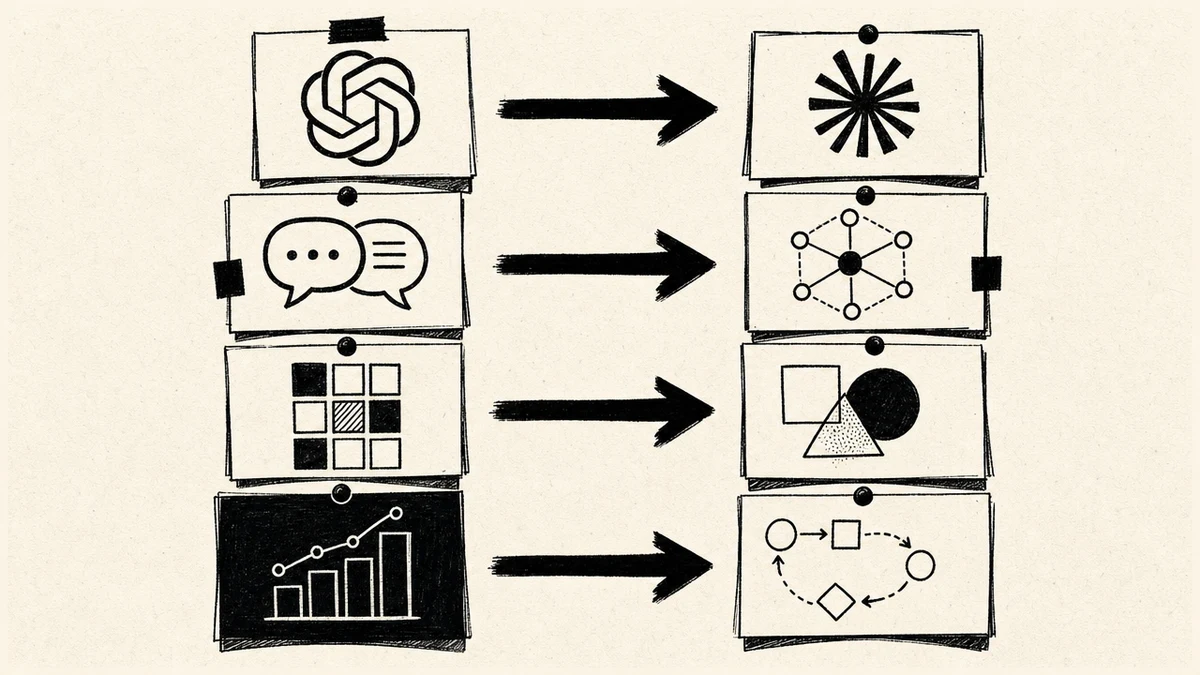
Here is the map I wish someone had handed me. Most of what you do in ChatGPT has a direct Claude equivalent, it just has a different name and shape.
- Custom GPTs become Projects. A Custom GPT is a saved persona with instructions and reference files. A Claude Project is a workspace with custom instructions and an uploaded knowledge base. Same idea, slightly different controls. The one real difference is distribution: Custom GPTs can be published to a store for others to use, Projects are private to you or your team.
- ChatGPT memory becomes a project file. ChatGPT remembers things across chats automatically. Claude leans more on explicit context: you put what matters into a Project's instructions or a memory document it reads every time. It is a little more manual, but you can see and edit exactly what it knows, which I prefer.
- Plugins and connectors become MCP. Where ChatGPT has its own connector and plugin ecosystem, Claude uses the open Model Context Protocol. You add MCP connectors to reach your email, your files, a database, or an external API, in the chat, in Claude Desktop, and in Claude Code.
- Code Interpreter and canvas become Artifacts and Claude Code. Running code on data maps to Claude's analysis plus Artifacts for anything you want to see and edit live. For real coding work, Claude Code is the heavier tool.
The mental shift underneath all of this is from "one assistant that remembers everything" toward "a set of workspaces you give the right context to." That is the same principle behind building any AI second brain, and it is why the switch tends to make people more deliberate about their setup, not less.
How to recreate your Custom GPTs as Claude Projects
This is the heart of the move, so it gets its own section. For each Custom GPT you actually use, do this:
- Open the GPT's configuration in ChatGPT and copy its instructions, the "what does this GPT do" text, verbatim.
- Create a new Project in Claude and paste those instructions into the Project's custom instructions, lightly edited to drop any ChatGPT-specific phrasing.
- Re-upload the reference files. Whatever documents the GPT had in its knowledge, add them to the Project's knowledge base. This is a straight copy.
- Test it on a real task you would normally throw at the GPT, and tune the instructions once based on the result.
You will find you do not need to recreate all of them. Most people have three or four Custom GPTs they actually lean on and a long tail they made once and forgot. Port the ones that earn it and let the rest go. A clean set of three working Projects beats twenty half-built ones.
How to port your prompts and your memory
Your saved prompts move over almost unchanged, because a good prompt is mostly model-agnostic. Paste them into a notes file or, better, into the relevant Project's instructions so you stop pasting them at all. The whole point of a Project is that the recurring context lives in the workspace, not in your clipboard.
Memory takes slightly more thought. ChatGPT built up an implicit picture of you over time. To recreate that in Claude, write it down on purpose: a short document with your role, your current work, how you like to write, and the decisions you do not want to re-explain. Drop it into your main Project's knowledge, or keep it as a memory file the assistant reads every session. This is exactly the durable-memory layer I describe in how to use AI for work, and it is where a dedicated setup like Iwo's MemoryOS pays off, because it gives the assistant a persistent place to read your context from on every session instead of you rebuilding it by hand. For the broader knowledge layer, Iwo's Second Brain ships that structure as a ready template.
Where Claude Desktop and MCP fit: if you want Claude to reach your real files, calendar, or other tools the way ChatGPT connectors did, that is what MCP connectors are for. You can add them in the web app, and Claude Desktop plus Claude Code is where the deeper local and developer setups live. You do not need any of this on day one. Get your Projects working first, then add connectors when a specific task needs one.
Rebuild in the order that exposes gaps
- Start with the smallest instruction set: your role, current goal, and a few concrete output preferences.
- Rebuild one project that contains work you will actually do this week.
- Move one representative workflow, including its source material and an example.
- Run it on real work, then fix missing context instead of adding everything.
- Add tools last, only when the workflow has a clear reason to use them.
After the move, use the Second Brain Health Check to test whether basic context, the current project, the representative workflow, and tool boundaries are clear.
How to move in a weekend
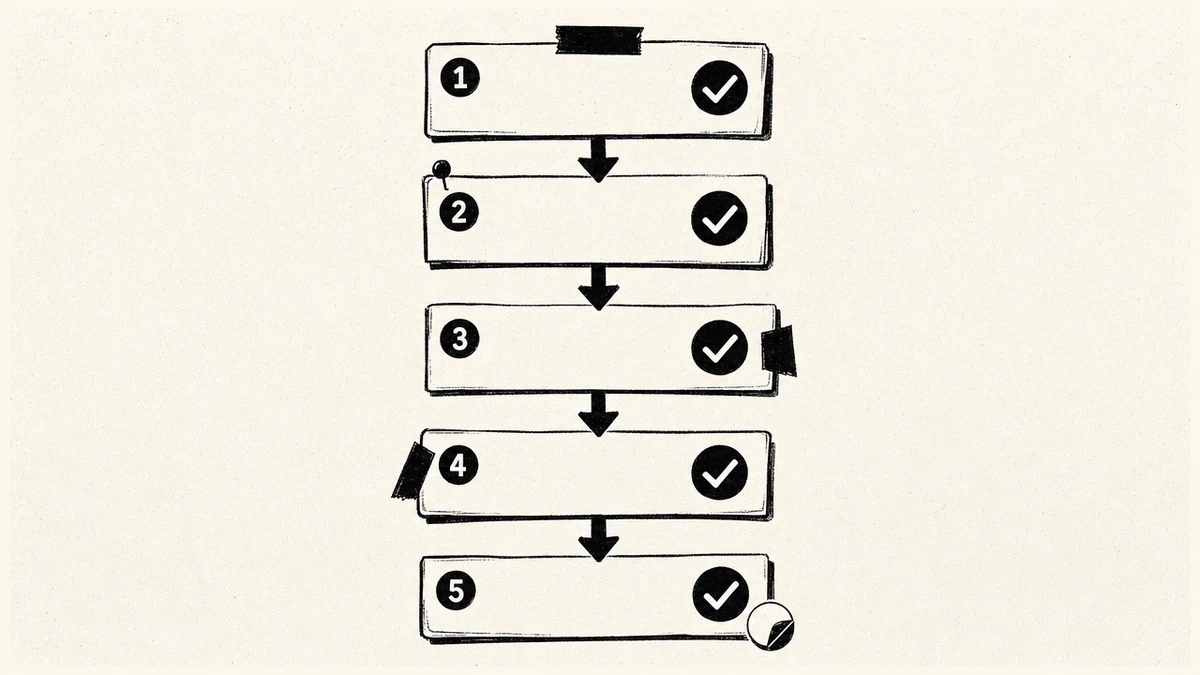
You do not have to do this all at once, but if you want a clean break, here is the order that worked for me. It fits comfortably in a weekend.
- Inventory what you actually use. List your top Custom GPTs, your go-to prompts, and the reference documents you upload most. Ignore the long tail. You are porting your daily drivers, not your archive.
- Write your context document. One page: who you are, what you are working on, how you write, key decisions. This becomes the memory you would otherwise lose.
- Build two or three Projects. Recreate your most-used Custom GPTs as Projects using the steps above, and attach your context document and reference files to each.
- Run a real week of work inside Claude. Do not test with toy questions. Use it for the actual tasks, and tune the Project instructions as you hit rough edges.
- Add MCP connectors only where a task needs one. Once your Projects feel solid, wire up the one or two tools you genuinely reach for. Resist connecting everything.
By the end you will have a cleaner setup than the one you left, because you rebuilt it on purpose instead of letting it accrete. If you go deep on the Claude Code side of this, the Claude Code best practices post is the next thing to read.
What you gain and what you will miss
A balanced switch means being honest about the losses, not just the wins.
What you gain: Artifacts for live editing, a larger context window for long documents, Claude Code and MCP for technical work, Projects as clean per-task workspaces, and output that many people find more careful for analysis and writing.
What you will miss: Native image generation is the big one. ChatGPT generates images directly. Claude does not produce photos or illustrations on its own, it builds diagrams, charts, and SVG visuals in the conversation, and can reach an external image model through an MCP connector if you set one up. So if your work is image-heavy, keep ChatGPT around for that. You will also miss the larger plugin and Custom GPT marketplace, and the free tier that some people rely on as their only AI. Claude has a free tier too, but ChatGPT's free offering is the one many casual users are anchored to.
None of these are dealbreakers for most knowledge work, but they are real, and pretending otherwise would not help you decide.
Should you switch, or run both?
Here is my honest verdict after living on both. For careful writing, long-document analysis, coding, and anything where you want a workspace with its own memory and tools, Claude is where I do that work now. For quick image generation, for casual one-off questions, and for anyone happy on a free tier, ChatGPT still earns its spot.
So the answer for a lot of people is not "switch" but "switch your default and keep the other for what it is best at." There is no rule that you pick one AI forever. I run both, with Claude as the daily driver for real work and ChatGPT kept for image generation and the occasional second opinion. If you want a framework for choosing an everyday assistant more broadly, I laid that out in the best AI personal assistant guide. The mistake is not picking the wrong tool. It is never building a real setup in either one.
FAQ
How do I switch from ChatGPT to Claude without losing my work?
You recreate your setup rather than importing it. Copy your Custom GPT instructions into Claude Projects, re-upload your reference files, paste your saved prompts into the relevant Project, and write a one-page context document to replace the memory ChatGPT built up. There is no data export to migrate, and you would not want most of your old chat history anyway. The whole move fits in a weekend.
Is Claude better than ChatGPT?
Neither is simply better, they are better at different things. Claude tends to win for careful analysis, long-document work, coding with Claude Code, and per-task workspaces with their own memory and tools. ChatGPT wins for native image generation, a larger plugin and Custom GPT marketplace, and casual everyday use. The right choice depends on what your work actually looks like.
What is the Claude equivalent of a Custom GPT?
A Claude Project. Both let you save instructions and attach a knowledge base of reference files. The main difference is that Custom GPTs can be published to a public store, while Projects stay private to you or your team. To port one, copy the GPT's instructions into a new Project and re-upload its files.
Can Claude generate images like ChatGPT?
Not natively. Claude does not produce photos or illustrations on its own. It can build diagrams, charts, and SVG visuals inside the conversation, and it can connect to an external image model through an MCP connector if you configure one. If image generation is central to your work, keep ChatGPT for that and use Claude for the rest.
Do I have to choose one, or can I use both?
You can absolutely use both, and many people should. A common setup is to make Claude your default for real work, careful writing, analysis, long documents, and coding, while keeping ChatGPT for image generation and casual questions. There is no penalty for running both. The only real mistake is not building a proper setup in either.
How much does Claude cost compared to ChatGPT?
As of mid-2026 both have a free tier and a paid plan around 20 dollars a month, Claude Pro and ChatGPT Plus, with higher-usage tiers above that (Claude Max and ChatGPT Pro). ChatGPT also has a cheaper Go tier. Pricing changes often, so check the official pages before you commit, but at the everyday level the two are roughly comparable on cost.
Switching tools is the easy part. The setup that makes any AI useful, persistent memory and a real knowledge base, is the part worth getting right. Iwo's Second Brain ships that structure as a template, on Iwo's MemoryOS for recall across every session, so whichever assistant you default to has the context to do real work.
Choose your next step
Choose the resource for a cleaner move to Claude
tutorial
Claude Code Tutorial
The Claude Code Tutorial gives you a concrete setup path for context, memory, and repeatable workflows after the switch.
Use Claude Code as more than another chat window
interactive
Health Check
The Second Brain Health Check helps you see which parts of your current setup are useful, missing, or adding unnecessary work.
Audit the system you are carrying across
Related guides
Next step
Set up persistent memory in Claude
Keep context across sessions instead of re-explaining every chat.
Read next
Claude Code 101
A complete guide for knowledge workers getting started.
Product path
MemoryOS
Persistent memory and skill infrastructure for serious AI work.
Product path
AI Second Brain
The product path for people who want the system built.