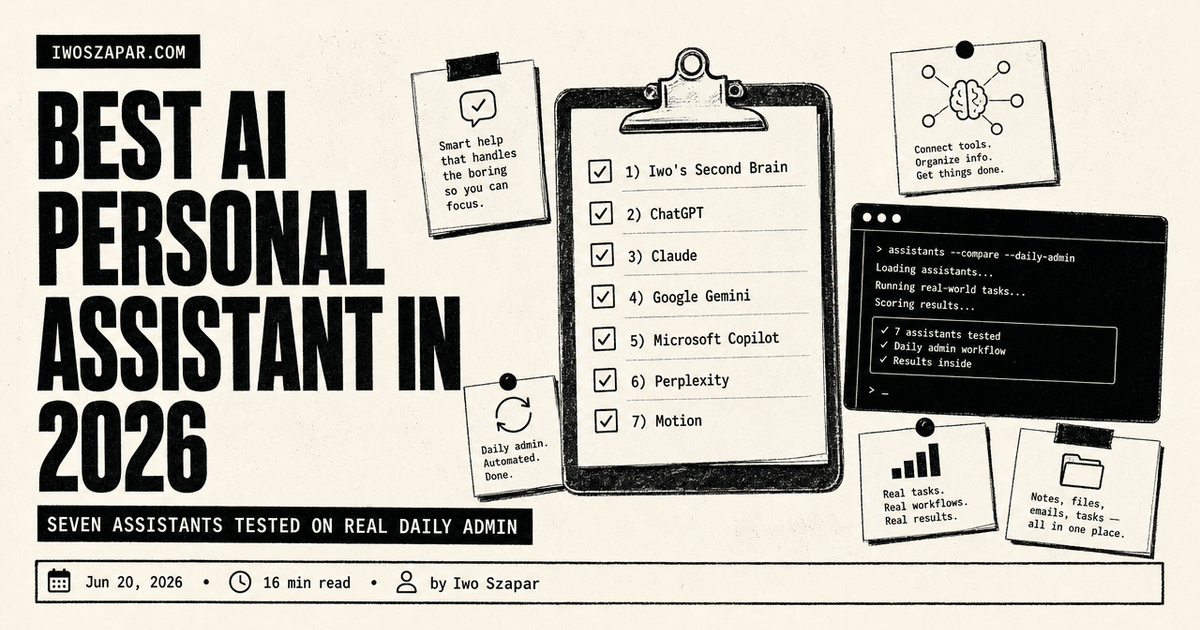
Best AI personal assistant in 2026
Seven assistants tested on real daily admin
The promise of a personal assistant was never the chat box. It was getting your day handled: the meeting booked, the inbox triaged, the reminder that fired at the right moment, the quick fact checked before you walked into a call. For years that meant hiring a person or living inside a stack of half-connected apps. In 2026, an AI personal assistant can do a real slice of that work, and the gap between the tools is wide.
This guide ranks seven of them on one job: managing your day. Scheduling, email and admin, reminders, light planning, and fast research are the tasks here, not writing your novel or running your codebase. Each entry below has honest pros, real trade-offs, current pricing, and a clear sense of who it fits. Pricing is current as of mid-2026 and moves often, so confirm before you commit.
Disclosure: Iwo is the maker of Second Brain and MemoryOS, and they sit at number one here. They are our own products, so read this as a recommendation with skin in the game. We put them first because memory is the one job they do better than a general assistant, the persistent memory layer that compounds over time and makes any assistant actually personal, with honest cons noted. The rest of the list is ranked on merit, with real trade-offs kept, so once you have the memory layer you can pick the do-your-day assistant that fits your bottleneck.
Best AI personal assistant: a brief overview
If you want your assistant to actually remember you:
- Iwo's Second Brain for the personal memory layer that makes an assistant actually yours, the foundation it can recall against
If you want one assistant for everything:
- ChatGPT for the broadest everyday helper, reachable on every device
- Claude for careful reasoning when the task has to be right, not just fast
If your day lives inside an office suite:
- Google Gemini for an assistant wired into Gmail, Calendar, and Workspace
- Microsoft Copilot for an assistant across Windows, Outlook, and Microsoft 365
If you have a specific job to delegate:
- Perplexity for the research and quick-answers assistant with citations
- Motion for an AI calendar that schedules your tasks and reschedules them when the day slips
| Tool | Key strength | Pricing | Best for |
|---|---|---|---|
| Iwo's Second Brain | Personal memory layer | $197 DIY / $597 Kickstart (one-time) | People who want a personal assistant |
| ChatGPT | Broadest everyday assistant | Free, Go $8/mo, Plus $20/mo | General daily help |
| Claude | Careful reasoning and writing | Free, Pro $20/mo | High-stakes admin and drafting |
| Google Gemini | Wired into Gmail and Calendar | Free, Google AI Pro $19.99/mo | Google Workspace users |
| Microsoft Copilot | Across Windows and Microsoft 365 | Free on Windows, paid in M365 plans | Outlook and Office users |
| Perplexity | Cited quick research | Free, Pro $20/mo | Fast answers and lookups |
| Motion | AI calendar and auto-planning | Pro AI from ~$19/seat/mo | Scheduling and task overwhelm |
1. Iwo's Second Brain, best overall, the memory layer that makes an assistant personal
This is our own product, which is why we start with it: a memory layer is the foundation every other assistant on this list quietly assumes but does not give you. Every assistant below is smart, but most of them are strangers. Ask one about the decision you made last quarter, the way you like your emails to sound, or what you told a client in March, and it does not know. A human assistant is valuable because they remember you. Iwo's Second Brain is the layer that gives an AI assistant that same memory, a structured system of skills, agents, and an MCP integration with Iwo's MemoryOS that lets your assistant recall your context instead of asking for it every time.
The system runs a local database on your computer and connects through MCP to the tools your day already touches, like Gmail, Calendar, and your CRM. Slash commands such as a daily briefing or a draft proposal pull from that memory, and packaged agents like a Chief of Staff act on it. It is not the assistant you chat with all day. It is what stands behind that assistant so the answers are grounded in your actual history. For the wider category, the best AI second brain solutions compares the options.
Key features
- Local database storing your knowledge on your own machine
- MCP integration with Gmail, Calendar, LinkedIn, and CRM
- Slash commands like daily briefing and draft proposal
- Packaged agents (Chief of Staff, Content Pipeline, Sales Outreach)
Best for
- People who want an assistant that actually remembers them
- Solo operators who need an institutional memory they do not have yet
- Anyone who wants the memory layer inspectable and owned, not rented
Pricing
- DIY $197 one-time (your repository plus self-serve onboarding)
- Kickstart $597 one-time (adds a guided AI setup agent and the first year of MemoryOS Pro)
- Done-With-You $2,497 one-time (full deployment with a guided onboarding call)
Pros
- Gives any AI assistant a real, personal memory of you
- Local-first, so your data stays on your machine
- One-time pricing with no monthly assistant subscription
Cons
- Trade-off: more setup upfront in exchange for a memory layer that lasts
- It is the memory behind an assistant, not a chat assistant you talk to on its own
- Best fit for people comfortable with markdown and the terminal
2. ChatGPT, the broadest everyday assistant
ChatGPT is the default personal assistant for most people, and for good reason. In a single morning it can summarize a long email thread, draft a reply, turn a messy voice note into a to-do list, pull a quick fact, and rewrite a message to sound less terse. When you do not yet know which specialist tool you need, the one that does a bit of everything is the one you reach for first.
The 2026 version runs on the GPT-5 model family, with the top model on paid tiers being GPT-5.5. It browses the web, analyzes files, and remembers context across chats, so the assistant slowly learns your preferences. Custom GPTs let you save a reusable helper, like a morning-briefing prompt or a travel planner, so your repeatable routines live somewhere instead of being retyped. If you are setting up any of these as a daily habit, how to use AI for work walks through the patterns that stick.
Key features
- GPT-5 model family, with GPT-5.5 as the top model on paid plans
- Web browsing, file analysis, and voice mode
- Memory across chats so it adapts to you
- Custom GPTs for repeatable personal routines
Best for
- Anyone who wants one assistant for the whole grab bag of daily tasks
- People who switch devices and want the assistant everywhere
- First-time users who do not know which tool they need yet
Pricing
- Free tier (ad-supported in the US, and capped on the strongest model)
- Go $8/month and Plus $20/month, with Pro tiers at $100 and $200/month above them
Pros
- Covers the widest range of personal tasks in one place
- Huge ecosystem, voice mode, and custom GPTs
- Familiar to almost everyone, so there is no learning curve
Cons
- Trade-off: the US free tier now shows ads and throttles the best model
- It does not natively act inside your calendar or inbox the way an office-suite assistant does
3. Claude, the careful reasoning assistant
Claude is the assistant for the parts of your day that have to be right. When you are drafting a sensitive email, reading a contract before you sign, or thinking through a decision out loud, Claude reasons carefully and writes in a tone that needs less cleanup afterward. It is the calm assistant rather than the fast one, and for high-stakes admin that is the trade you want.
Current Claude models carry a very large context window, so you can paste a long thread, a full document, or a brain-dump and ask questions across all of it. Projects keep each part of your life in its own space, and Artifacts turn a request into a usable checklist or draft you can edit. For getting the most out of it day to day, the top AI assistants and how to use one as a mentor is a good companion read.
Key features
- Strong reasoning and finished-feeling writing
- Very large context window for long documents and threads
- Projects and Artifacts to organize different parts of your life
- Web search and file creation
Best for
- Sensitive emails, planning, and decisions you want done carefully
- Reading and questioning long documents
- People who want output that needs less editing
Pricing
- Free tier
- Pro $20/month, with Max tiers at $100 and $200/month for heavy use
Pros
- Careful, calibrated answers for anything high-stakes
- Long context handles whole documents without chunking
- Writing reads finished, so less morning cleanup
Cons
- Trade-off: a smaller plugin ecosystem than ChatGPT
- No built-in calendar or inbox actions, so it advises rather than executes
4. Google Gemini, the assistant wired into your Google account
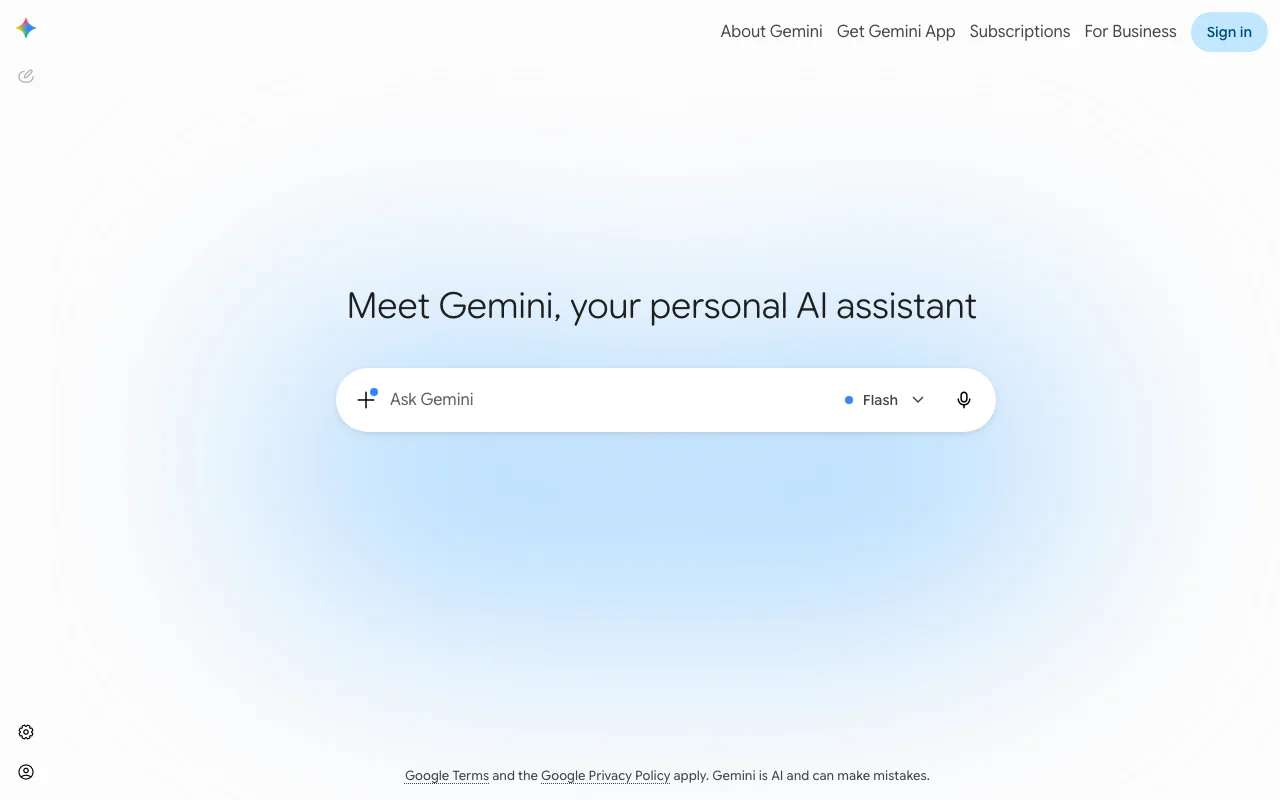
Gemini is the assistant for people whose day already lives in Google. It sits in a side panel inside Gmail, Docs, and the rest of Workspace, and it reads the context around you instead of asking you to copy and paste it in. That proximity is the whole point of a personal assistant, and it is where Gemini pulls ahead of a standalone chat tool.
The integration is the differentiator. From the Gmail side panel you can reference your calendar with an @Calendar mention, create events, pull details from an existing meeting, or build an event straight out of an email. The 2026 model is Gemini 3.1 Pro on the paid plan, and the same assistant spans Docs, Sheets, Slides, Drive, and Meet. If you want your assistant to also remember decisions across all of that, pair it with a memory layer like the one in the AI second brain guide.
Key features
- Gemini in the side panel of Gmail, Docs, Sheets, and Drive
- Calendar actions from Gmail (create events, pull details, extract from emails)
- Gemini 3.1 Pro model on the paid plan
- Deep integration across the full Workspace suite
Best for
- People who run their life in Gmail and Google Calendar
- Workspace users who want the assistant where they already work
- Anyone tired of copy-pasting context into a separate chat
Pricing
- Free tier in the Gemini app
- Google AI Pro $19.99/month (the plan formerly called Gemini Advanced), bundled into some Workspace plans
Pros
- Acts inside Gmail and Calendar rather than beside them
- One assistant across every Google app you use
- Strong free tier for casual daily use
Cons
- Trade-off: the deepest features assume you live inside Google Workspace
- Calendar side-panel actions have rolled out gradually, so check what is live on your plan
5. Microsoft Copilot, the assistant across Windows and Microsoft 365
Copilot is the Gemini equivalent for the Microsoft world. It is built into Windows as a desktop companion, and inside Microsoft 365 it works across Outlook, Word, Excel, and PowerPoint, drafting replies, summarizing threads, and turning a request into a first draft right where the work happens. If your day runs on Outlook and Office, the assistant that already lives there saves the most switching.
The free Copilot on Windows handles chat, voice, and Copilot Vision, which can look at your screen and walk you through what is on it. The deeper office work, including AI inside Outlook and the rest of the apps, sits behind a paid Microsoft 365 plan. Note that the standalone Copilot Pro subscription was retired in late 2025, and those features now carry forward through Microsoft 365 Premium for consumers. For the broader habit of delegating routine work, how to use AI for work covers where it pays off.
Key features
- Built into Windows as a desktop assistant
- Works across Outlook, Word, Excel, and PowerPoint on paid plans
- Copilot Vision can see your screen and guide you through tasks
- Voice and text interaction on the free tier
Best for
- People who run their day in Outlook and Microsoft 365
- Windows users who want an assistant on the desktop
- Teams already paying for Office
Pricing
- Free on Windows for chat, voice, and Vision
- Office app features require a paid Microsoft 365 plan (consumer features now in Microsoft 365 Premium, business via the Microsoft 365 Copilot add-on)
Pros
- Acts inside Outlook and Office where the work already lives
- A genuinely useful free assistant on Windows
- One assistant across desktop and the Office suite
Cons
- Trade-off: the licensing is the most confusing on this list, with consumer and business paths that changed in 2025
- The strongest features assume you are already a Microsoft 365 subscriber
6. Perplexity, the research and answers assistant
Perplexity is the assistant you hand the question "is this true, and where did you get it." Instead of a confident paragraph with no receipts, it returns a synthesized answer with linked sources you can check. For the small research errands that fill a day, comparing two products, checking a fact before a meeting, or scoping a topic you are about to write about, it is faster than opening a dozen tabs yourself.
Its Deep Research mode runs deeper multi-step investigations when one quick answer is not enough, and the Pro plan gives you several frontier models in one place. The Comet browser, which puts the assistant alongside whatever page you are reading, is now free as well. Perplexity will not run your calendar, but as the research desk inside your assistant stack it is hard to beat. To see where it fits among the others, the top AI assistants roundup lines them up.
Key features
- Cited answers with linked sources
- Deep Research mode for multi-step investigations
- Several frontier models available on Pro
- Comet, the AI browser, now free
Best for
- Quick fact-checks and lookups during the day
- Comparing options before a decision
- Anyone who wants answers they can defend with a source
Pricing
- Free tier
- Pro $20/month (around $200/year), with a Max tier at $200/month
Pros
- Citations make every answer checkable
- Much faster than manual searching
- One Pro plan spans several models, plus a free browser
Cons
- Trade-off: it is built for research, not for managing your calendar or inbox
- The top Max tier is far more than a casual user needs
7. Motion, the AI calendar that plans your day
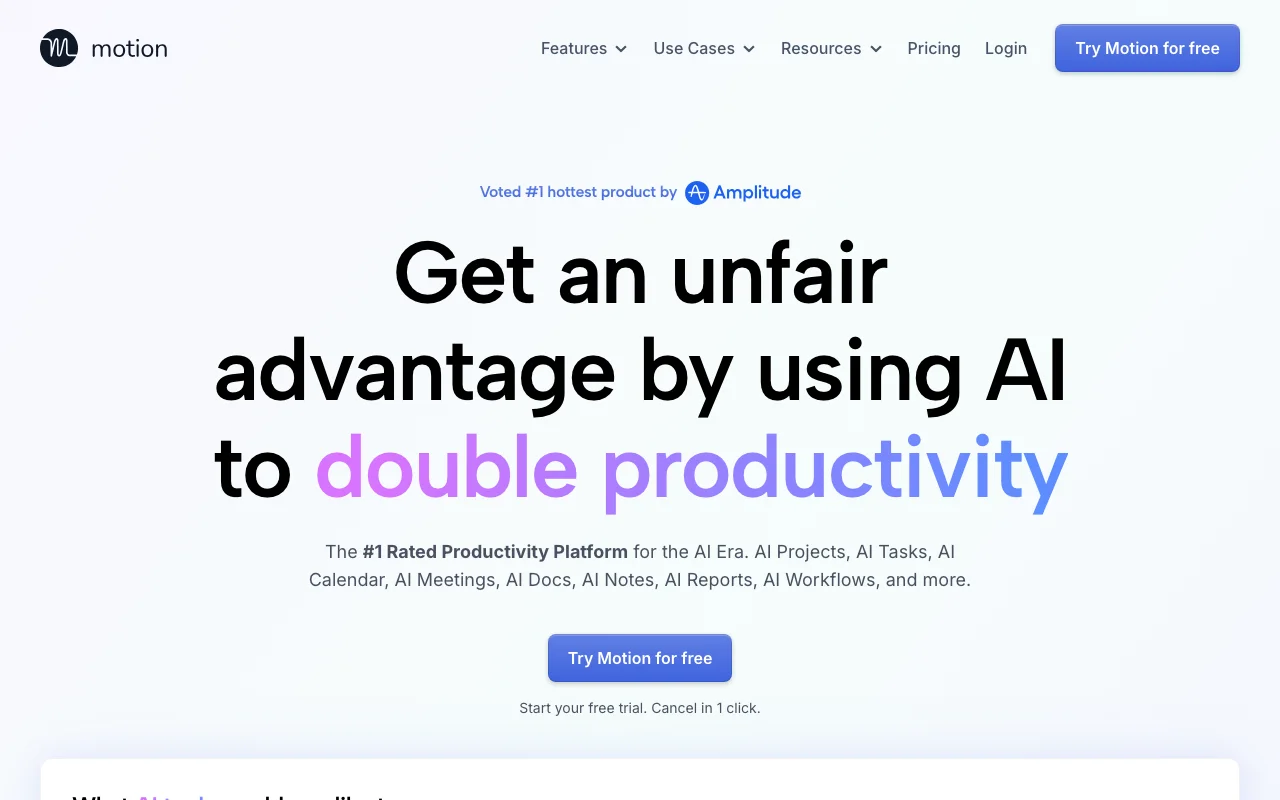
Motion is the most literal "do my day" tool on this list. Instead of answering questions, it takes your tasks and your meetings and builds your actual schedule, placing each task in an open block based on its deadline and priority. When a meeting runs long or you miss a block, it reshuffles the rest of the day automatically. For people whose problem is not information but overwhelm, that is the assistant they have been asking for.
You give it your tasks, deadlines, and calendar, and its AI handles the planning, conflict resolution, and constant re-prioritizing that a human assistant would otherwise do. There is an AI chat for natural-language commands and project and doc features layered on top. It is a paid-only tool, so it asks for commitment, but for chronic calendar chaos it earns its keep. The mindset behind handing this off is in how to use AI for work.
Key features
- AI calendar that auto-schedules tasks into open time
- Automatic rescheduling when the day slips
- Deadline and priority-based planning
- AI chat, projects, and docs alongside the calendar
Best for
- People drowning in tasks and meetings
- Anyone who wants their schedule built for them, not by them
- Heavy calendar users who plan their work in time blocks
Pricing
- Pro AI from around $19/seat/month (lower on annual billing)
- Business AI from around $29/seat/month, with a free trial and no free tier
Pros
- Actually builds and defends your schedule, not just advises
- Reschedules automatically when reality changes
- Replaces the planning a human assistant would do
Cons
- Trade-off: no free tier, so you commit before you fully test it
- It is a specialist for scheduling, not a general assistant for everything else
How to choose the best AI personal assistant for you
1) Where does your day already live?
If you run on Gmail and Google Calendar, Gemini meets you there. If you live in Outlook and Office, Copilot does. If your day is scattered across the web and you just want a smart helper anywhere, ChatGPT or Claude is the better default. Buy the assistant that already sits where your work is, because the value is in not switching apps.
2) Do you need answers, or do you need actions?
This splits the list cleanly. For answers, like research, drafting, and thinking things through, ChatGPT, Claude, and Perplexity are the strongest. For actions, like booking, rescheduling, and acting inside your inbox and calendar, Gemini, Copilot, and Motion do real work rather than advise. Many people run one of each, an answers assistant and an actions assistant.
3) Is your bottleneck your calendar?
If the thing crushing you is too many tasks and not enough hours, Motion is the most direct fix, because it builds and defends your schedule for you. If your bottleneck is everything except scheduling, a general assistant plus your existing calendar is usually enough, and you can skip the paid-only commitment.
4) Should your assistant remember you?
A generic assistant forgets you between sessions. If you want one that recalls your decisions, your preferences, and your history, you need a memory layer underneath it. Iwo's Second Brain is one way to add that, a local-first system your assistant can recall against, so a stranger becomes something closer to a real personal assistant over time.
FAQ
What is the best AI personal assistant in 2026?
There is no single winner, because it depends on where your day lives. ChatGPT is the best all-round starting point, Gemini is best if you run on Google, Copilot is best inside Microsoft 365, and Motion is best if your real problem is a chaotic calendar. Most people end up running two: a general assistant for answers and a specialist for actions.
What is the difference between an AI assistant and an AI personal assistant?
An AI assistant answers questions and helps you think or write. An AI personal assistant goes further and manages your day, booking meetings, triaging email, setting reminders, and acting inside your tools. Tools like Gemini, Copilot, and Motion lean toward the personal-assistant side because they take actions, while a pure chat tool mostly advises.
Which AI personal assistant is best for managing email and calendar?
If you use Google, Gemini is strongest, because it works inside the Gmail side panel and can create and edit calendar events. If you use Microsoft, Copilot does the same job across Outlook and Office. For pure scheduling, Motion auto-builds your calendar and reshuffles it when the day changes. Match the assistant to the suite you already use.
Is there a free AI personal assistant worth using?
Yes. ChatGPT, Claude, Gemini, and Perplexity all have capable free tiers, and Microsoft Copilot is free on Windows for chat, voice, and screen help. The free tiers are usually capped on the strongest models or, in ChatGPT's US free tier, show ads. They are a fine place to start before you decide whether a $20 a month plan is worth it.
How much should I pay for an AI personal assistant?
A common setup runs about $20 a month for one general assistant, with free tiers covering the rest. If scheduling is your main pain, add a tool like Motion from around $19 a seat. If you want the assistant to remember you long term, a one-time memory layer like Iwo's Second Brain adds that without another monthly fee.
Can an AI personal assistant remember me across conversations?
Most have some memory, but it is shallow and tied to one tool. For a real, durable memory of your decisions, preferences, and history that any assistant can draw on, you need a dedicated memory layer. That is what Iwo's Second Brain and Iwo's MemoryOS provide, a structured store your assistant can recall against instead of starting cold each time.
Are AI personal assistants safe for private or work information?
It depends on the tool and tier. Paid and business plans usually offer data controls and the option to keep your inputs out of model training, while free tiers often do not. Keep financial, legal, and confidential details out of consumer free tiers, and review each tool's data terms before you rely on it for sensitive work.
What is the best AI personal assistant for scheduling?
Motion is the most direct answer, because it builds your calendar for you and reshuffles it when the day slips. If you live in Google, Gemini can create and edit events from the Gmail side panel, and in Microsoft 365 Copilot does the same across Outlook. Chat tools like ChatGPT and Claude advise on a plan but do not act on your calendar.
Can an AI personal assistant book meetings for me?
Some act, and some only advise. Gemini and Copilot can create calendar events inside your Google or Microsoft account, and Motion schedules tasks into open blocks on its own. General chat assistants draft the invite or suggest a time, but you still send it. Match the tool to whether you want an assistant that acts or one that advises.
Want an assistant that actually remembers you instead of starting cold every morning? See Iwo's Second Brain for the personal memory layer, and Iwo's MemoryOS for the layer that works with any AI client. For the bigger picture, read the AI second brain guide.
Related guides
Apply it
AI Chief of Staff Template
The template behind a working assistant setup.
Proof
I run a $48K business with zero employees
Every system behind a one-person operation, listed.
Product path
AI Second Brain for Chiefs of Staff
The same system, set up for chief-of-staff work.
Read next
9 best AI executive assistants
The executive-assistant options compared for real workloads.