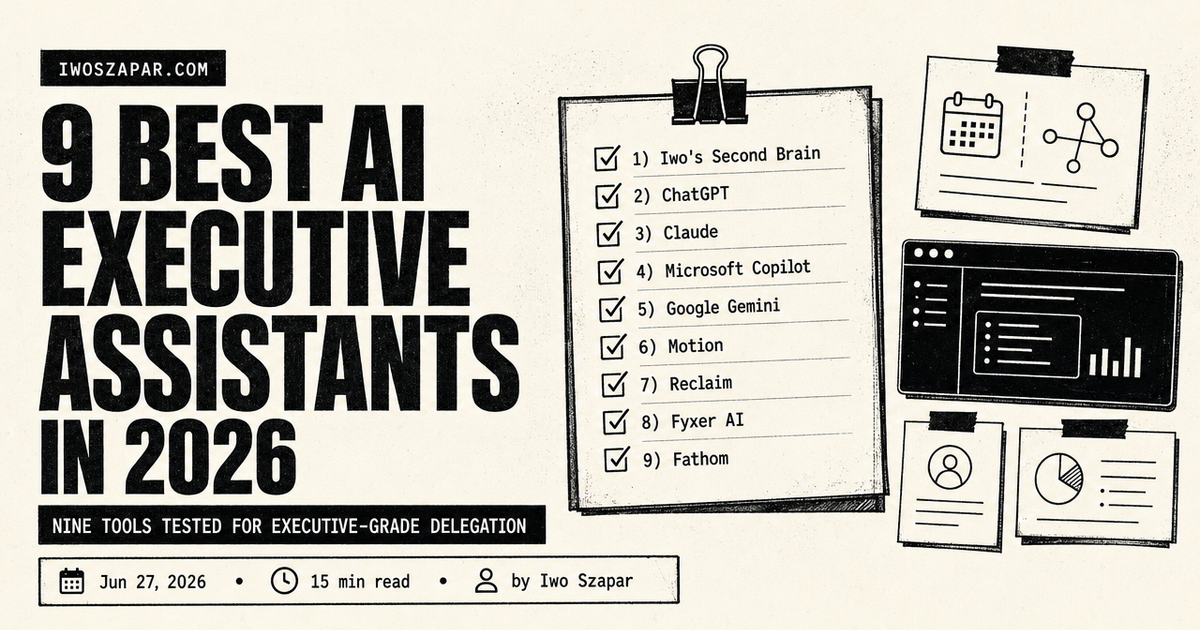
9 best AI executive assistants in 2026
Nine tools tested for executive-grade delegation
A great executive assistant does not just answer email. They guard the calendar, triage the inbox, take notes in the meeting, chase the follow-ups, book the travel, and quietly remember everything you said you cared about three weeks ago. That is the job. The question in 2026 is how much of it software can actually carry, and which tools carry which part.
This guide covers nine tools that take on an executive assistant's real work: calendar and scheduling, email and inbox triage, meeting notes and action items, and the "AI chief of staff" layer that keeps it all coherent. Each entry has honest pros, real trade-offs, current pricing, and a clear sense of who it fits. This is deliberately the executive-grade lens. For lighter everyday help, see the companion roundup of the best AI personal assistant tools. Pricing is current as of mid-2026 and moves often, so confirm before you commit.
Disclosure: Iwo is the maker of Second Brain and MemoryOS, and they sit at number one here. They are our own products, so read this as a recommendation with skin in the game. We put them first because memory is the foundation every AI executive assistant runs on, the thing the other tools assume but do not give you, with honest cons noted. The dedicated calendar, inbox, and meeting tools that follow each own their lane, and one of them may matter more for your specific bottleneck.
AI executive assistant tools at a glance: the executive-grade shortlist
If you want the foundation the rest build on:
- Iwo's Second Brain for the durable memory layer an executive assistant runs on
If you want one general assistant brain:
- ChatGPT for the broadest everyday drafting, summarizing, and thinking
- Claude for careful reasoning, long documents, and high-stakes writing
If your work lives in your email and office suite:
- Microsoft Copilot for Outlook, Teams, and the rest of Microsoft 365
- Google Gemini for Gmail, Google Calendar, and Docs
If the bottleneck is your calendar:
- Motion for AI scheduling that auto-plans your tasks into open time
- Reclaim for smart time-blocking and protected focus hours
If the bottleneck is inbox and meetings:
- Fyxer AI for EA-style email drafting plus meeting notes
- Fathom for AI meeting notes, summaries, and action items
| Tool | Key strength | Pricing | Best for |
|---|---|---|---|
| Iwo's Second Brain | Durable assistant memory | $197 DIY / $597 Kickstart (one-time) | Memory that compounds |
| ChatGPT | Broadest general assistant | Free, Plus $20/mo, Pro from $100/mo | General executive work |
| Claude | Careful reasoning and writing | Free, Pro $20/mo, Max from $100/mo | High-stakes documents |
| Microsoft Copilot | AI across Microsoft 365 | Free, paid via Microsoft 365 plans | Outlook and Teams execs |
| Google Gemini | AI inside Gmail and Calendar | Free, Google AI Pro $19.99/mo | Google Workspace execs |
| Motion | AI auto-scheduling of tasks | Pro AI from $19/seat/mo | Calendar overload |
| Reclaim | Smart time-blocking | Free, from $8/user/mo (annual) | Protecting focus time |
| Fyxer AI | EA-style email and notes | From $30/mo, 7-day trial | Inbox triage at speed |
| Fathom | AI meeting notes and actions | Free, Premium from $20/user/mo | Back-to-back meetings |
1. Iwo's Second Brain, the memory foundation an executive assistant runs on
Every other tool in this guide is only as good as what it remembers about you. A human executive assistant gets better over years because they accumulate context: how you like emails phrased, what you decided last quarter, which client hates Monday calls. Iwo's Second Brain is the layer that gives an AI assistant that same durable memory, a structured folder system plus skills plus an MCP integration with Iwo's MemoryOS, so your assistant recalls decisions and context across sessions instead of resetting each morning.
The differentiator is typed memory surfaces. Decisions, facts, open loops, and personal or company state each live in their own surface and get retrieved on purpose, not by fuzzy search. Ask what you decided about a vendor in March and it returns the decision record, with confidence and freshness signals. It is not a calendar or an inbox tool, it is the memory underneath them, which is why we start with it: get the memory right and every calendar, inbox, and meeting tool below works better. For the full concept, read the AI second brain guide, and for the leader's wider toolkit, the best AI tools for founders.
Key features
- Typed memory surfaces (decisions, facts, open loops, personal or company state)
- Recall scoring with confidence and freshness signals
- MCP-native, works with Claude, Claude Desktop, and Cursor
- One-time packaging tiers, no monthly subscription
Best for
- Executives who want their assistant's memory to compound
- Operators who tried several note systems and abandoned each
- People who want their memory layer inspectable
Pricing
- DIY $197 one-time (repository, skills, and self-serve setup)
- Kickstart $597 one-time (adds a guided build and a first year of MemoryOS Pro)
Pros
- Recall scoring lets you verify what the AI is grounding on
- One-time pricing with no recurring fee
- Pairs cleanly with Iwo's MemoryOS
Cons
- Trade-off: more setup upfront in exchange for a structured system
- Best fit for people comfortable with markdown and the terminal
- It is a memory layer, not a calendar or inbox tool on its own
2. ChatGPT, best general assistant brain for executives
ChatGPT is the closest thing to a general-purpose chief of staff you can open in one tab. In a single morning it can summarize a long thread, draft a board update, rewrite a touchy email, sanity-check a decision, and prep talking points for a one-on-one. When an executive's day is a pile of unrelated asks, the assistant that handles a bit of everything is the one that earns its keep.
The 2026 version runs on the GPT-5.5 model family with reasoning, web browsing, file analysis, and image generation. Memory carries context across chats, and Custom GPTs let you save the workflows you repeat, like a weekly-update template or your exact email tone, so the assistant stops relearning you every session. For the day-to-day patterns of delegating to it, the guide on how to use AI for work is a practical starting point.
Key features
- GPT-5.5 model family with reasoning and deep research modes
- File analysis, web browsing, and image generation
- Custom GPTs for repeatable executive workflows
- Memory across chats
Best for
- Executives who want one assistant for the whole grab bag of daily work
- Drafting, summarizing, and decision prep at speed
- Anyone replacing several point tools with one
Pricing
- Free tier, capped on the strongest model
- Plus $20/month, Pro tiers from $100/month for heavy use
Pros
- Covers the widest range of executive tasks in one place
- Large ecosystem of integrations and Custom GPTs
- Familiar to most teams and assistants already
Cons
- Trade-off: it does not natively run your calendar or send your email without extra connectors
- For careful long-document work, a specialist often edits cleaner
3. Claude, best for careful reasoning and high-stakes writing
Claude is the assistant for the work that has to be right, not just fast. It reasons carefully across long inputs, which suits board memos, investor updates, contract review, and reading a full data room before a meeting. Its writing reads finished, so a late draft needs less morning cleanup, the kind of polish a strong executive assistant brings to anything that leaves your desk.
Current Claude models carry very large context windows, so you can hand it a whole deck, a long email chain, or a messy brain-dump and ask questions across all of it. Projects keep each workstream's context together, and Microsoft 365 integration lets it reach your documents where they live. For everyday personal tasks rather than executive ones, the best AI personal assistant roundup compares Claude against lighter options.
Key features
- Strong reasoning and finished-feeling writing
- Very large context window for long documents
- Projects to organize each workstream
- Web search, file creation, and Microsoft 365 integration
Best for
- Board-facing, fundraising, and legal-adjacent writing
- Reading and questioning long documents end to end
- Executives who want output that needs less editing
Pricing
- Free tier
- Pro $20/month, Max tiers from $100/month for heavy use
Pros
- Output that holds up for high-stakes communication
- Long context handles whole documents without chunking
- Careful and calibrated, which suits sensitive work
Cons
- Trade-off: a smaller plugin ecosystem than ChatGPT
- Max tiers are priced for heavy users
4. Microsoft Copilot, best for executives living in Microsoft 365
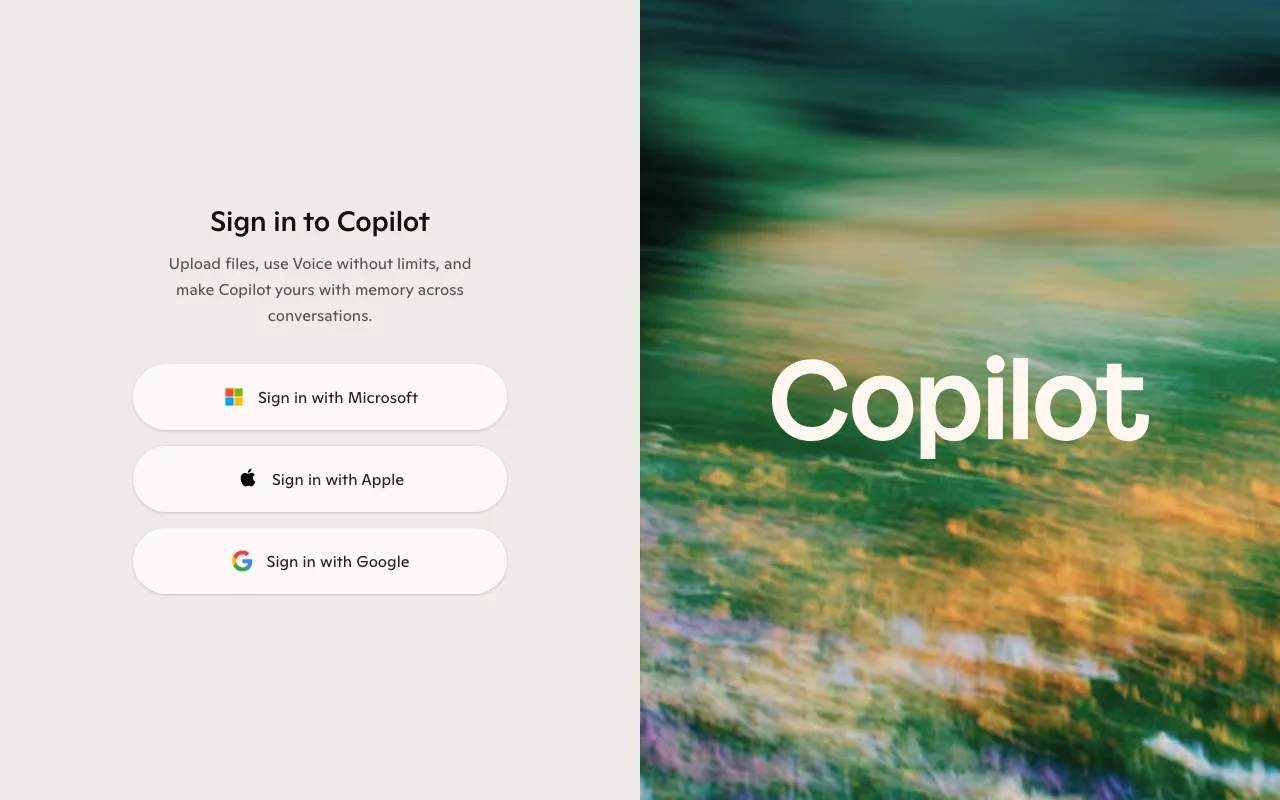
Microsoft Copilot is the AI assistant that sits inside the tools many executives already cannot leave: Outlook, Teams, Word, Excel, and PowerPoint. It can summarize an unread inbox, draft replies in your thread, catch you up on a Teams meeting you missed, and turn a document into a deck without you switching apps. For a leader whose whole day runs through Microsoft 365, that proximity is the point.
In Outlook it triages and drafts, in Teams it recaps and pulls action items, and across files it reaches your real work content with enterprise data controls. The catch in 2026 is the licensing shuffle: the standalone consumer Copilot Pro is folding into Microsoft 365 consumer plans, and business Copilot rides on top of a qualifying Microsoft 365 seat, so confirm the exact bundle for your situation.
Key features
- Inbox triage and reply drafting inside Outlook
- Meeting recaps and action items in Teams
- Document, spreadsheet, and slide generation across Office
- Enterprise data controls on business plans
Best for
- Executives whose day runs through Outlook and Teams
- Organizations standardized on Microsoft 365
- Catching up fast after time away from the inbox
Pricing
- Free Copilot for web chat and basic help
- Paid Copilot now rides on Microsoft 365 plans, consumer Copilot Pro is folding into Microsoft 365 Premium (around $19.99/month), business Copilot adds roughly $18 to $30 per user per month on top of a qualifying seat
Pros
- Works inside the apps executives already use all day
- Strong meeting and inbox handling in the Microsoft stack
- Enterprise-grade data controls for business tenants
Cons
- Trade-off: most value is locked to the Microsoft 365 ecosystem
- The licensing and bundle changes make true cost easy to misread
5. Google Gemini, best for executives in Gmail and Google Calendar
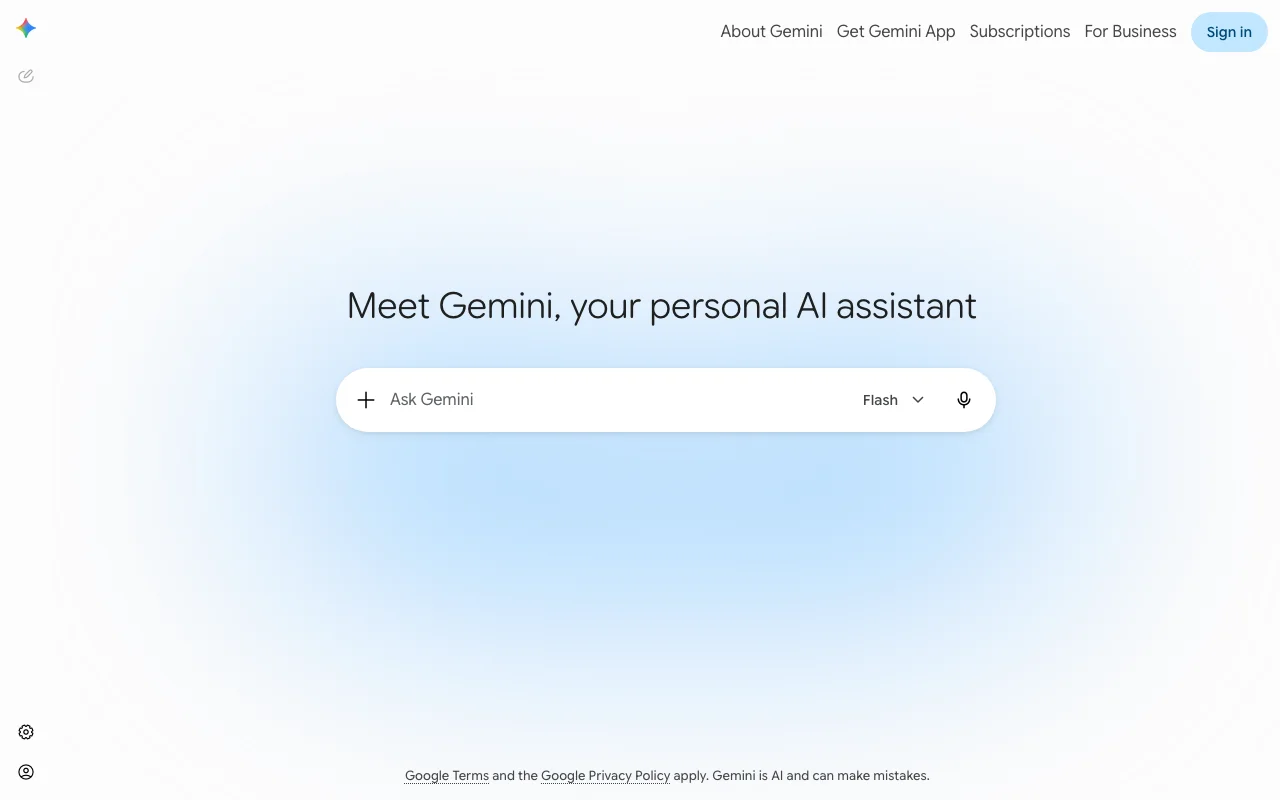
Google Gemini is the equivalent assistant for the other half of the office world: leaders who run on Gmail, Google Calendar, Docs, and Meet. It drafts and refines email directly in Gmail, helps you find and act on what is buried in your inbox, and pulls together context from across Workspace, which is exactly the surface an executive assistant spends their day inside.
The 2026 paid tiers run Gemini 3.1 Pro with a large context window, deep research sessions, and Workspace integration, so it can reason over your real documents and threads rather than a copy you paste in. For executives already on Google, it is the lowest-friction way to add an assistant, because it is already sitting in the apps they open first.
Key features
- Email drafting and refinement inside Gmail
- Context pulled across Gmail, Calendar, Docs, and Meet
- Gemini 3.1 Pro with a large context window on paid tiers
- Deep research sessions for briefing and prep
Best for
- Executives on Google Workspace and Gmail
- Inbox and calendar help without leaving Google apps
- Research and briefing built from your own content
Pricing
- Free tier with limited usage
- Google AI Plus $4.99/month, Google AI Pro $19.99/month, Ultra tiers above for heavy use
Pros
- Native to Gmail and Google Calendar, where the EA work happens
- Strong research and large context on paid tiers
- Low friction for teams already on Workspace
Cons
- Trade-off: most value depends on living in the Google ecosystem
- Deep research and top limits sit behind the paid tiers
6. Motion, best for AI calendar and auto-scheduling
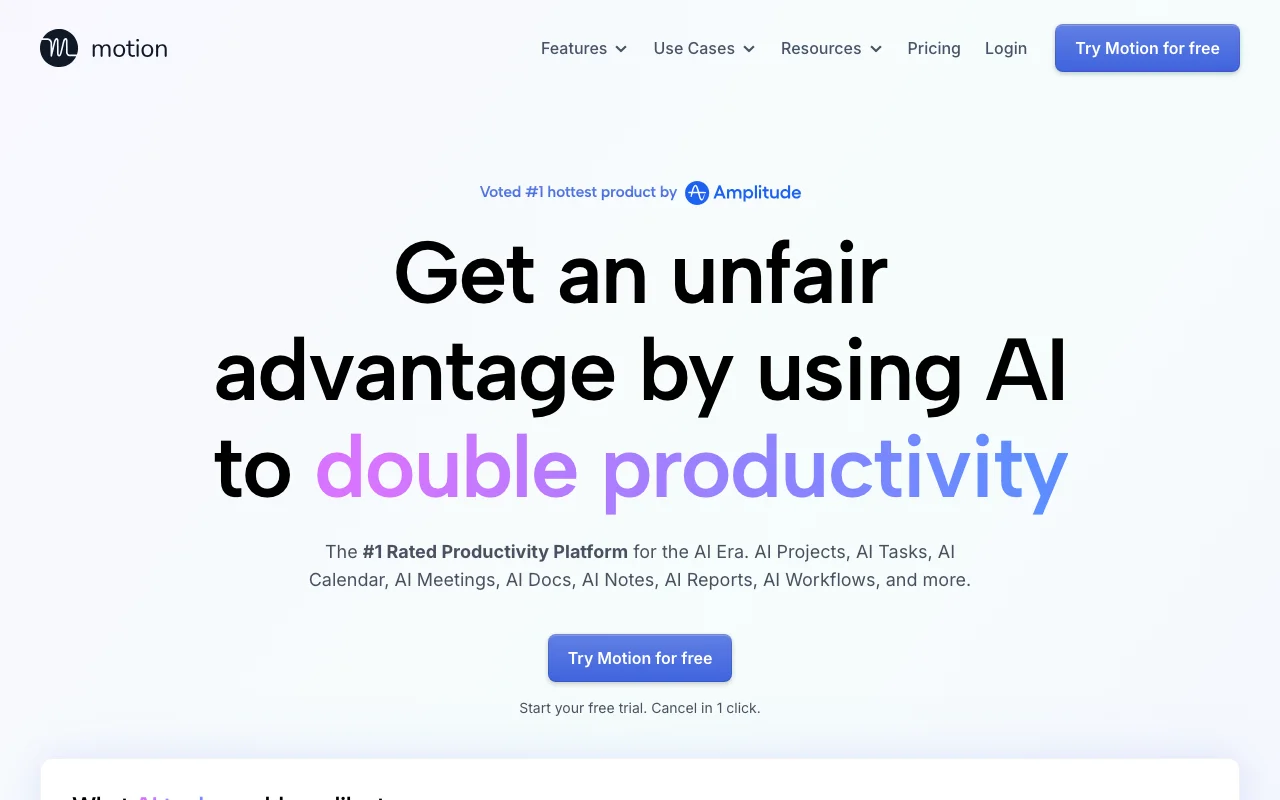
Motion is for the executive whose real problem is the calendar, not the inbox. You give it your tasks, deadlines, and meetings, and its AI builds and constantly rebuilds your daily schedule, fitting work into open slots and reshuffling automatically when a meeting runs long or a priority shifts. It is the part of an executive assistant's job that is pure logistics, handled by software that never forgets a deadline.
Beyond the auto-scheduler, Motion folds in AI projects and tasks, meeting booking, and notes, so the planning, the calendar, and the to-do list live in one place. For leaders who feel the day getting away from them, the value is having something decide what to work on next instead of staring at a list.
Key features
- AI calendar that auto-schedules tasks into open time
- Automatic rescheduling when meetings or priorities change
- AI projects, tasks, and meeting booking in one place
- Notes and planning alongside the calendar
Best for
- Executives drowning in calendar and deadline juggling
- Turning a long task list into a realistic daily plan
- Anyone who wants software to decide what is next
Pricing
- Pro AI from $19 per seat per month billed monthly, lower billed annually
- Business AI from $29 per seat per month, with monthly AI credit allowances on each tier
Pros
- Removes the daily chore of planning your own time
- Reschedules automatically when the day changes
- Combines tasks, calendar, and meetings in one tool
Cons
- Trade-off: the auto-scheduling takes time to trust and tune
- AI credit allowances mean heavy use can cost more than the base price
7. Reclaim, best for smart time-blocking and focus protection
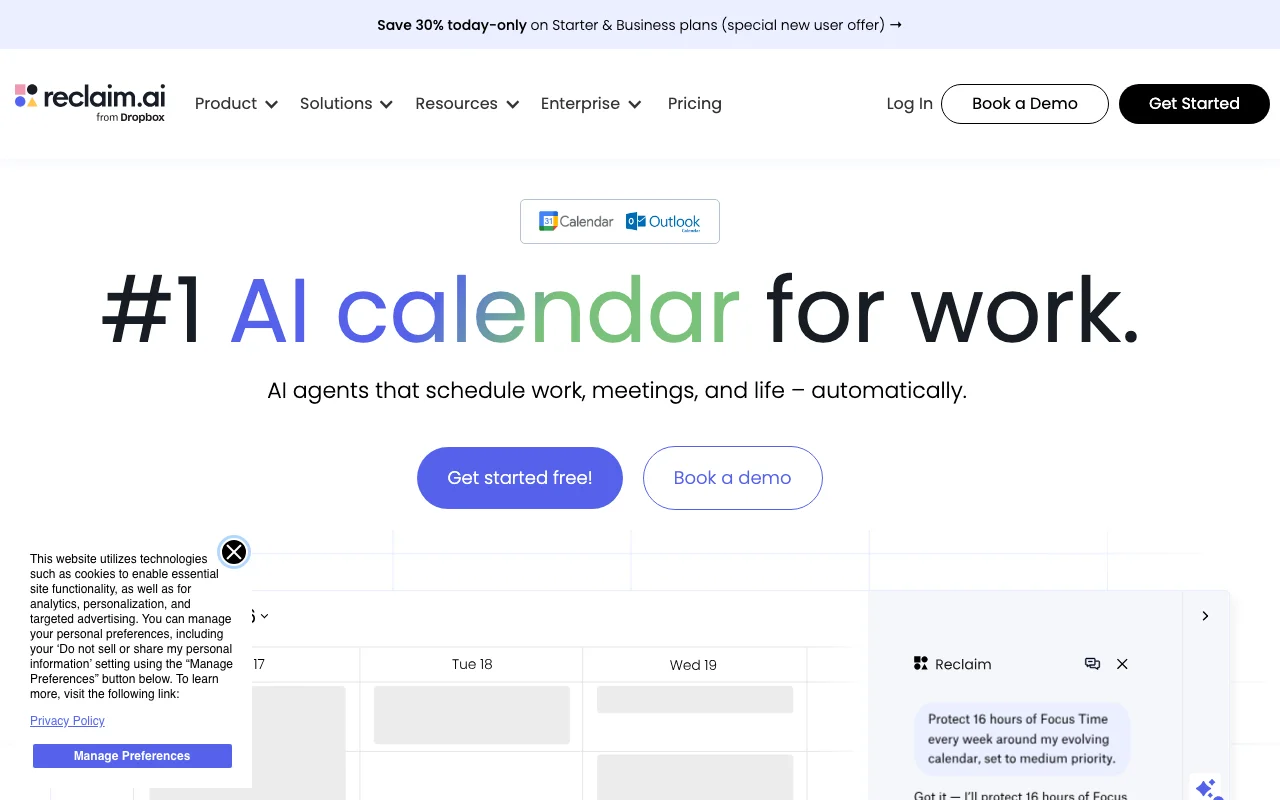
Reclaim takes a narrower, calmer angle on the same problem: protecting the time that matters. It blocks recurring priorities as habits, deep work from nine to eleven, a weekly review on Fridays, lunch that does not get eaten by a meeting, and flexes them automatically around whatever lands on your calendar. When a meeting takes your focus slot, Reclaim quietly moves the slot rather than losing it.
It also handles smart meeting scheduling and buffer time, so back-to-back days get a little air. For an executive who does not want their whole planner replaced but does want their priorities defended, it is a lighter-touch fit than a full auto-scheduler. The broader habit of letting AI hold your structure is covered in how to use AI for work.
Key features
- Habit blocks for recurring focus and priorities
- Automatic flexing of blocks around meetings
- Smart meeting scheduling and buffer time
- Calendar sync and scheduling links on paid tiers
Best for
- Executives protecting deep work and recurring routines
- Lighter scheduling help without replacing your planner
- Defending focus time on a meeting-heavy calendar
Pricing
- Free tier for basic smart scheduling
- Paid plans from around $8 per user per month billed annually, a bit more month to month, with team features higher
Pros
- Protects focus time without taking over your whole calendar
- Habits flex automatically, so priorities rarely fall off
- Generous free tier to test the fit
Cons
- Trade-off: narrower scope than a full AI planner like Motion
- Most leverage comes once you set up habits thoughtfully
8. Fyxer AI, best for EA-style email and meeting notes
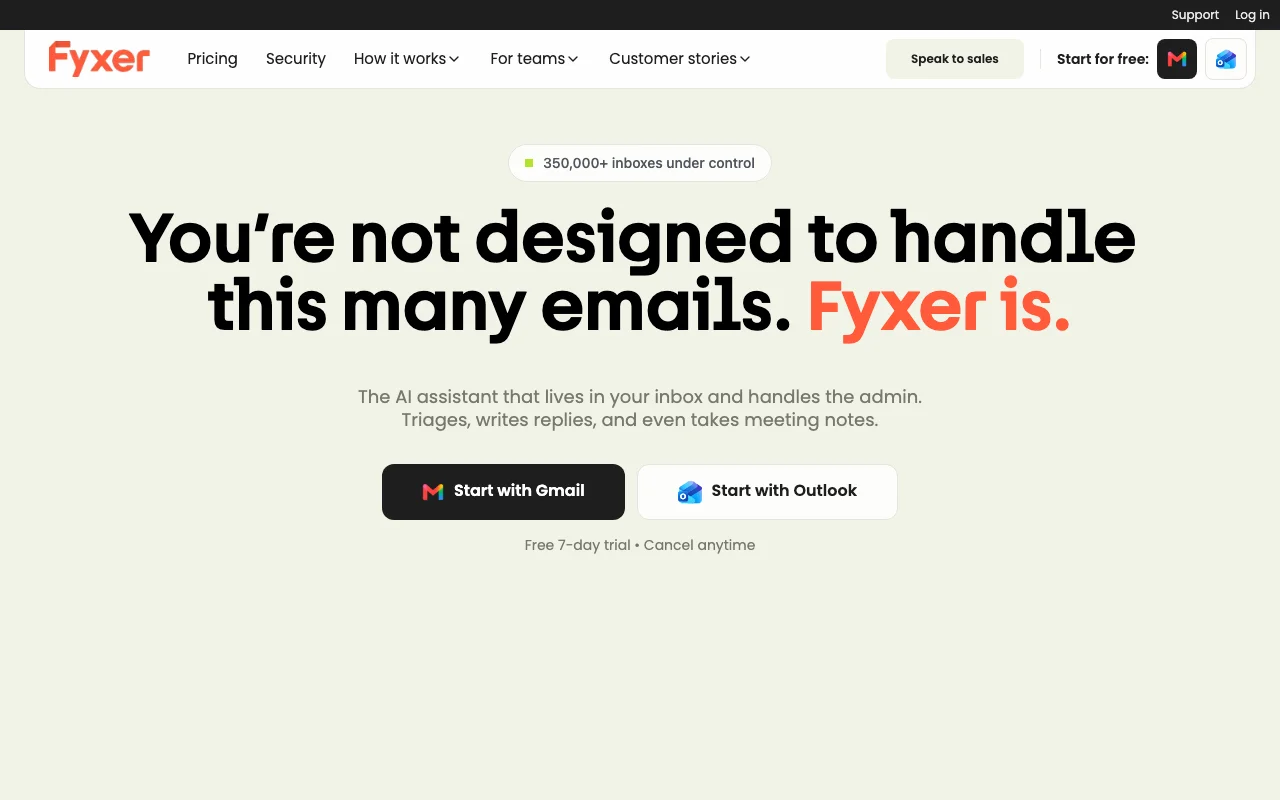
Fyxer AI is the entry on this list built most explicitly to act like an executive assistant. It organizes your inbox, drafts replies in your own voice, and takes notes in your meetings, the trio of tasks a human EA spends most of their day on. For an executive who opens to two hundred unread emails, having drafts already waiting in your tone is the difference between an hour of triage and fifteen minutes of review.
It works across Gmail and Outlook, so you are not locked to one ecosystem, and higher tiers add cross-team meeting scheduling and a chat that answers from your own inbox and notes. The thing to watch is the cost structure: pricing scales with inboxes and email volume, so a very high-traffic leader should confirm where the line sits before committing.
Key features
- Inbox organization and drafting in your voice
- Meeting notetaker with summaries and follow-ups
- Works across Gmail and Outlook
- Scheduling and inbox chat on higher tiers
Best for
- Executives with a heavy, high-volume inbox
- Delegating first-draft replies and meeting notes
- Anyone who wants an EA-style tool, not a general chatbot
Pricing
- 7-day free trial on all plans
- Starter from $30/month, Professional from $50/month for multiple inboxes, Enterprise for larger teams
Pros
- Purpose-built for the core executive assistant tasks
- Drafts in your voice cut inbox time sharply
- Works across both major email ecosystems
Cons
- Trade-off: no free tier beyond the trial
- Costs can scale with inbox count and email volume
9. Fathom, best for AI meeting notes and action items
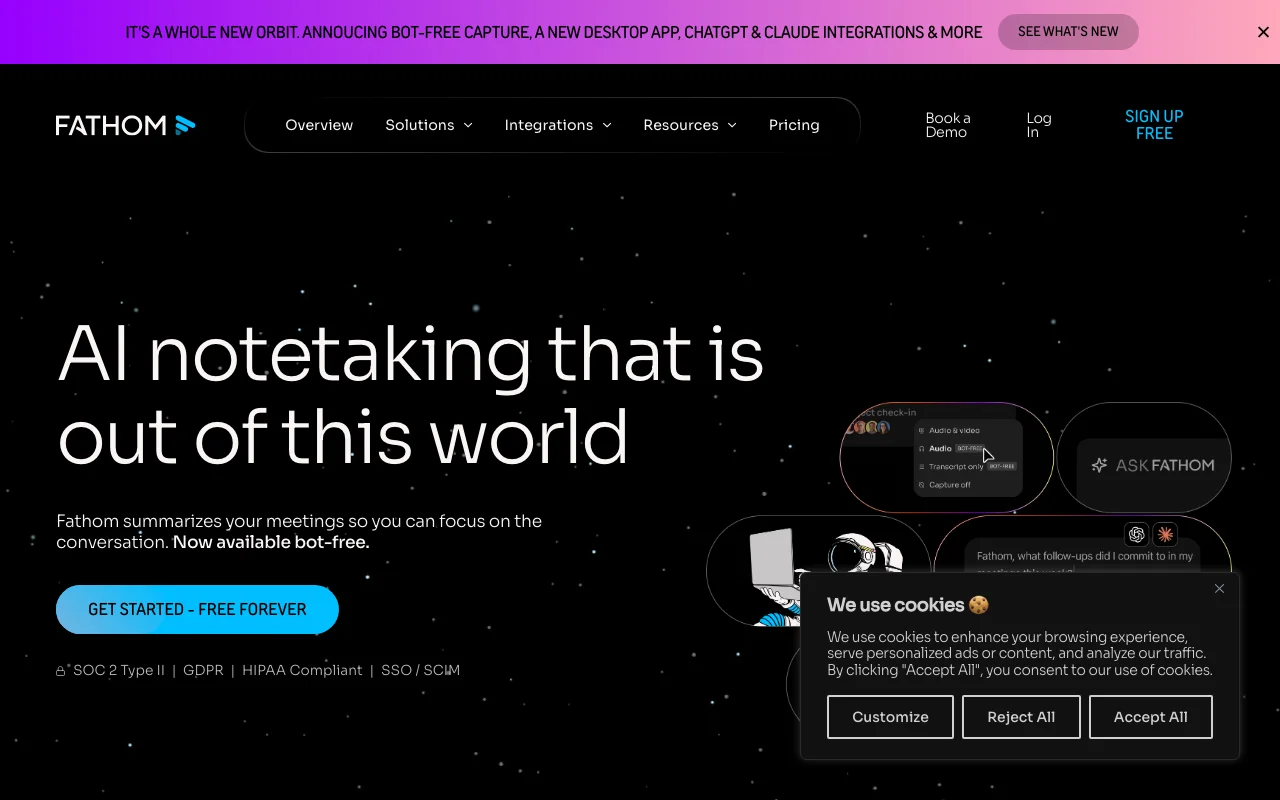
Fathom focuses on one slice of the EA job and does it well: meetings. It records, transcribes, and summarizes your calls, then pulls out action items and can draft the follow-up email, so the work a good assistant does after a meeting happens automatically. For an executive in back-to-back calls, it means walking out with a clean summary and a to-do list instead of half-remembered notes.
It is widely used partly because of a genuinely usable free tier, with paid plans unlocking unlimited custom summaries and deeper team features. It does not run your calendar or inbox, but as the dedicated note-taker in an executive stack, it removes one of the most tedious parts of the day. For where meeting tools fit in the wider picture, see the top AI assistants and AI mentor overview.
Key features
- Automatic recording, transcription, and summaries
- Action items and follow-up email drafts
- Searchable library of past meetings
- CRM and tool integrations on paid tiers
Best for
- Executives in back-to-back meetings all day
- Capturing decisions and action items reliably
- Teams that want a low-cost dedicated note-taker
Pricing
- Free plan with unlimited recordings, premium AI summaries on the first few calls each month
- Premium from $20 per user per month monthly, lower billed annually, Team and Business tiers above
Pros
- Strong free tier for individual use
- Clean summaries and action items with little setup
- Removes manual note-taking from every meeting
Cons
- Trade-off: scope is meetings only, not calendar or inbox
- The free tier caps premium AI summaries each month
How to choose the best AI executive assistant for you
1) What is actually eating your day?
If it is your inbox, start with Fyxer AI, or with Copilot and Gemini if your mail already lives in Microsoft 365 or Google. If it is your calendar, Motion auto-plans your time and Reclaim protects it. If it is meetings, Fathom handles notes and follow-ups. Buy for the bottleneck in front of you, not the whole list at once.
2) Which ecosystem are you locked into?
This one question narrows the field fast. Microsoft 365: Copilot is the natural fit, since it lives in Outlook and Teams. Google Workspace: Gemini sits inside Gmail and Calendar. If you are ecosystem-neutral, ChatGPT or Claude as a general brain plus a dedicated calendar or inbox tool often beats a single suite assistant.
3) Do you want one tool or a small stack?
A general assistant like ChatGPT or Claude does a little of everything but does not run your calendar or send your mail unattended. The EA-specific tools, Motion, Reclaim, Fyxer, Fathom, each own one lane well. Most executives end up with a small stack: one brain, one calendar tool, one meeting tool, rather than betting on a single app to do it all.
4) What should the assistant remember over time?
The dedicated tools handle today. The thing none of them give you out of the box is durable, inspectable memory of your decisions and context across months. That is the gap Iwo's Second Brain fills as the layer underneath the rest, so the next request starts from everything the last one taught it.
FAQ
What is an AI executive assistant?
An AI executive assistant is software that takes on the core tasks of a human EA: managing the calendar, triaging and drafting email, taking meeting notes, and chasing follow-ups. Some tools, like Fyxer AI, are purpose-built for that work, while general assistants like ChatGPT and Claude cover the thinking and writing side. Most executives combine a general assistant with one or two specialist tools.
What is the best AI executive assistant in 2026?
There is no single winner, because the job spans calendar, inbox, and meetings. Fyxer AI is closest to an all-in EA-style tool, Motion is best for calendar overload, Fathom is best for meeting notes, and ChatGPT or Claude is best as the general brain. The right pick depends on which part of your day hurts most and which ecosystem you live in.
What is the difference between an AI executive assistant and an AI personal assistant?
An AI personal assistant focuses on everyday help: reminders, quick answers, lists, and light tasks. An AI executive assistant is built for executive-grade delegation: calendar management, inbox triage at volume, meeting follow-ups, and the judgment calls of a chief of staff. For the lighter everyday angle, see the best AI personal assistant roundup.
Can an AI executive assistant manage my calendar automatically?
Yes, that is exactly what Motion and Reclaim do. Motion auto-builds and reschedules your day around tasks and deadlines, while Reclaim protects recurring focus time and flexes it around meetings. General assistants like ChatGPT and Gemini can help with scheduling through integrations, but the dedicated calendar tools handle it natively and continuously.
How much does an AI executive assistant cost?
It ranges widely. General assistants like ChatGPT and Claude run about $20 a month. Calendar tools like Motion start around $19 per seat, and Reclaim has a free tier. Fyxer AI starts at $30 a month, and Fathom is free for basic use. A realistic executive stack of a general brain plus one or two specialists runs roughly $40 to $90 a month, before any one-time memory layer.
Can an AI executive assistant replace a human EA?
Not fully. These tools handle the repeatable logistics, scheduling, drafting, and note-taking, which frees an executive or a human EA for judgment, relationships, and the calls that need a person. The strongest setup is usually a human plus AI tools, where the software absorbs the routine work and the person handles everything that needs trust and discretion.
What is an AI chief of staff, and is that the same thing?
"AI chief of staff" is a broader framing of the same idea: an assistant that does not just execute tasks but helps you see priorities, prep decisions, and keep context straight across everything. In practice it is a general assistant like ChatGPT or Claude paired with a durable memory layer such as Iwo's Second Brain, so the assistant remembers your decisions and reasoning over time rather than just this week.
Want your executive assistant to remember everything instead of resetting each morning? See Iwo's Second Brain for the structured memory layer, and Iwo's MemoryOS for the memory that works with any AI client. For the wider toolkit, read the best AI tools for founders.
Related guides
Apply it
AI Chief of Staff Template
The template behind a working assistant setup.
Proof
I run a $48K business with zero employees
Every system behind a one-person operation, listed.
Product path
AI Second Brain for Chiefs of Staff
The same system, set up for chief-of-staff work.
Read next
Best AI personal assistant
What the assistant tools do well, and where they stop.