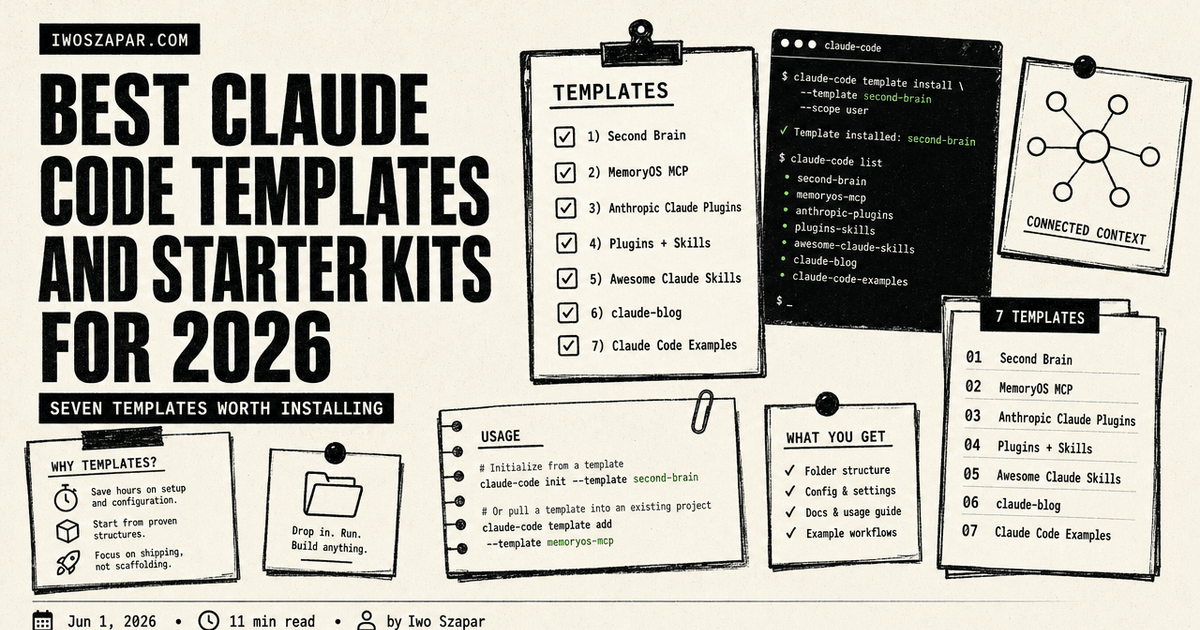
Best Claude Code templates and starter kits for 2026
Seven templates worth installing
Most people who search for Claude Code templates have one of two needs. They want to start a new project with sensible defaults already wired in (CLAUDE.md, settings, hooks, a starter set of skills). Or they want to add a proven workflow to an existing project (a Second Brain, a content publishing pipeline, a memory layer).
This guide covers seven templates and starter kits that solve those two needs. Some are free open-source repos. Some are paid templates with structured onboarding. All seven were tested in real workflows.
Disclosure: Iwo is the maker of two entries on this list (Second Brain and MemoryOS MCP). Each entry is rated on where it fits and where another option is the better pick.
Best Claude Code templates: a brief overview
If you want a full personal operating system out of the box:
- Iwo's Second Brain for a complete CLAUDE.md plus skills plus folder structure
- Add Iwo's MemoryOS MCP as the persistent memory layer
If you want to browse and install community plugins:
- Anthropic Claude Plugins Official for first-party-vetted plugins
- Claude Plugins Plus Skills (tonsofskills.com) for the largest community marketplace
- Awesome Claude Skills for a curated list
If you want a focused content or blog publishing kit:
- claude-blog for blog-specific sub-skills
If you want minimal starting points from Anthropic:
- Claude Code Examples for official quickstart repos
| Template / Kit | Key strength | Pricing | Best for |
|---|---|---|---|
| Iwo's Second Brain | Full personal operating system, typed memory, MCP-native | $197 DIY / $597 Kickstart / $2,497 DWY | Solo operators and founders |
| Iwo's MemoryOS MCP | Persistent memory layer for any Claude Code project | Free + $199-349/yr Pro tools | Anyone wanting AI memory across sessions |
| Anthropic Claude Plugins Official | First-party-vetted plugin marketplace | Free | Developers wanting trusted plugins |
| Claude Plugins Plus Skills | 425 plugins, 2,810 skills (community) | Free | Power users who want maximum choice |
| Awesome Claude Skills | 320+ curated skills | Free | Teams building their own skill library |
| claude-blog | 30 sub-skills for full blog pipeline | Free (open source) | Solo bloggers and small content teams |
| Claude Code Examples | Official Anthropic starter repos | Free | Engineers learning Claude Code |
1. Iwo's Second Brain, best overall for a complete personal operating system
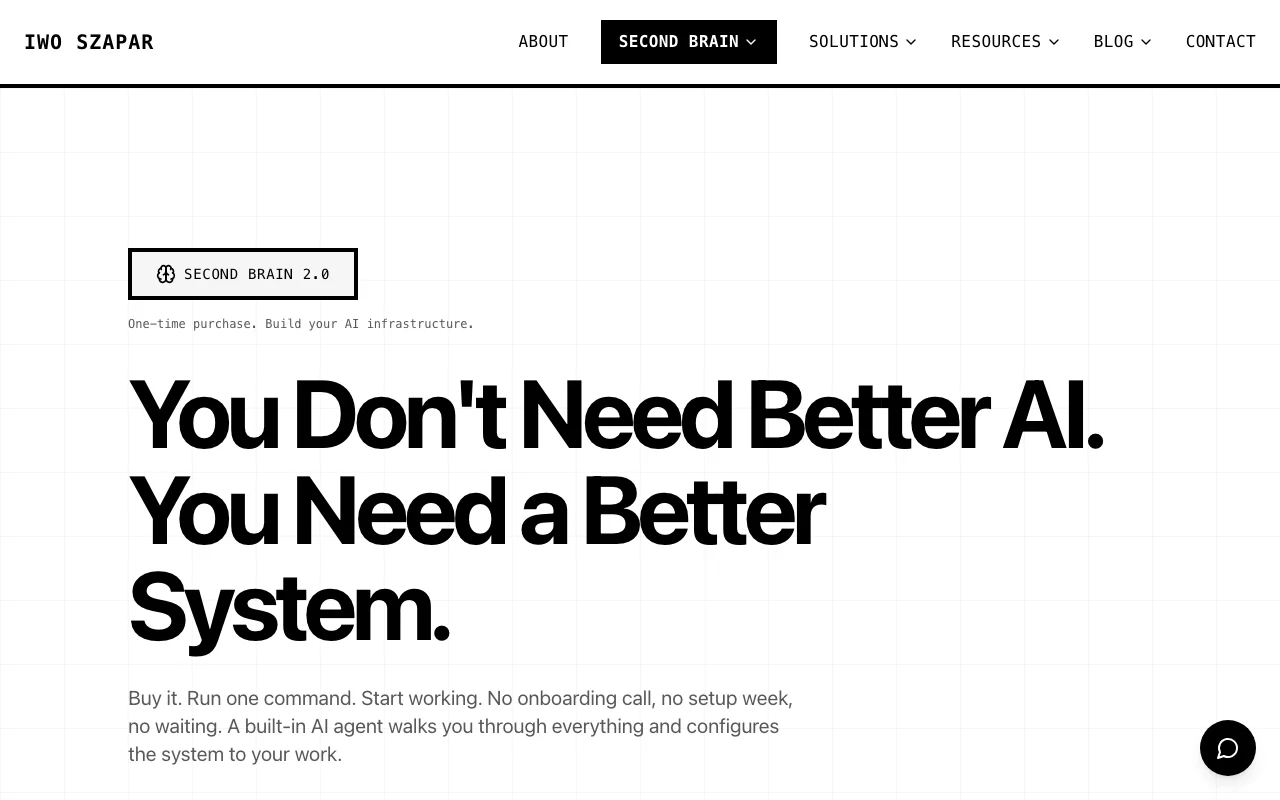
Iwo's Second Brain exists because none of the existing Claude Code templates shipped with a memory model, a project structure, and a set of skills that worked together. The template ships a complete CLAUDE.md, a folder structure (episodic, semantic, procedural memory plus active projects), 20+ skills for daily routines (morning briefing, weekly review, decision capture), and integration with MemoryOS for persistent recall.
This is the heaviest pick on the list. It is also the one designed for a single person running their whole work life through it. For sensible defaults for a personal operating system, install this and adapt. For a focused starter for a single use case, pick one of the others.
Key features
- Full CLAUDE.md with progressive disclosure (auto-loading rules)
- Folder structure for personal memory across episodic, semantic, procedural surfaces
- 20+ ready-to-use skills (morning briefing, capture, decide, review, publish)
- MemoryOS MCP integration for persistent memory across sessions
- Banned-phrase validator (iwo-voice) wired into every content path
- Three packaging tiers (DIY template, 4-week Kickstart, done-with-you DWY)
Best for
- Solo founders running 3+ projects in parallel
- Operators who want a complete personal operating system on day one
- People who have abandoned 3+ PKM apps and want something inspectable
Pricing
- DIY $197 one-time (template + setup guide)
- Kickstart $597 one-time (template + 4-week guided cohort)
- DWY $2,497 one-time (done-with-you full implementation)
Pros
- Complete out of the box, no assembly required
- One-time pricing, no monthly fee
- Pairs with MemoryOS MCP for the memory layer
Cons
- Trade-off: comprehensive system (overkill for users who only need one skill)
- Best fit for users already comfortable with terminal workflows
- Smaller community than tonsofskills.com or alirezarezvani (active development from Iwo directly)
2. Iwo's MemoryOS MCP, best for adding persistent memory to any project
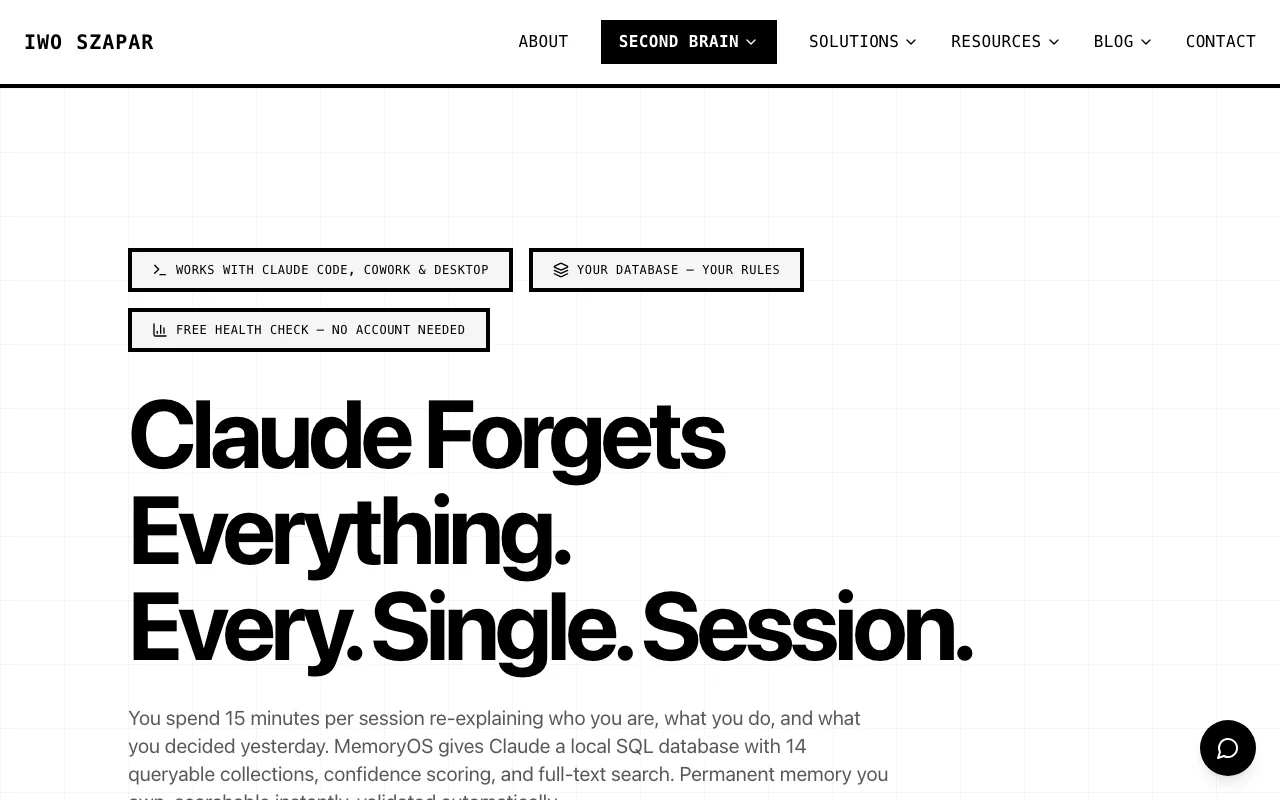
Iwo's MemoryOS MCP (npm: @iwo-szapar/second-brain-health-check) is the memory layer that powers Second Brain but works as a standalone MCP server you can drop into any Claude Code project. It exposes typed memory surfaces (episodic, semantic, procedural, product state) and recall scoring with confidence values.
If you already have a Claude Code project and the only thing missing is "the assistant forgets everything between sessions," this is the install.
Key features
- Typed memory surfaces (not a single blob)
- Recall scoring (confidence + freshness per query)
- Five free MCP tools + six paid tools
- Local-first, syncs to private endpoint only on demand
- Works with Claude Code, Claude Desktop, Cursor, any MCP client
Best for
- Anyone with an existing Claude Code project
- Operators tired of re-typing context every morning
- Teams building AI products that need memory at the protocol layer
Pricing
- Free tier (5 core MCP tools)
- Standard $199/yr (6 paid tools)
- Pro $349/yr (bundled with MemoryOS Cloud)
Pros
- Drop-in install via npm
- Recall scoring exposes what the AI is grounding on
- Free tier is genuinely useful
Cons
- Trade-off: typed surfaces have a learning curve vs a single-blob memory model
- Scope is the memory layer only (use alongside a template, not a replacement for one)
3. Anthropic Claude Plugins Official, best for first-party-vetted plugins
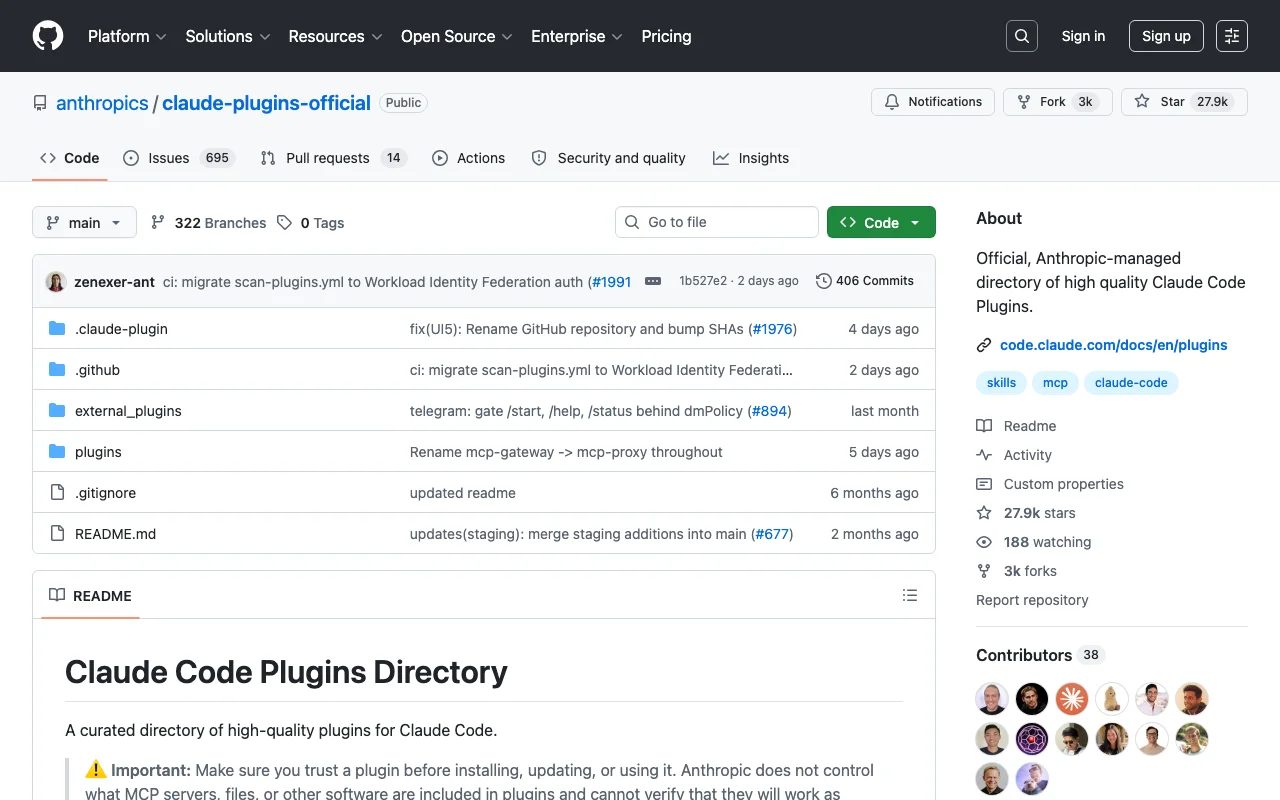
The Anthropic Claude Plugins Official directory is Anthropic's own curated list of plugins for Claude Code. Smaller than the community marketplaces, but every plugin in it has been reviewed by Anthropic.
This is the right pick if you want plugins you can trust without auditing every author. The trade-off: fewer plugins to choose from.
Key features
- Anthropic-maintained directory
- Plugins reviewed and vetted by Anthropic
- Install via Claude Code's built-in
/plugincommand - Includes skill-creator, telegram, discord, imessage integrations and more
Best for
- Developers in regulated industries who need vetted dependencies
- Teams who want plugins without extra audit overhead
- New Claude Code users learning what is possible
Pricing
- Free
Pros
- First-party trust
- One-command install via
/plugin marketplace add - Quality bar is consistently high
Cons
- Trade-off: smaller catalog than community marketplaces in exchange for vetted trust
- New plugins land slower (review process ensures quality)
- Less variety per category (the trade-off for first-party curation)
4. Claude Plugins Plus Skills (tonsofskills.com), best for maximum choice
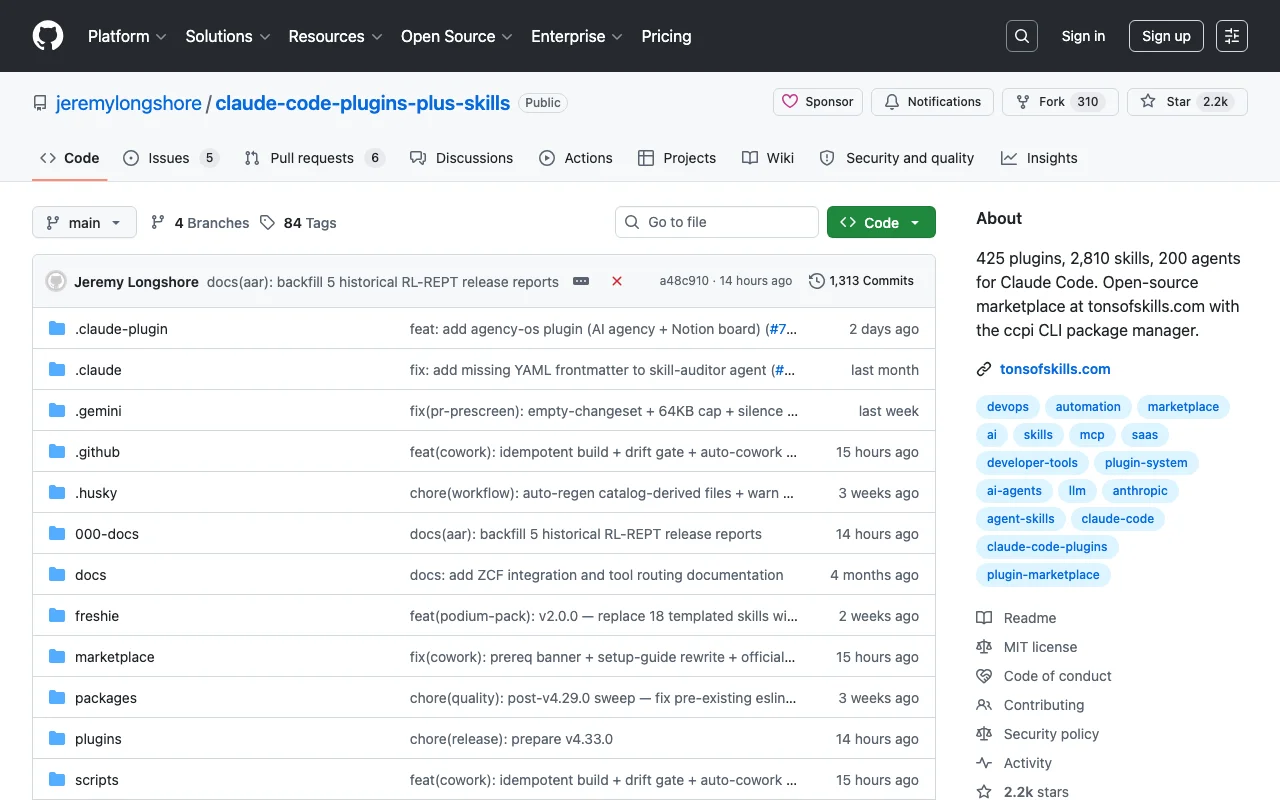
Claude Plugins Plus Skills by jeremylongshore is the largest community marketplace for Claude Code, with 425 plugins and 2,810 skills as of May 2026. It ships its own CLI package manager called ccpi.
The trade-off vs Anthropic's official directory is breadth vs trust. If you want the widest possible selection and you are willing to audit what you install, this is the marketplace.
Key features
- 425 plugins, 2,810 skills, 200 agents
- Custom CLI (ccpi) for managing installs
- Open source, MIT-licensed
- Tagged by use case (engineering, marketing, product, ops)
Best for
- Power users who want maximum variety
- Teams building their own internal skill collections
- Researchers and tinkerers
Pricing
- Free, open source
Pros
- Largest catalog by far
- ccpi CLI is genuinely convenient
- Active community contributions
Cons
- Trade-off: community-maintained, so quality varies across the catalog
- Audit needed before installing (the cost of breadth)
- Some skills are abandoned or stale (filter by recent commits)
5. Awesome Claude Skills, best curated public list
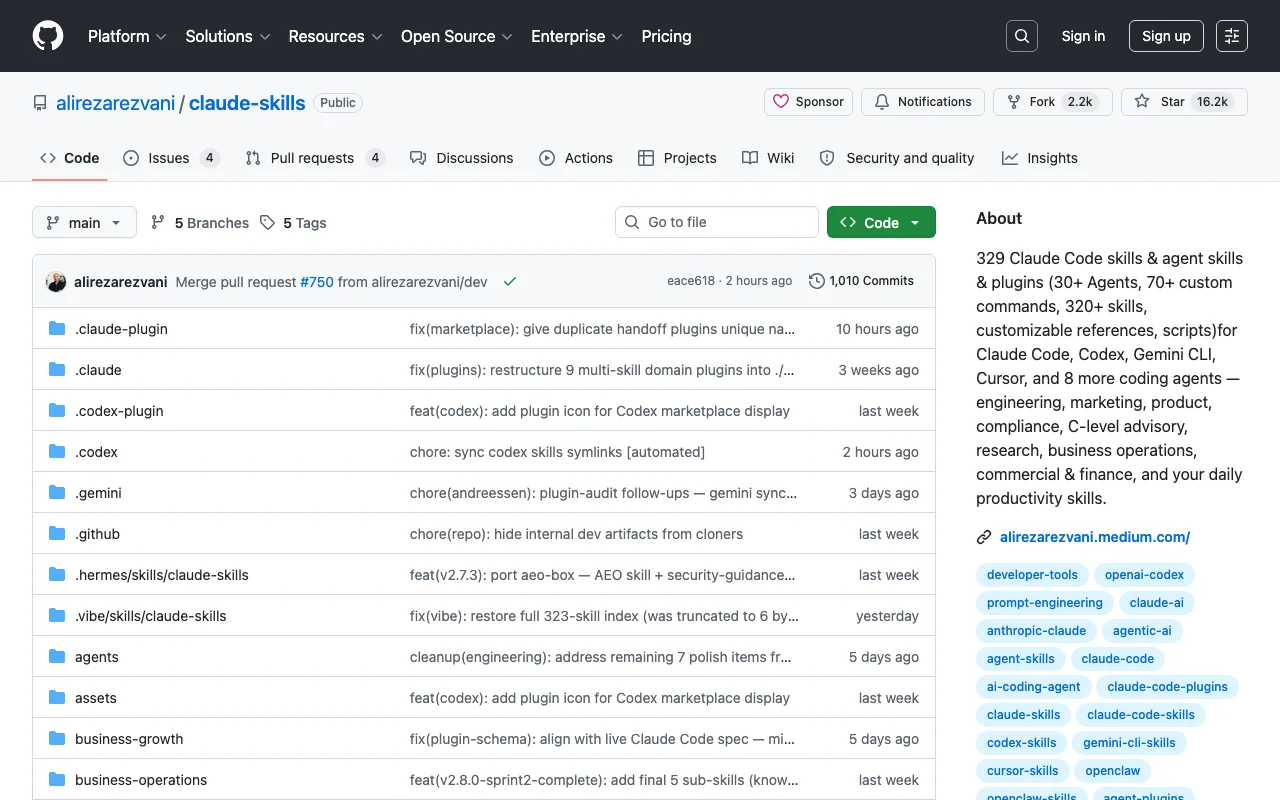
Awesome Claude Skills by alirezarezvani is a curated list of 329 Claude Code skills, 30+ agents, 70+ custom commands, and 320+ skills across categories (engineering, marketing, product, compliance, C-level advisory, research, ops, finance, productivity).
It also works with other coding agents (Codex, Gemini CLI, Cursor, and 8 more), so the work transfers if you change tools.
Key features
- 329 skills curated and categorized
- Cross-compatible with multiple coding agents
- Detailed installation guide
- Organized by professional role
Best for
- Teams adopting Claude Code organization-wide
- People building skill libraries from a curated starting point
- Users who might switch between Claude Code, Codex, Cursor
Pricing
- Free, open source
Pros
- Cross-agent compatibility
- Well-organized by use case
- Good documentation
Cons
- Trade-off: curated list format (manual install per repo, not a one-click marketplace)
- Less integrated than ccpi or the official
/plugincommand - Update cadence depends on contributor activity
6. claude-blog, best for focused blog publishing
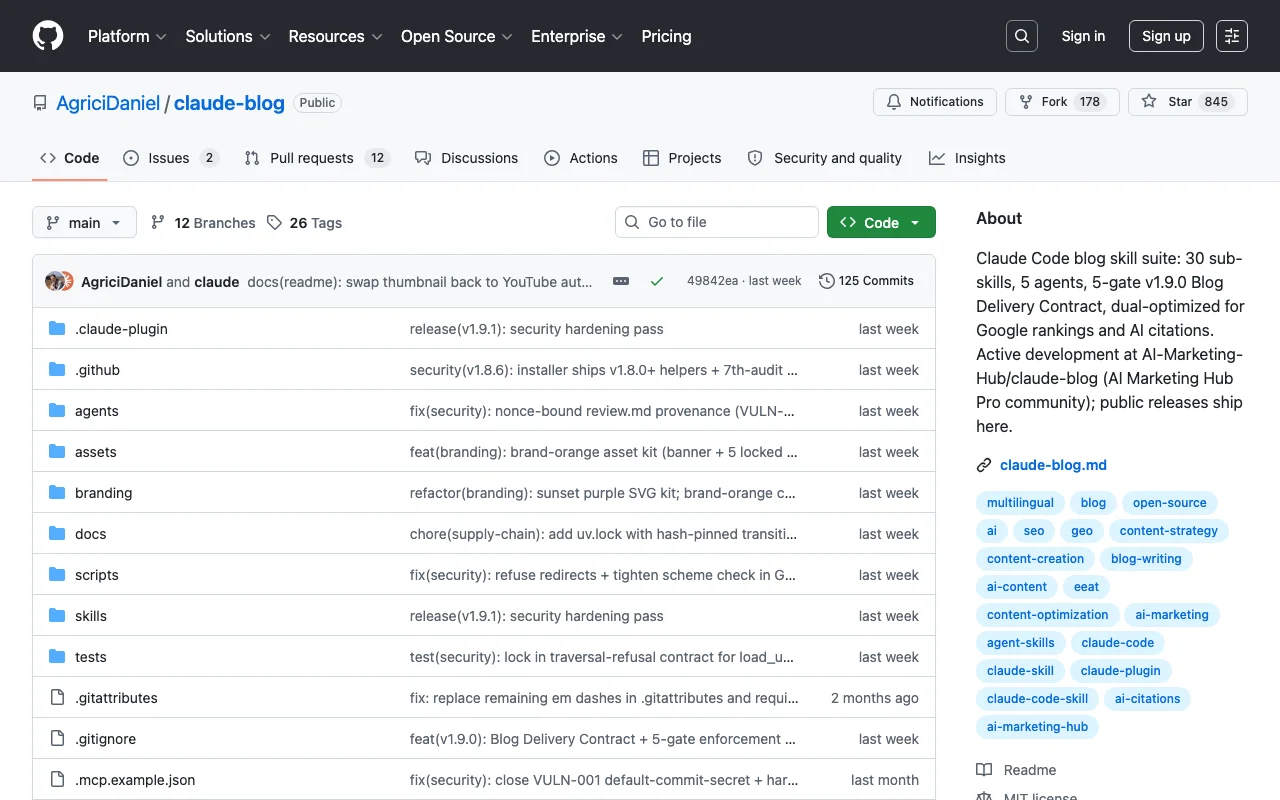
claude-blog by AgriciDaniel is a Claude Code skill suite specifically for blog content. 30 sub-skills, 5 agents, and a "5-gate v1.9.0 Blog Delivery Contract" that auto-iterates content up to 3 times before escalating.
If your only use case is publishing blog posts and you do not need a full personal operating system, this is the focused starter.
Key features
- 30 sub-skills covering listicles, how-tos, comparisons, pillar pages
- 5 agents for different content roles
- 5-gate delivery contract (Capability, Format, Visual, Content Review, Asset Integrity)
- Works with Next.js MDX, Astro, Hugo, Jekyll, WordPress, Ghost
Best for
- Solo bloggers and small content teams
- Marketing teams wanting a blog pipeline without a SaaS subscription
- Builders wanting reference architecture for skill design
Pricing
- Free, open source
Pros
- Focused on one job (blog content) and does it well
- Works across many CMS platforms
- Active development
Cons
- Trade-off: scoped to one job (no project tracker, no memory layer)
- 5-gate process is rigorous (can feel heavy for short posts)
- Voice and structure are opinionated (works best for users who adapt rather than override)
7. Claude Code Examples, best for learning from official source
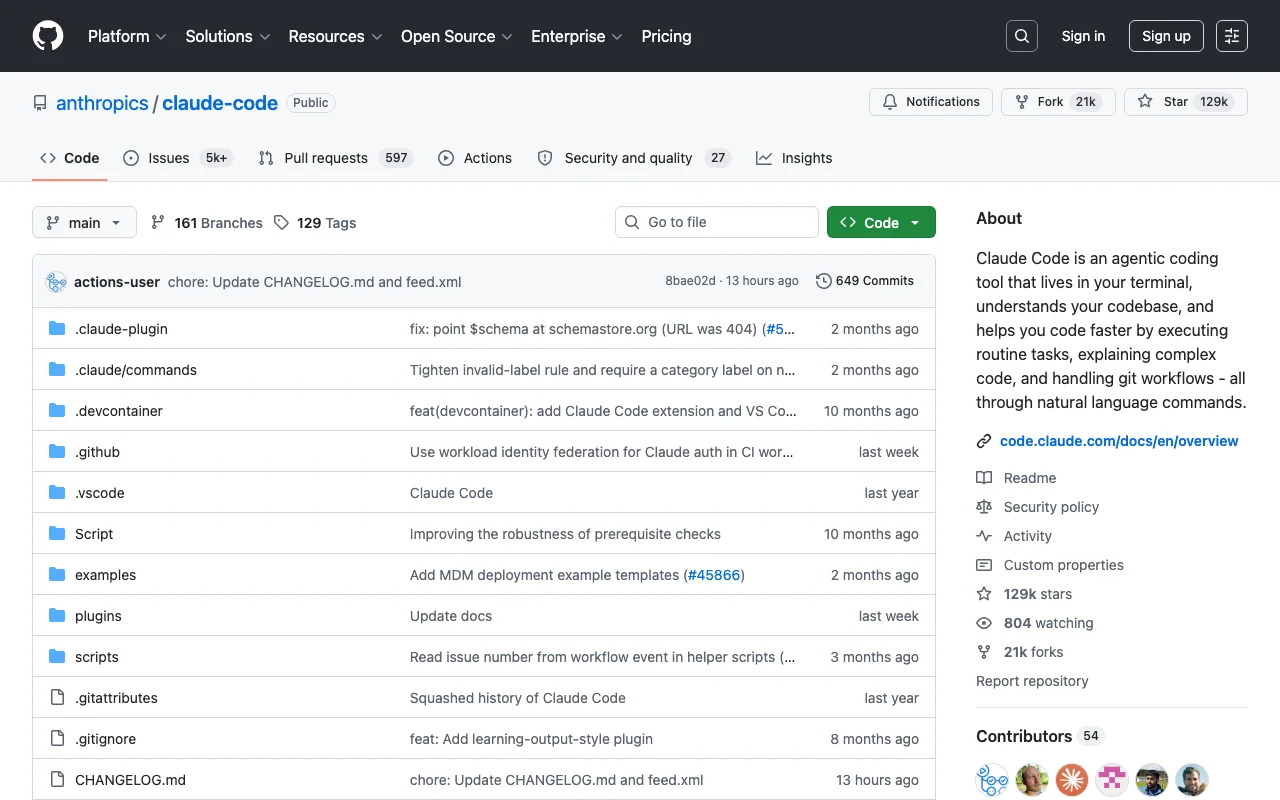
Claude Code Examples is Anthropic's official repository of example Claude Code projects (it ships an examples/ directory alongside the CLI), covering common patterns: CLAUDE.md structure, custom skills, MCP integration, hooks. These are the starting point if you want to learn from the source without committing to a heavier template.
Key features
- Official Anthropic examples
- Covers core Claude Code patterns
- Public, official Anthropic repo
- Updated alongside Claude Code releases
Best for
- Engineers learning Claude Code from scratch
- Teams wanting reference patterns before building custom
- Anyone evaluating Claude Code before committing
Pricing
- Free
Pros
- Official source
- Patterns work with current Claude Code releases
- Minimal commitment (just copy what you need)
Cons
- Trade-off: reference examples, not a full template (assembly required)
- Less batteries-included than Second Brain or tonsofskills.com
- Examples are starting points, not production templates
How to choose the right Claude Code template
1) Are you starting fresh or extending an existing project?
Starting fresh: Iwo's Second Brain if you want a personal operating system. Anthropic Claude Plugins Official if you want minimal vetted starting points.
Extending an existing project: Iwo's MemoryOS MCP for memory. claude-blog for blog publishing. tonsofskills.com for a specific skill you are missing.
2) Do you want vetted or maximum-variety plugins?
Vetted: Anthropic Claude Plugins Official.
Maximum variety: tonsofskills.com (425 plugins) or Awesome Claude Skills (329 curated).
3) Solo or team?
Solo: Second Brain, MemoryOS MCP, claude-blog, Awesome Claude Skills.
Team: Anthropic Claude Plugins Official (vetted trust), Team Brain for the team-shaped version of Second Brain.
4) Cost tolerance?
Zero cost: all the open-source options work end to end. Combine MemoryOS free tier + Awesome Claude Skills + Claude Code Examples for a complete free stack.
Paying once for a complete setup: Iwo's Second Brain DIY at $197 is the lowest one-time investment for a full system.
Want guided implementation: Kickstart at $597 gives you the 4-week cohort and template together.
If you want the easiest path from zero to a working Claude Code personal system, Iwo's Second Brain Kickstart is the guided 4-week build. The Bootcamp is the cohort version.
FAQ
What is a Claude Code template?
A Claude Code template is a starter project with CLAUDE.md, skills, settings, hooks, and folder structure pre-configured so you can clone it and start working. If you want the skills themselves rather than a whole template, six skills written by a smarter model drop straight into any project and even run in Codex. Templates range from minimal (Anthropic examples) to complete personal operating systems (Second Brain).
Are Claude Code templates free?
Most are free and open source (Anthropic Claude Plugins Official, tonsofskills.com, Awesome Claude Skills, claude-blog, Anthropic examples). Some paid templates exist for full implementations (Second Brain starts at $197 one-time, no recurring fee).
How do I install a Claude Code plugin?
From inside Claude Code, run /plugin marketplace add <repo> to register a marketplace, then /plugin to browse and install. For npm-based MCP servers like MemoryOS, run npm install -g <package> and register the server in your client config.
What is the difference between a Claude Code skill and a plugin?
A skill is a single markdown file (SKILL.md) plus optional scripts and assets, providing one capability. For a set of six skills a smarter model wrote to encode its own working discipline, see Claude Fable 5's skills. A plugin is a packaged collection of skills, agents, commands, and configuration installed via the marketplace system. Skills are atomic. Plugins are bundles.
Which template should I install first if I am new to Claude Code?
Start with Anthropic's Claude Code Examples to learn the patterns. Then install one focused thing: MemoryOS MCP for memory, or claude-blog if you publish content. Avoid installing 10 plugins on day one. You will get lost.
What does Second Brain include that other templates do not?
Second Brain ships a typed memory model (episodic, semantic, procedural, product state surfaces), 20+ daily-routine skills, the iwo-voice banned-phrase validator wired into every content path, MemoryOS MCP integration, and a Bootcamp curriculum. Other templates ship pieces of this. Second Brain ships the whole package.
Can I use multiple Claude Code templates at once?
Yes. The common pattern is one base template (like Second Brain or the Anthropic examples) plus marketplace plugins for specific capabilities (claude-blog for content, MemoryOS for memory, custom skills for your domain).
Looking for a complete personal operating system, not just a starter kit? See Iwo's Second Brain. For the memory layer that works with any template, see Iwo's MemoryOS.
Related guides
Read next
Claude Code best practices
Set up concise repository instructions and checks once you have chosen a template.
Apply it
Second Brain Boilerplate
Clone a working starter repo with context, memory, skills, and MCP setup.
Apply it
Claude Code Tutorial
Turn a starter template into a first reviewable Claude Code workflow.