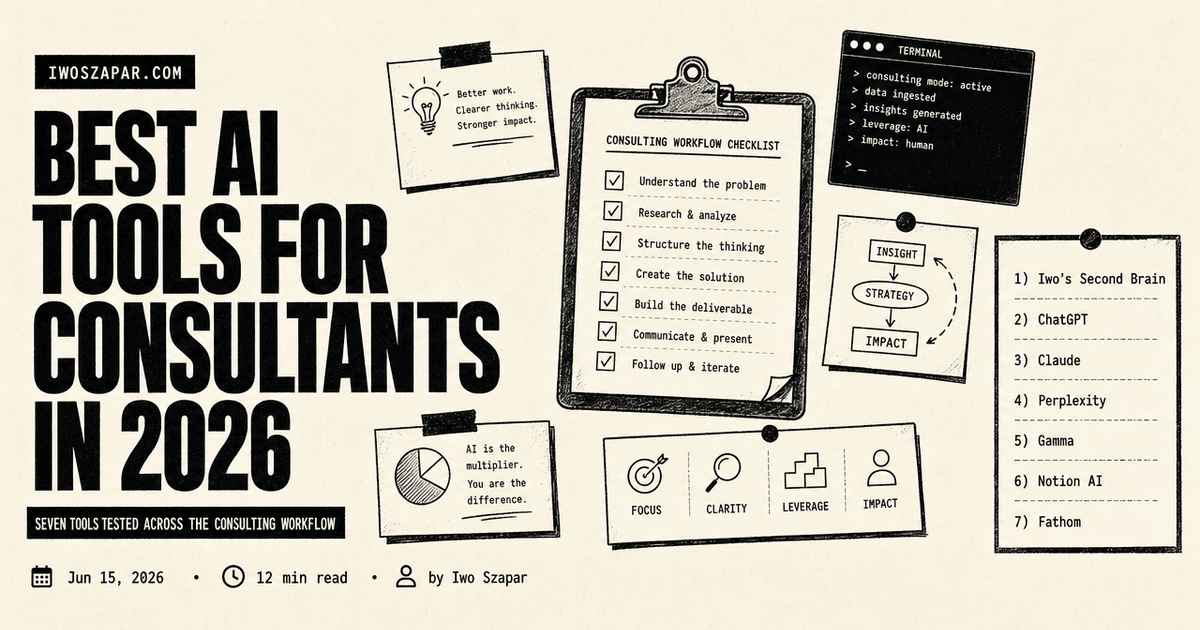
Best AI tools for consultants in 2026
Seven tools tested across the consulting workflow
AI has quietly become part of how consultants research, write, and deliver. The question is no longer whether to use it. It is which tools actually earn a place in a billable workflow instead of adding one more tab you forget to open.
This guide covers seven AI tools tested across the real consulting cycle: pitching, research, analysis, client-ready decks, and follow-up. Each entry has honest pros, real trade-offs, current pricing, and a clear sense of who it fits. Pricing is current as of mid-2026 and moves often, so treat every figure as a starting point to confirm.
Disclosure: Iwo is the maker of Second Brain and MemoryOS, and they sit at number one here. They are our own products, so read this as a recommendation with skin in the game. We put them first because memory is the one job they do better than a general assistant, a persistent layer that compounds across every client and engagement, with honest cons noted. The rest of the list is ranked on merit, and one of the broad assistants below may matter more for your specific consulting work.
Best AI tools for consultants: a brief overview
If you want your knowledge to compound between engagements:
- Iwo's Second Brain for the best overall foundation, a structured memory layer that remembers every client, decision, and lesson
If you bill for thinking and research:
- ChatGPT for the broadest general assistant, from first drafts to quick analysis
- Claude for long documents, careful reasoning, and client-ready writing
- Perplexity for research with citations you can defend in the room
If you bill for outputs and delivery:
- Gamma for client decks and proposals in minutes
- Notion AI for living deliverables and a searchable knowledge base
- Fathom for call notes, action items, and follow-ups that write themselves
| Tool | Key strength | Pricing | Best for |
|---|---|---|---|
| Iwo's Second Brain | Structured memory across clients | $197 DIY / $597 Kickstart (one-time) | Consultants who reuse knowledge |
| ChatGPT | Broadest general assistant and ecosystem | Free; Plus $20/mo | Everyday drafting and analysis |
| Claude | Reasoning and writing quality on long docs | Free; Pro $20/mo | Deliverables and synthesis |
| Perplexity | Cited answers for defensible research | Free; Pro $20/mo | Due diligence and market scans |
| Gamma | AI decks and proposals, fast | Free; Plus from ~$10/mo | Client-facing slides |
| Notion AI | Workspace plus AI in one place | From ~$20/user/mo (Business) | Living deliverables and wikis |
| Fathom | Generous free AI meeting notes | Free; Premium ~$19/mo | Client call records |
1. Iwo's Second Brain, best overall for memory that compounds across engagements
Iwo makes this product, which is why we start with it. Most tools on this list help you finish today's task. Iwo's Second Brain helps next quarter's version of you. It is a structured memory layer, a folder system plus a set of skills plus an MCP integration with Iwo's MemoryOS, that lets an AI assistant recall what you decided, learned, and promised across every client and engagement.
The differentiator is typed memory surfaces. Decisions, facts, open loops, and client state each live in their own surface and get retrieved differently. Ask what you recommended to a client last year and the system pulls the decision record, not a fuzzy search across a thousand notes. For consultants whose value is partly the pattern library in their head, that pattern library finally lives somewhere it can grow. It pairs naturally with the idea of context engineering as a consultant's moat.
Key features
- Typed memory surfaces (decisions, facts, open loops, client state)
- Recall scoring with confidence and freshness signals
- MCP-native, works with Claude, Claude Desktop, and Cursor
- One-time packaging tiers, no monthly subscription
Best for
- Consultants who reuse methods and lessons across clients
- Operators who tried several note systems and abandoned each
- People who want their memory layer inspectable, not a black box
Pricing
- DIY $197 one-time (template and setup guide)
- Kickstart $597 one-time (template plus a guided build)
Pros
- Recall scoring lets you verify what the AI is grounding on
- One-time pricing with no recurring fee
- Pairs cleanly with Iwo's MemoryOS at the protocol layer
Cons
- Trade-off: more setup upfront in exchange for a structured system
- Best fit for people comfortable with markdown and the terminal
- A smaller community than the big note-app ecosystems
2. ChatGPT, best overall AI assistant for consultants
ChatGPT is the default for a reason. It covers the widest range of consulting tasks in one place: drafting a proposal, restructuring a messy interview transcript, building a quick model, or turning a rough argument into a clean one-pager. For most consultants it is the tool that quietly replaces five smaller ones.
The 2026 version runs on the GPT-5 model family with reasoning modes, web browsing, file upload, data analysis, and image generation. Custom GPTs let you save a repeatable workflow, like a deck-review checklist or a client tone of voice, and reuse it without re-explaining context every time.
Key features
- GPT-5 model family with reasoning and deep research modes
- File and image upload, data analysis, web browsing
- Custom GPTs for repeatable consulting workflows
- Voice mode and memory across chats
Best for
- Consultants who want one assistant for drafting, analysis, and research
- Anyone who reuses the same prompts across engagements
- Solo operators replacing several point tools
Pricing
- Free tier (ad-supported in the US, capped on the strongest model)
- Plus $20/month, with higher-usage Pro tiers above it
Pros
- The broadest capability set and the largest integration ecosystem
- Familiar to most clients, so shared work needs no explanation
- Custom GPTs turn one-off prompts into reusable assets
Cons
- Trade-off: the free tier now shows ads and throttles the best model
- The tier structure shifts often, so budgeting takes a second look
3. Claude, best for reasoning and client-ready writing
Claude, from Anthropic, is the pick when the output has a client's name on it. It handles long documents well, holds a careful line of reasoning across many pages, and writes in a register that reads finished rather than generated. Consultants use it to synthesize a stack of interview notes into a findings memo, or to pressure-test an argument before it goes in front of a partner.
The current Claude models carry very large context windows, so you can drop an entire data room or a long transcript in and ask questions across all of it. Projects and Artifacts keep an engagement's context in one place between sessions.
Key features
- Strong reasoning and writing quality on long documents
- Very large context window for whole-document analysis
- Projects and Artifacts to keep engagement context together
- Web search and file creation built in
Best for
- Consultants producing written deliverables and synthesis
- Work that spans long transcripts, reports, or data rooms
- Anyone who wants output that needs less editing
Pricing
- Free tier
- Pro $20/month, with Max tiers from $100/month for heavy use
Pros
- Output often needs less cleanup before it reaches a client
- Long context handles full reports without chunking
- Calibrated and cautious, which suits client-facing work
Cons
- Trade-off: a smaller plugin ecosystem than ChatGPT
- The high-usage Max tiers are priced for power users, not light ones
4. Perplexity, best for research with citations
Perplexity answers questions and shows its sources on every reply. For a consultant, that is the difference between a fact you can use and a fact you have to go verify. It is built for the research half of the job: market sizing, competitive scans, regulatory checks, and the quick due-diligence questions that come up mid-engagement.
Its Research mode runs deeper multi-step investigations and returns a sourced brief. On the paid plan you also get access to several frontier models in one place, so you can route a question to the model that handles it best.
Key features
- Cited answers with linked sources on every response
- Deep Research mode for sourced, multi-step briefs
- Access to multiple frontier models on Pro
- File upload and focused search modes
Best for
- Due diligence and market research where sourcing matters
- Consultants who need defensible facts, not just plausible ones
- Quick competitive and regulatory scans
Pricing
- Free tier
- Pro $20/month (or around $200/year)
Pros
- Citations make the output defensible in a client setting
- Faster than running searches and reading pages yourself
- One Pro plan covers several models
Cons
- Trade-off: weaker at long-form generation than ChatGPT or Claude
- The top Max tier is expensive for what most consultants need
5. Gamma, best for client decks and proposals

Gamma turns a prompt or an outline into a presentation, document, or microsite without the formatting grind. For a consultant, that collapses the slow part of a proposal or a readout. You describe the structure, Gamma generates a styled draft, and you spend your time on the argument rather than on alignment guides and master slides.
A brand kit keeps decks on a consistent look, and higher tiers add custom domains and per-viewer analytics, so you can see whether a prospect actually opened the proposal you sent.
Key features
- AI generation of decks, docs, and sites from a prompt
- Brand kit for a consistent client-facing look
- Per-viewer analytics on shared decks (higher tiers)
- Large template library and flexible export
Best for
- Consultants who produce pitches, proposals, and readouts
- Anyone who loses hours to slide formatting
- Client-facing materials that need to look polished fast
Pricing
- Free tier (one-time credit allotment)
- Plus from around $10/month, Pro from around $20/month
Pros
- Agency-quality decks in minutes, not hours
- Analytics show whether a proposal was actually read
- Cheap entry point for the value it returns
Cons
- Trade-off: the credit model can run out faster than expected on heavy use
- Less pixel-level control than PowerPoint or Figma for bespoke design
6. Notion AI, best for living deliverables and a knowledge base
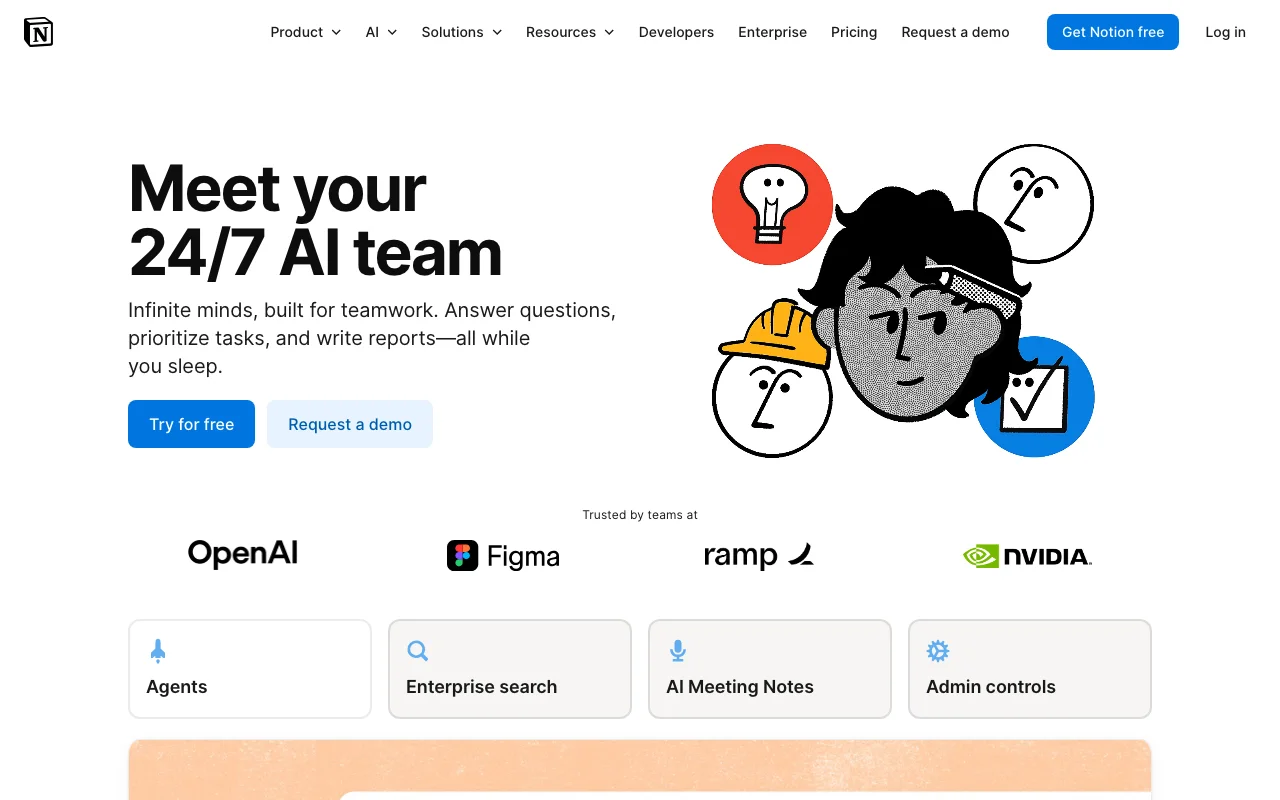
Notion AI is the right pick when the work lives in Notion already. If your engagements run on Notion docs, trackers, and wikis, the AI layer sits inline (write a command, get a draft) and across your workspace (ask a question, get an answer drawn from your own pages). For consultants who hand clients a living workspace rather than a static PDF, it keeps the deliverable and the intelligence in one place.
In 2026 Notion folded its AI into the Business tier and added agents that can run recurring workspace tasks, like compiling a weekly status from project pages.
Key features
- Inline AI writing and editing inside docs
- Workspace-wide question answering across your pages
- AI meeting notes and recurring agents
- Cross-app search over connected tools
Best for
- Consultants who deliver living Notion workspaces
- Small firms running engagements inside Notion
- Teams that want a searchable knowledge base with AI on top
Pricing
- Free personal tier (small AI trial allotment)
- Full AI from around $20/user/month on the Business plan
Pros
- The AI lives where the work already is
- Agents automate recurring status and rollup tasks
- Strong search across a connected workspace
Cons
- Trade-off: full AI now requires the Business plan, a cost step up
- Only worth it if you genuinely live in Notion
7. Fathom, best for client call notes and follow-ups
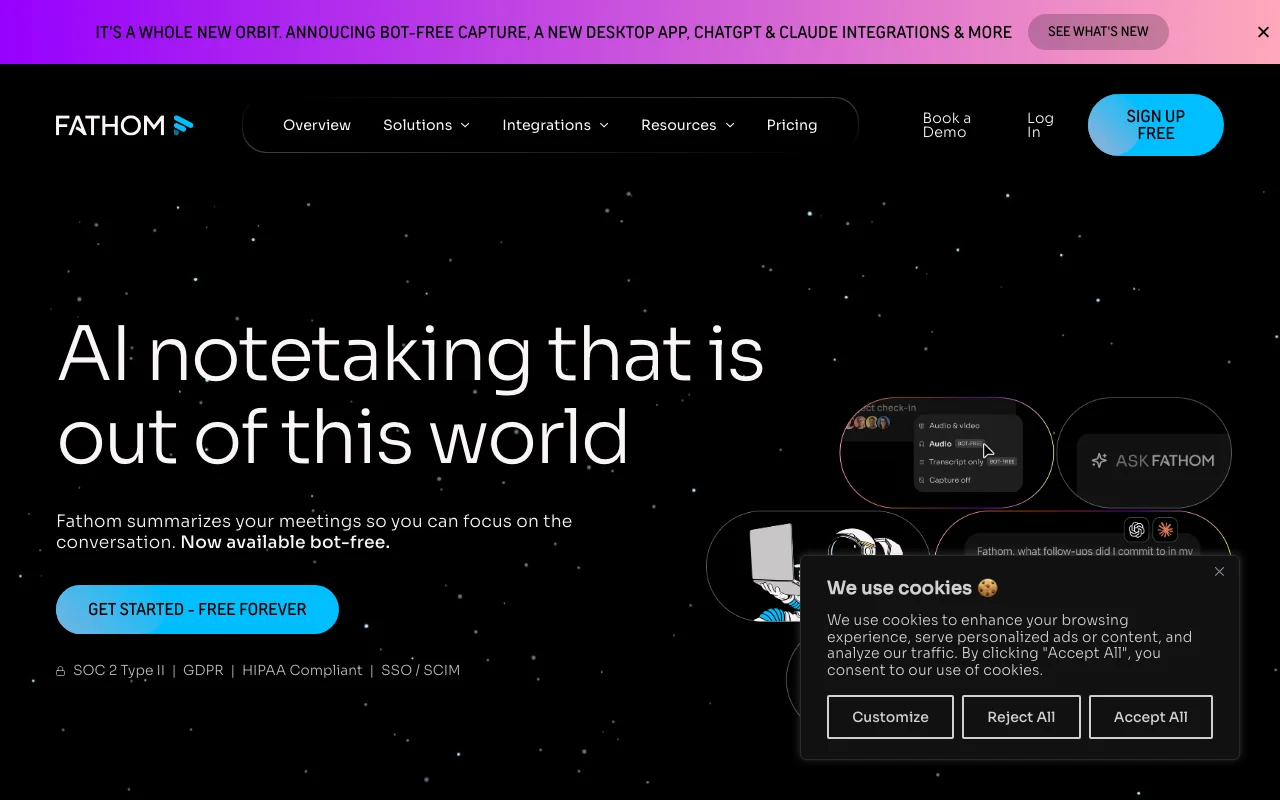
Fathom records, transcribes, and summarizes your calls across Zoom, Google Meet, and Microsoft Teams, then hands you the summary, the action items, and a draft follow-up. For a consultant who runs back-to-back client calls, it removes the after-call admin that usually eats the gap between meetings.
Its free tier is unusually generous: unlimited recording and transcription, with a monthly cap on AI summaries. That makes it a low-risk way to stop taking notes by hand and start being present in the room.
Key features
- Records and transcribes Zoom, Meet, and Teams calls
- AI summaries, action items, and draft follow-up emails
- Keyword alerts and shared call libraries (higher tiers)
- CRM integrations on paid plans
Best for
- Consultants with a heavy client-call load
- Anyone who loses billable time to post-call write-ups
- Solo operators who want a generous free option
Pricing
- Free tier (unlimited recording, capped AI summaries)
- Premium around $19/month for unlimited AI features
Pros
- A genuinely generous free tier for solo consultants
- Clean summaries and action items with little effort
- Lets you be present on the call instead of typing
Cons
- Trade-off: the free tier caps AI summaries each month
- Advanced collaboration and CRM features sit behind paid tiers
How to choose the best AI tool for consulting work
1) What do you actually bill for?
If you bill for thinking and writing, anchor on Claude for deliverables and ChatGPT for everyday range. If you bill for research and sourcing, Perplexity earns its place because citations survive scrutiny. If you bill for outputs, Gamma and Notion AI move the slow parts. Match the tool to the line item on your invoice, not to the hype.
2) How much does sourcing matter?
In regulated or high-stakes work, an unsourced answer is a liability. Use Perplexity for anything a client might challenge, and keep the general assistants for drafting and structure. A useful habit: research in a cited tool, then write in Claude or ChatGPT.
3) Solo, or a small firm?
Solo: lean on free tiers and one or two paid seats. ChatGPT Plus plus Fathom free covers a lot. Small firm: Notion AI on Business gives the team a shared, searchable workspace, which matters more than any single model once more than one person touches the work.
4) What is your real monthly budget, and what compounds?
Most of these are $20 a month or less per seat. The one with a different shape is Iwo's Second Brain, which is one-time rather than recurring and is built to compound: the more engagements you run through it, the more it remembers. If your edge is a pattern library, that is the line item worth owning. For a sense of how far a lean AI stack can stretch, see how to save 31 hours a week with AI.
FAQ
What is the best AI tool for consultants?
For most consultants, ChatGPT is the best all-round pick because it covers drafting, analysis, and research in one place. If your work is writing-heavy, Claude often produces more finished output, and for sourced research, Perplexity is the stronger choice. The honest answer is that a small stack of two or three beats any single tool.
Are AI tools safe to use with confidential client data?
It depends on the tool and tier. Business and enterprise plans usually offer data-handling controls and opt-outs from model training, while free tiers often do not. As a rule, do not paste client-identifying or contractually protected information into a consumer tier, and check each tool's data terms before an engagement.
Which AI tool is best for research with sources?
Perplexity, because it attaches citations to every answer, which makes the output defensible when a client pushes back. For deeper sourced briefs, its Research mode runs multi-step investigations and returns linked sources you can verify before you rely on them.
Can AI build client presentations?
Yes. Gamma generates styled decks and proposals from a prompt or outline in minutes, and it keeps a consistent brand look across them. You still own the argument and the judgment, but the formatting and first draft are handled, which is usually where the hours go.
How much should a consultant spend on AI tools per month?
A strong solo stack runs about $20 to $60 a month: one general assistant (ChatGPT or Claude at $20), optionally a research tool (Perplexity at $20), and free tiers for meeting notes. Add a one-time memory layer like Iwo's Second Brain if you want your knowledge to compound rather than reset each engagement.
What is an AI second brain, and why would a consultant want one?
An AI second brain is a structured memory system that lets an AI assistant recall your decisions, methods, and client context across engagements. For consultants, whose value is partly the pattern library in their head, it turns that library into something searchable and reusable instead of something that lives in scattered notes. Iwo's Second Brain is one way to build it, covered in more depth in the AI second brain guide.
Can these tools replace a junior analyst?
They replace specific tasks, not a person. AI handles first drafts, transcription, summaries, and quick analysis well. It still needs your judgment on what matters, your relationships, and your accountability for the work. The consultants who win treat these tools as leverage on their own thinking, not a substitute for it.
Want your client knowledge to compound instead of reset every engagement? See Iwo's Second Brain for the structured system, and Iwo's MemoryOS for the memory layer that works with any AI client. For the bigger picture, read the AI second brain guide.
Related guides
Apply it
AI Proposal Generator Setup Checklist
Build a Proposal Brain from client notes, transcripts, and past proposals.
Read next
Context engineering for consultants
Why the new consulting moat is structured context.
Proof
Company Second Brain for agent teams
How organizations give AI agents shared memory.
Product path
AI Second Brain for consultants
A conversion path for consulting operators.