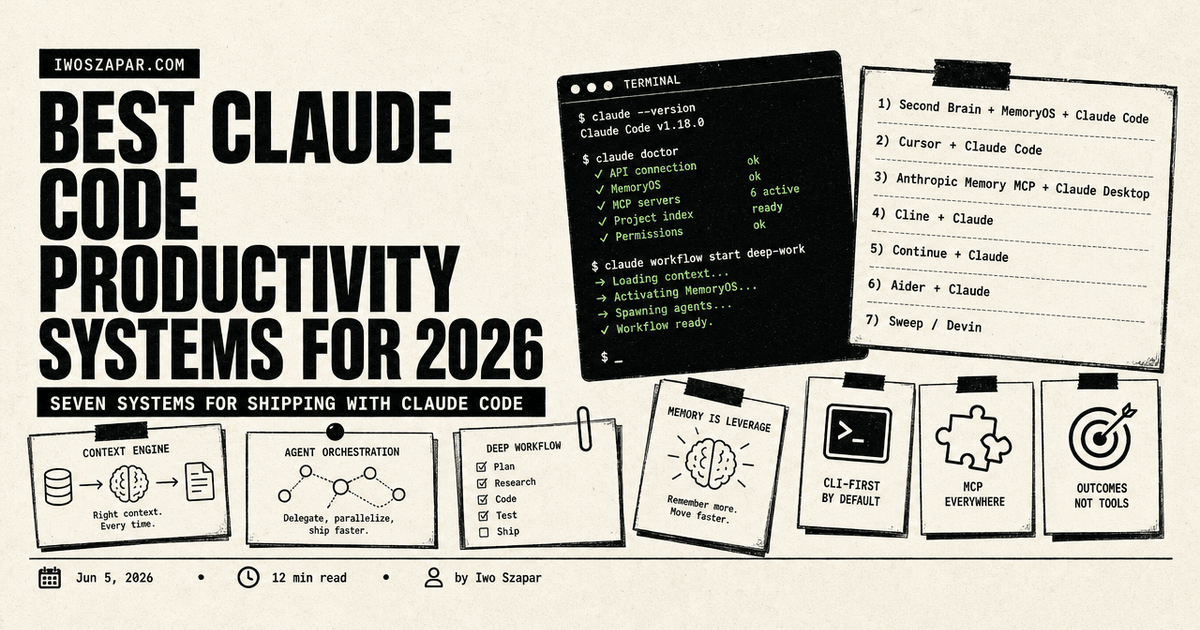
Best Claude Code productivity systems for 2026
Seven systems for shipping with Claude Code
Most people who try Claude Code quit by week two. They had the tool but no system around it, so the early magic faded into one-off prompts and half-finished sessions.
The people who stay productive did one thing differently. They wrapped Claude Code in a system: a memory layer, a workflow, a place for context to live between sessions. The tool is the engine. The system is the car around it.
This guide compares seven Claude Code productivity systems tested in real solo and team workflows. Each entry covers what it ships with, who it fits, real pricing, and honest trade-offs. The comparison table is first, the decision framework is last.
Disclosure: Iwo Szapar is the maker of Second Brain and MemoryOS, which appear first in this list. Every system below, including his, is presented with honest trade-offs.
The pattern across every system here is the same. Claude Code on its own is a strong engine that stalls without structure, so each entry adds the missing piece: a memory layer, a familiar editor, a git workflow, or full autonomy. The systems are ordered by how well they serve a solo operator or a small team, the people most likely to search for this. Ranking aside, the best choice depends on how you work, which the framework at the end sorts out in four questions.
| System | Cost | Best for | Open source |
|---|---|---|---|
| Iwo's Second Brain + Iwo's MemoryOS + Claude Code | $197+ one-time, MemoryOS free to $349/yr | Persistent memory plus terminal ops | Partly |
| Cursor + Claude Code | $20/mo plus Claude | Code-first builders | No |
| Anthropic Memory MCP + Claude Desktop | Free plus $20/mo Claude | Minimal official memory | Yes |
| Cline + Claude | Free plus API usage | Open-source VS Code agent | Yes |
| Continue + Claude | Free plus API or subscription | JetBrains users | Yes |
| Aider + Claude | Free plus API usage | CLI pair programming | Yes |
| Sweep / Devin | Paid, team pricing | Autonomous task execution | No |
1. Iwo's Second Brain + Iwo's MemoryOS + Claude Code, best overall personal operating system
The combination of Iwo's Second Brain, Iwo's MemoryOS, and Claude Code is a full personal operating system, not a single tool. Second Brain provides the folder structure and workflows, MemoryOS provides the typed memory layer over MCP, and Claude Code is the terminal interface that reads and writes both. It was built to give Claude persistent, structured memory across every session. The label that fits is operating system, because it covers capture, memory, recall, and interface rather than a single slice of the workflow. That breadth is the reason it sits at the top, and also the reason it asks for the most setup.
Key features
- Typed memory surfaces: episodic, semantic, procedural, product state
- MemoryOS MCP server works with Claude Code and Claude Desktop
- Recall scoring that returns ranked results with confidence
- Weekly health check that audits stale and duplicate memory
- Plain-text, folder-based storage you own and can move
Best for
- Solo operators and small teams who live in the terminal
- People who want memory that persists, not context they re-paste
Pricing
- Iwo's MemoryOS: free tier with five tools, then $199 or $349 a year
- Iwo's Second Brain template: $197 DIY, $597 Kickstart, $2,497 done-with-you
Pros
- Persistent typed memory that compounds across sessions
- You own the files, with no lock-in
- Recall with confidence scores, not raw note dumps
Trade-offs
- Trade-off: the heaviest setup on this list in exchange for a complete operating system (template plus memory layer plus terminal)
- Best fit for users already comfortable with terminal workflows
- Smaller community than Cursor (active development directly from Iwo)
- Trade-off: $197+ one-time cost versus free open-source tools (one-time, no recurring fee)
2. Cursor + Claude Code, best for code-first builders
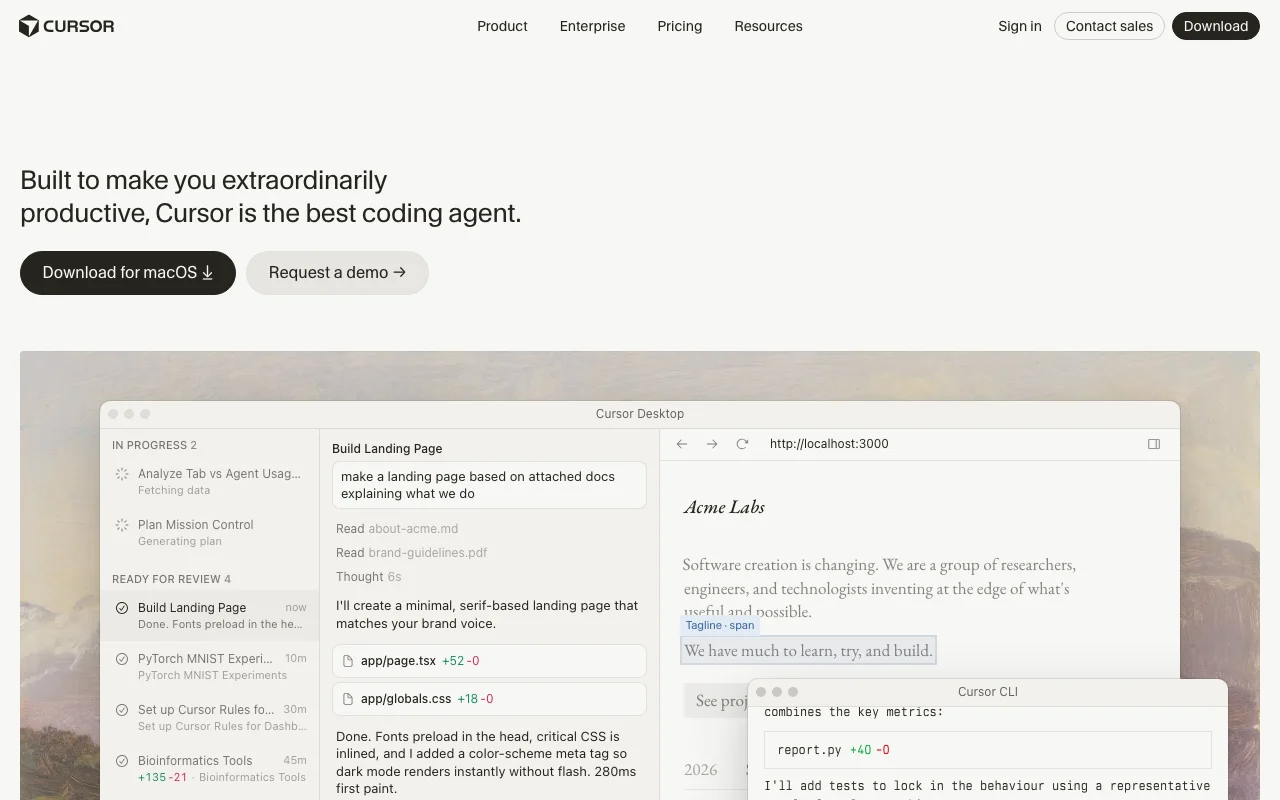
Cursor is an AI-native editor, and pairing it with Claude Code gives you a polished IDE for in-editor work plus a terminal agent for automation. Two surfaces, one underlying model. This is the stack most working developers reach for first.
Key features
- Cursor inline edits, tab completion, and an in-editor agent
- Claude Code for terminal automation and multi-file changes
- Shared Claude model across both surfaces
- Large, active community with templates and guides
Best for
- Code-first builders who want a strong IDE plus terminal automation
- Developers who value polish and speed over a memory layer
Pricing
- Cursor: free tier, then Pro at $20 a month
- Claude Code: via a Claude plan or API usage
Pros
- Best-in-class editor experience
- Huge community and resource base
- Fast to start, low setup
Trade-offs
- Trade-off: no persistent memory layer, so context resets each session (lighter setup, less recall)
- Two subscriptions to manage
- Stronger for code than for documents or durable knowledge
3. Anthropic Memory MCP + Claude Desktop, best minimal official setup
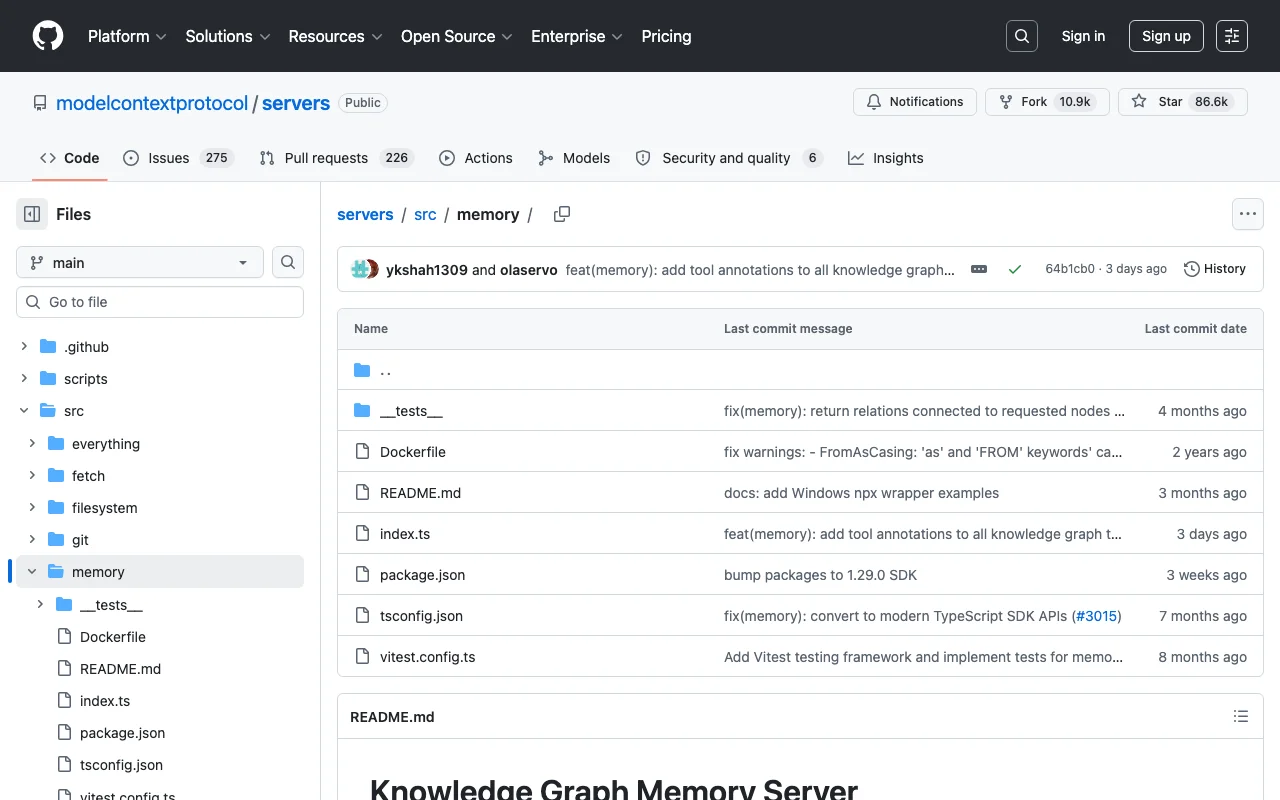
Anthropic's Memory MCP server gives Claude Desktop a simple persistent store with the lightest possible footprint. It is the official, maintained way to add basic memory without extra tooling.
Key features
- Official Model Context Protocol memory server
- Simple persistent store that survives sessions
- Runs inside Claude Desktop with minimal config
- Free and open-source
Best for
- People who want the lightest official persistent memory
- Anyone nervous about depending on third-party tools
Pricing
- The MCP server is free and open-source
- Claude Pro at $20 a month for the Desktop app
Pros
- Official and maintained by Anthropic
- Minimal setup
- No extra cost beyond a Claude plan
Trade-offs
- Trade-off: minimal structure, with no typed surfaces or recall scoring (simpler, but less capable than dedicated memory tools)
- Centered on Claude Desktop rather than the terminal
- Basic compared with purpose-built memory systems
4. Cline + Claude, best open-source IDE agent
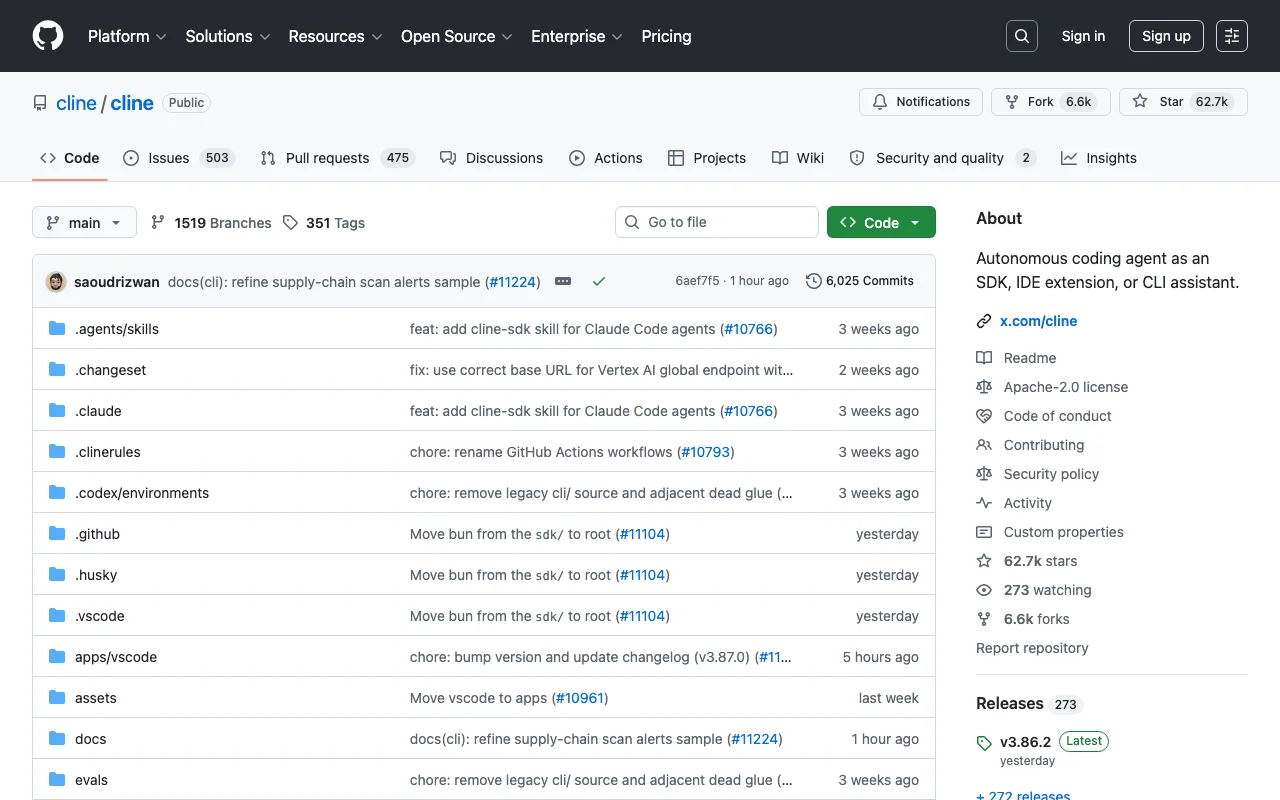
Cline is an open-source autonomous coding agent that runs inside VS Code, powered by your Claude API key. It plans, edits files, and runs commands, with every step visible in the editor.
Key features
- Open-source and transparent
- VS Code extension with plan and act modes
- Reads and writes files and runs terminal commands
- Bring your own Claude API key
Best for
- Developers who want an open-source agent inside VS Code
- People who want to watch every action the agent takes
Pricing
- Free and open-source
- Claude API usage, billed per token
Pros
- Open-source and fully inspectable
- Strong VS Code integration
- You control the API spend
Trade-offs
- Trade-off: pay-as-you-go API tokens add up on large tasks (precise control, but variable cost)
- No built-in memory layer between sessions
- VS Code only
5. Continue + Claude, best for JetBrains users
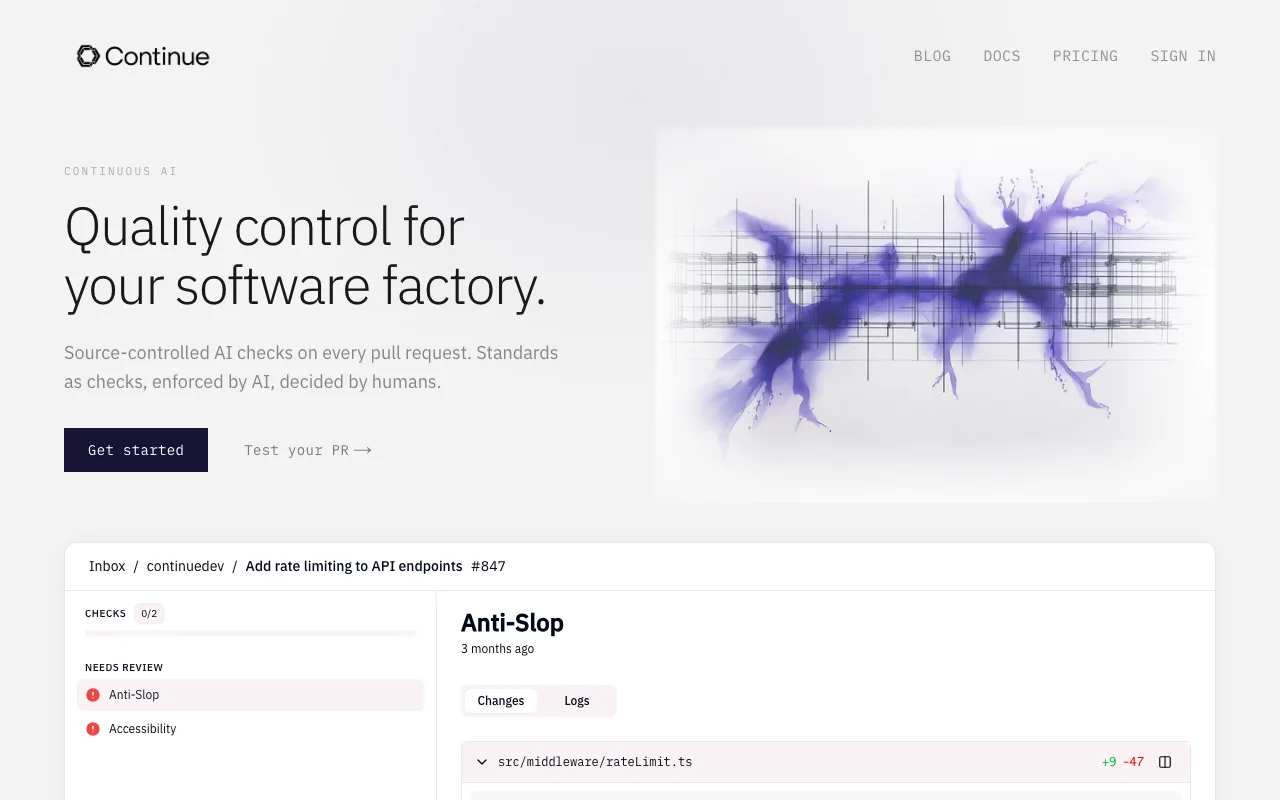
Continue is an open-source coding assistant that works in both VS Code and JetBrains IDEs, with your choice of model. For JetBrains users, it is one of the few strong agent options available.
Key features
- Open-source and model-agnostic
- Works in VS Code and the full JetBrains family
- Autocomplete, chat, and agent modes
- Customizable to your stack
Best for
- JetBrains users who want a capable Claude-powered assistant
- Teams that want to standardize on one open-source tool across editors
Pricing
- Free and open-source
- Model access via API or a Claude plan
Pros
- Real JetBrains support, not just VS Code
- Open-source and flexible
- Works with multiple models
Trade-offs
- Trade-off: more configuration than turnkey tools (more control, more setup)
- No memory layer between sessions
- Output quality depends on the model you connect
6. Aider + Claude, best CLI pair programmer
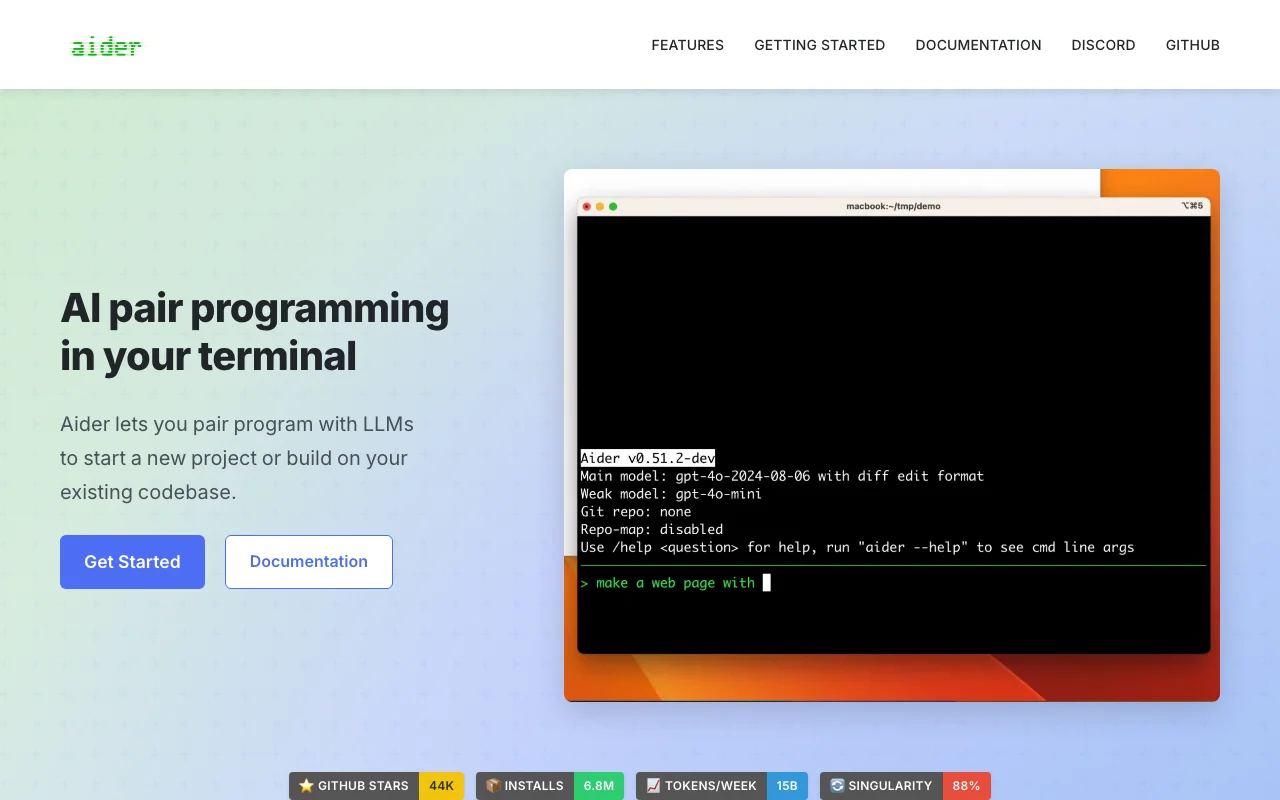
Aider is a terminal-first pair programmer that edits your git repository directly, with Claude as the model. Its git integration is the standout: it commits as it works, so every change is tracked.
Key features
- Terminal-native, no editor required
- Git-aware, with automatic commits per change
- Repository map for context across files
- Open-source
Best for
- Terminal-first developers who want a CLI pair programmer
- People who want a clean git history of every AI edit
Pricing
- Free and open-source
- Claude API usage, billed per token
Pros
- Excellent git workflow
- Fast and lightweight in the terminal
- Open-source
Trade-offs
- Trade-off: terminal-only, with no graphical interface (fast for CLI users, less friendly for others)
- API costs scale with usage
- No persistent knowledge memory across projects
7. Sweep / Devin, best autonomous systems (early but interesting)
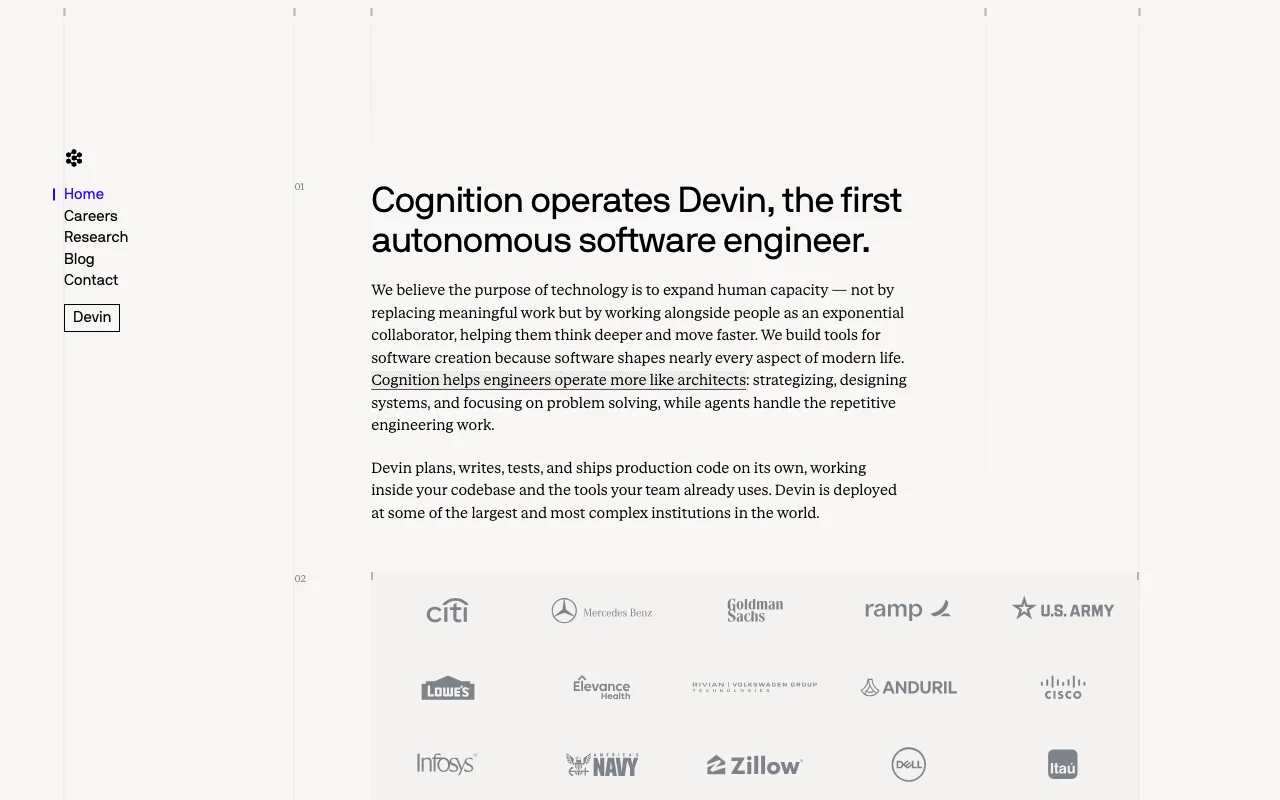
Devin and similar autonomous agents aim to execute whole tasks end to end with minimal supervision. You describe the work, the agent plans and runs it, and you review the result. The category is early, and it improves month over month.
Key features
- Autonomous, multi-step task execution
- Plans and runs work with limited hand-holding
- Output at the level of a pull request
- Aimed at repetitive or well-scoped tasks
Best for
- Teams experimenting with hands-off automation
- Well-scoped, repeatable tasks rather than open-ended building
Pricing
- Paid plans, team-level pricing
- Varies by provider and seat count
Pros
- The most hands-off option on the list
- Handles multi-step tasks without constant prompting
- Useful for repetitive work
Trade-offs
- Trade-off: early and uneven, strongest on well-scoped tasks (powerful when it fits, frustrating when it does not)
- Higher cost than the interactive tools
- Less moment-to-moment control
How to choose your Claude Code productivity system
Four questions narrow the list fast.
1) Solo or team?
Solo: Second Brain + MemoryOS + Claude Code, Cursor + Claude Code, or Aider. All reward a single operator.
Team: Cursor for shared IDE workflows, or Devin-style systems for offloading well-scoped tasks. Add MemoryOS if the team needs shared, persistent context.
2) Code-first or docs-first?
Code-first: Cursor, Cline, Continue, or Aider. All center on the editor and the repo.
Docs and knowledge-first: Second Brain + MemoryOS, which treats memory and context as the main job, not an afterthought.
3) Autonomous or interactive?
Interactive: Cursor, Cline, Continue, and Aider keep you in the loop on each step.
Autonomous: Devin-style systems for hands-off execution, with the caveat that the category is still early.
4) What is your cost tolerance?
Free and open-source: Cline, Continue, and Aider, plus per-token API spend.
Flat subscription: Cursor and Claude plans.
One-time plus optional memory: Second Brain ($197+) with MemoryOS free or paid.
If you want the guided path rather than assembling it yourself, Iwo's Second Brain Kickstart at $597 sets up the full system with you, from folder structure to the memory layer to Claude Code.
FAQ
What is a Claude Code productivity system?
It is the workflow and tooling wrapped around Claude Code so it stays useful past the first week. That usually means a memory layer for context, a folder structure for your work, and a habit for how you prompt and review. The tool plus the system is what produces consistent output. Without that wrapper, most people use Claude Code as a clever autocomplete and quietly stop. With it, the same tool becomes a dependable part of how work gets done, because context survives between sessions and the workflow repeats.
Which is best if I am new to Claude Code?
Cursor + Claude Code has the gentlest on-ramp, because the editor is familiar and setup is light. Once the workflow clicks and re-pasting context gets old, a memory layer like MemoryOS is the natural next step.
Cursor or Claude Code, which one?
They are better together than apart. Cursor is the editor for in-context work, and Claude Code is the terminal agent for automation and multi-file changes. Most builders run both and switch by task.
How does Iwo's stack differ from Cursor?
Cursor optimizes the editing experience. The Second Brain plus MemoryOS stack optimizes memory and context that persist across sessions. Cursor helps you write code now. The stack helps Claude remember what you decided last month. Many people run both.
Which combination is the maker's stack?
Iwo uses Second Brain for the folder structure, MemoryOS for the memory layer, and Claude Code as the interface. Project tracking stays in a separate tool. The memory work happens in plain files the model reads on demand.
Do I need a memory layer at all?
For one-off coding, no. Cursor or Aider alone are fine. The memory layer earns its place when you work across many sessions on the same projects and you are tired of re-explaining context every time.
Can I combine these systems?
Yes, and most people do. A common pairing is Cursor for editing, Aider for git-heavy terminal work, and MemoryOS for the memory layer underneath both. Each does what it is best at.
Which is the cheapest way to start?
Cline, Continue, or Aider are free and open-source, so you only pay for Claude API usage. The open-source agents plus a modest API budget is the lowest entry cost on this list.
Building the full system rather than picking one tool? Iwo's Second Brain template and Iwo's MemoryOS memory layer are designed to sit under Claude Code and grow with your work.
Related guides
Read next
Claude Code 101
A complete guide for knowledge workers getting started.
Read next
Best Claude Code productivity systems for knowledge workers
How to turn Claude Code into repeatable work infrastructure.
Product path
On-demand creator support
Get private 1:1 help with a creator workflow, product, or AI system.
Product path
AI Second Brain for Claude Code
The built-for-you system behind these Claude Code workflows.